

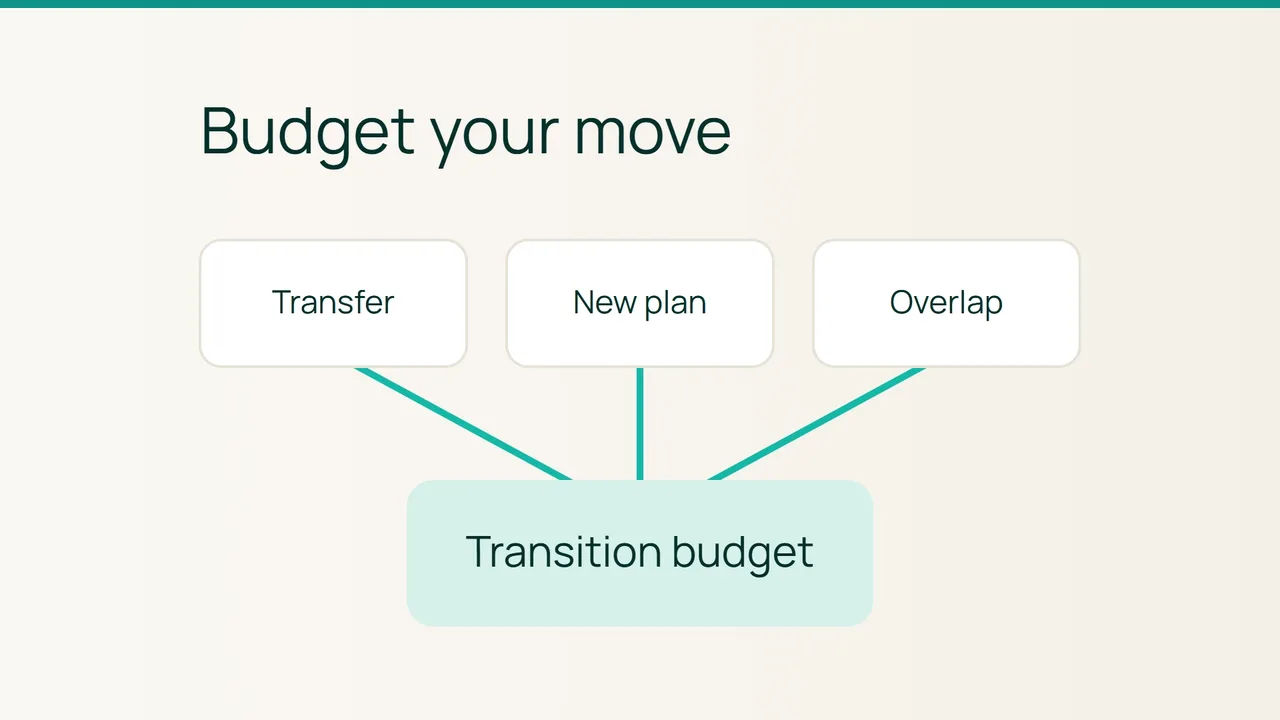
Vultr’s discussion of cloud cost optimization highlights migration effort as part of an infrastructure decision. For a website move, turn that idea into a transition budget: paying for a new hosting plan and paying someone to transfer the site are separate questions.
1. Establish what the transfer includes
Smiley Hoster lists free migration for a site smaller than 30 GB on managed WordPress, shared cPanel and SSD VPS plans. Its published note says larger migrations receive a quote before work begins. Treat that eligibility condition as a question to resolve before entering a zero transfer charge in your budget.
Record website storage, database size and the mailboxes you need moved. Ask which items the migration covers, especially when one account contains several websites. A site exactly at the stated threshold needs clarification because “smaller than 30 GB” does not establish eligibility at 30 GB.
Keep the written scope with the quote or confirmation. Mark any unresolved charge as “unconfirmed.” An empty cell can otherwise turn into an assumed saving when someone totals the budget.
2. List future payments separately
Use a simple worksheet with one row per payable item:
| Item | Amount to enter | Supporting evidence |
|---|---|---|
| New hosting | Checkout total | Order summary |
| Transfer work | Confirmed free service or quoted fee | Written scope |
| Previous hosting | Payments still due | Contract or invoice |
| Additional services | Confirmed charges where needed | Relevant quote |
Do not count an already paid subscription again as a future cash payment. Instead, record how much of its service period remains available. That tells you how long both providers can operate together without assuming a credit or refund from either one.
Check domains, licenses and external services individually. Moving website files does not establish whether those subscriptions have moved, ended or changed price.
Add the new checkout payment, any transfer fee, remaining payments to the previous provider and confirmed additional charges. Keep unresolved amounts visible beside the total so the budget cannot be mistaken for a final quote.
3. Tie the spending plan to acceptance
Assign someone to test the migrated website, forms and email. Choose an overlap period that allows those checks and any corrections. This is your planning allowance, not a promised migration duration.
Before closing the old service, verify that the required data has been recovered and that the replacement works. Then obtain confirmation of when the previous provider stops billing. Technical completion of a transfer is not evidence that the old contract has ended.
The useful final output is a payment schedule: each future charge has an amount, a date and a supporting record. Every unresolved item also has an owner who will obtain the missing answer before you approve spending.
Sources: Vultr, Smiley Hoster migration conditions.