

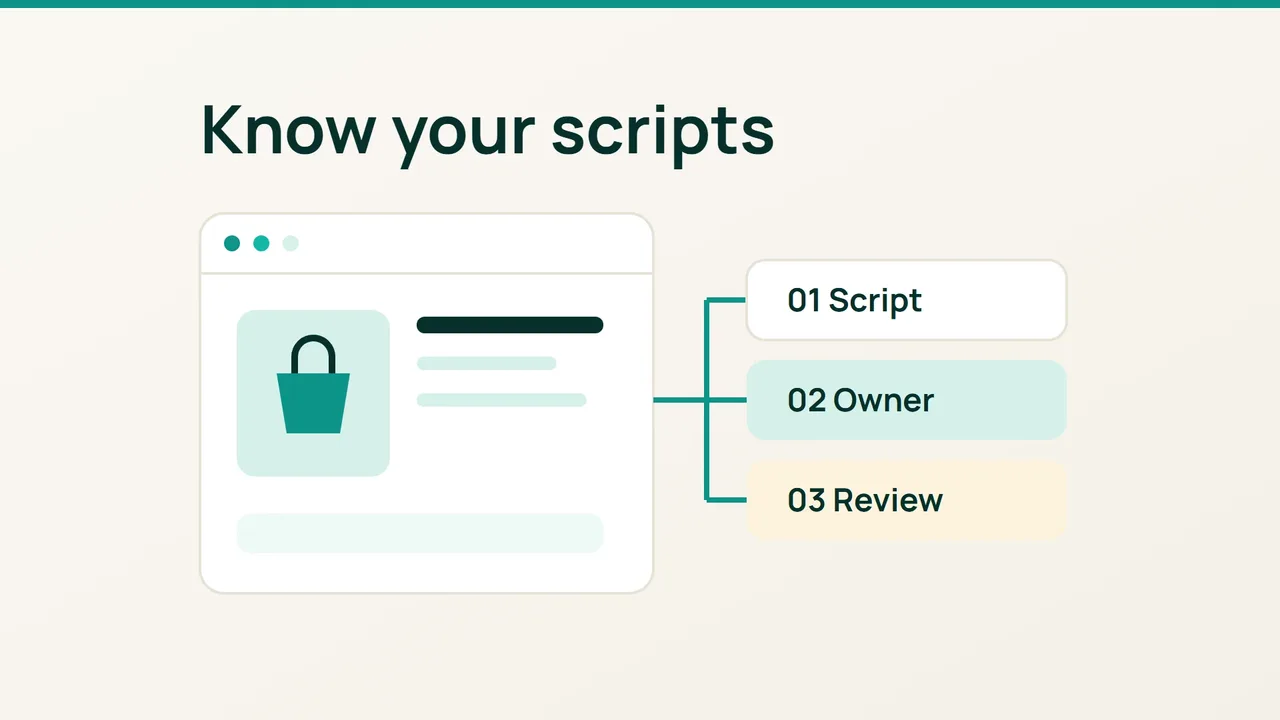
Cloudflare's September 16 investigation describes malicious JavaScript operating on storefronts that still appeared functional. Use that finding as a prompt to answer a practical question: can you account for the third-party code your own shop loads?
1. Prepare a list of expected services
Start with the people who maintain your store. Ask your developer and marketing contact for the services they expect on product, basket and checkout pages. Include payment tools, consent management, analytics, live chat and advertising tags. Record the approved vendor domain and the person responsible for each integration.
Choose one product and a route through the basket. Write down the date, browser, starting URL and consent choice. Use a dedicated test session without customer details. For payment testing, use your provider's documented test environment rather than entering real card information into a page you are investigating.
Prepare a worksheet with these columns: page, requested domain, purpose, integration that adds it, owner and decision. Leave an unknown purpose blank instead of assigning one from a familiar-looking name. Your first deliverable is an inventory, not a verdict about whether the shop is secure.
2. Compare browser requests with your list
In Chrome, open DevTools and select Network before loading the page. Enable Preserve log, then reload and follow your chosen route. Add the Domain column by right-clicking the request table header. Inspect the Initiator column to help trace what triggered an unfamiliar request.
For each domain you cannot explain, note the full hostname and the page where it appeared. Ask the integration owner to match it to their vendor documentation or configuration. Keep the comparison specific: a recognisable brand name somewhere in a hostname is not approval.
Repeat your route with another consent choice and note the difference. If customers reported a problem on a phone or through a campaign link, include that route in your investigation. Cloudflare describes conditional behaviour that a single visit can miss; a quiet test therefore cannot prove that every visitor is unaffected.
3. Turn unknown entries into review actions
Classify each entry as approved, awaiting explanation or scheduled for removal. Give every unresolved entry an owner and a review date. For example, ask marketing to identify the tag responsible for an unexplained request rather than blocking an entire shared service immediately.
Before removing a redundant integration, save its configuration and test the change on a staging copy. Check product selection, basket updates, consent choices and the payment test flow afterwards. Keep a rollback step with the change record.
If you suspect unauthorised code, preserve the URL, timestamp and observations and involve the person responsible for incident response. Avoid circulating customer session captures in public tickets. Finish by keeping the approved inventory beside your change log, and repeat this review whenever a theme, plugin or marketing integration changes.
Sources: Cloudflare, Chrome DevTools.