

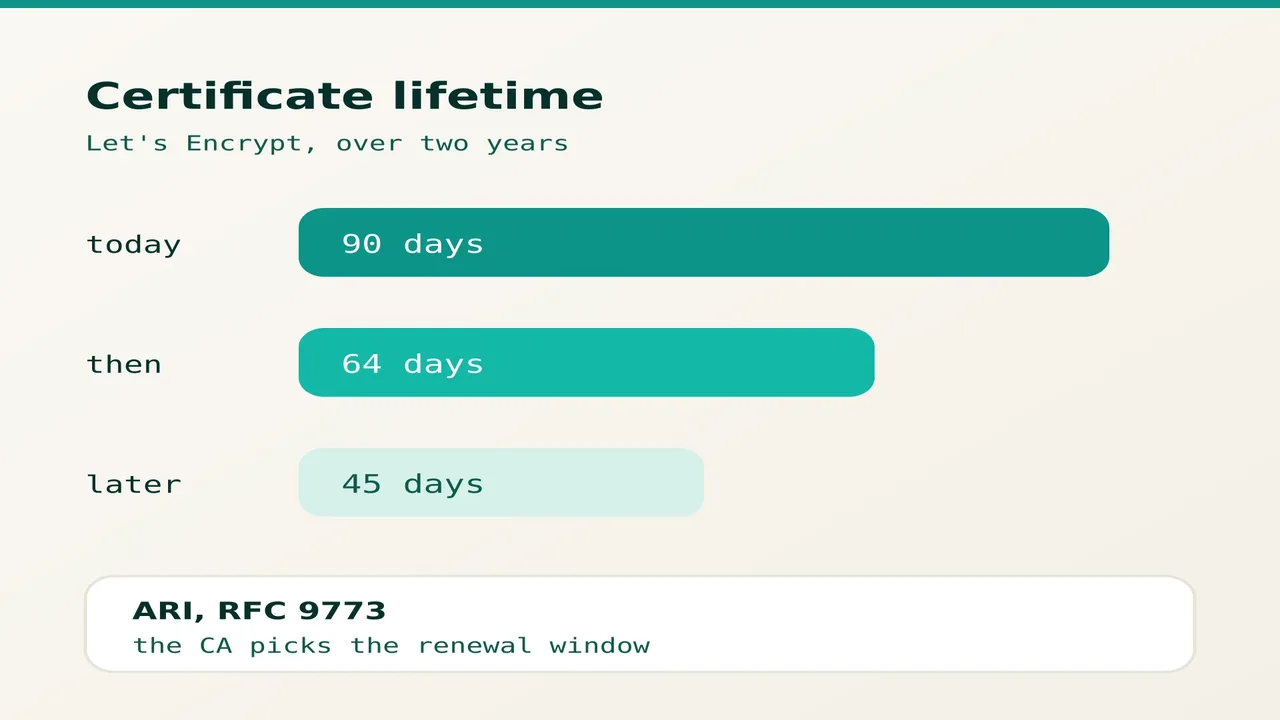
In February 2026 Let's Encrypt confirmed that certificate lifetimes will move from 90 days to 64 days, then to 45 days, over the next two years. A renewal you handle by hand every quarter will not keep up with that. Ten minutes are enough to check that yours runs on its own, and that it tells you when it fails.
1. Find out what renews your certificate today
Start with the dates of the certificate your site actually serves:
echo | openssl s_client -servername \ your-domain.ma -connect \ your-domain.ma:443 2>/dev/null \ | openssl x509 -noout -datesThe notAfter line is the expiry date. If it is close and nobody has touched the server for weeks, you have found the problem.
On shared hosting with cPanel, renewal is handled by AutoSSL: open SSL/TLS Status and confirm that the domain and the www subdomain are both covered, with no exclusion. On a VPS you administer yourself, list what Certbot knows about:
sudo certbot certificatesA domain missing from that list is not being renewed by anyone.
2. Make the renewal automatic
Run a dry run, then check that the timer exists:
sudo certbot renew --dry-runsystemctl list-timers | grep certbotThe dry run replays the whole process without spending a certificate: if it succeeds, the real renewal will succeed too. If no timer shows up, enable it with sudo systemctl enable --now certbot.timer. Remember the reload of your web server after renewal, with the --deploy-hook option: a certificate that is renewed but never reloaded stays invisible to your visitors.
Finally, keep Certbot current, with certbot --version. Recent versions query the ARI extension, standardised in RFC 9773: instead of a fixed 30-day threshold, the client asks the certificate authority for the recommended renewal window. When lifetimes drop to 45 days, or when a certificate is revoked, it adapts without any change on your side.
3. Hear about it when renewal breaks
Automatic renewal that fails silently is more dangerous than a manual one. Look first at what the service did last month:
sudo journalctl -u certbot.service \ --since -30d | tail -20Then add a weekly check. The command below prints nothing while more than fourteen days are left, and reports the coming expiry otherwise:
CERT=/etc/letsencrypt/live/domain.ma/cert.pemopenssl x509 -in "$CERT" -noout \ -checkend 1209600Put it in a script that cron runs once a week: cron emails you whatever the script prints, so silence means everything is fine. On shared hosting you do not have that access, so run the openssl s_client command from the first section on your own machine instead, at the same weekly rhythm.
Sources: Let's Encrypt, Let's Encrypt.