

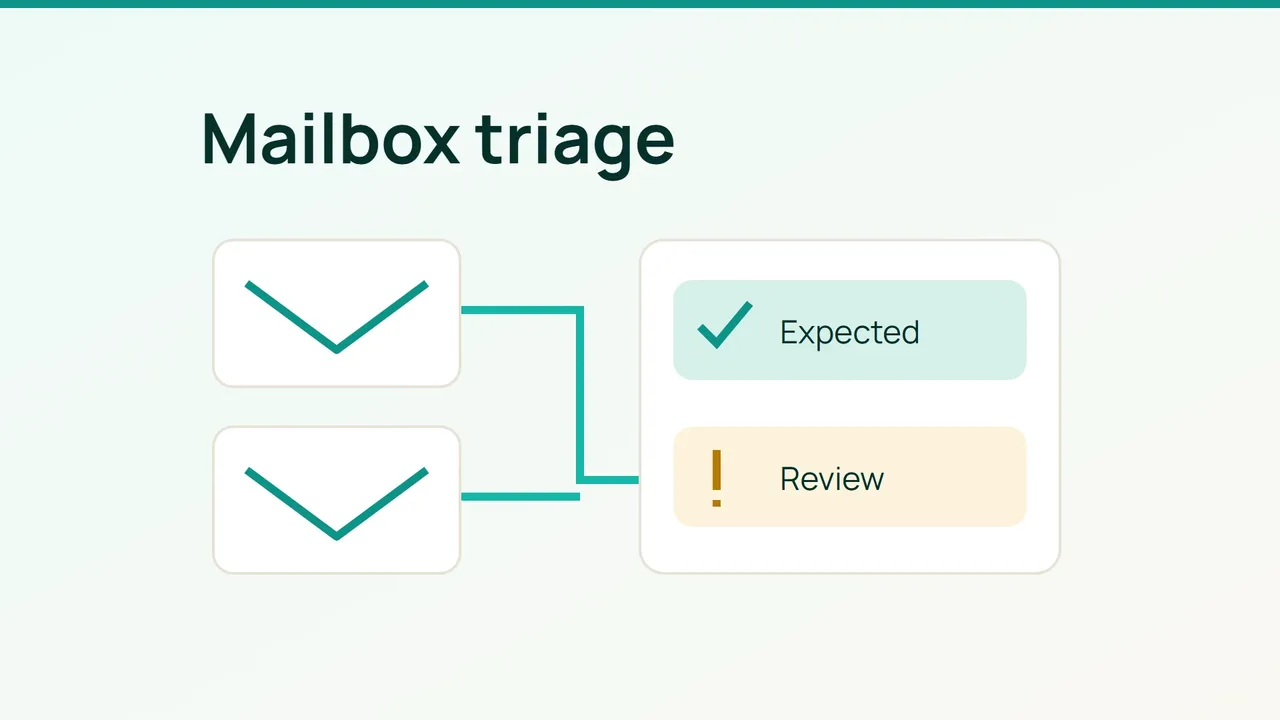
When you look after a contact address, an orders inbox and your own mailbox, give each one a separate spam review. Hostinger's September 21, 2026 roundup introduced switching between mailboxes in its webmail. That update prompted this provider-independent routine for keeping decisions tied to the right account.
1. Give each inbox its own review record
List the addresses you manage and what each one is used for. Beside each address, name someone who can recognise expected correspondence. The person handling orders may be better placed to confirm a supplier than the person maintaining the website.
Check the account address displayed in your mail application before making a batch of decisions. Work through one mailbox at a time. Our suggested review sheet records the date, the folders examined and the person doing the review, so a colleague can pick up where you stopped.
Begin with three working categories: clearly unwanted, expected correspondence and needs confirmation. These are labels for your notes, not instructions to install new automatic filtering rules. Avoid starting the review by emptying an entire folder.
2. Record the decision on a specific message
In Gmail on a computer, select unwanted messages and choose Report spam. To correct a legitimate message in Spam, select it there and choose Not spam. Other mail applications may use different labels.
For a suspicious message, do not reply or follow its links before checking it. In your own review sheet, reserve a place for unresolved cases instead of treating uncertainty as permission to trust the sender.
This example gives a colleague enough context to continue:
| Mailbox | Observation | Decision to record |
|---|---|---|
| Contact | Unwanted promotional message | Reported |
| Orders | Expected message in Spam | Confirm with orders owner |
| Personal | Uncertain sender | Awaiting verification |
Keep the record small: time, a subject with private details removed, and the decision. When confirmation is needed, use a contact route you already know. Ask about the specific correspondence without unnecessarily forwarding the suspicious content to more people.
3. Review mistakes before requesting broad changes
Our recommendation is to collect repeated examples before asking your administrator to change filtering for a whole mailbox. Record where each message arrived and where you expected it to arrive. This turns “email is broken” into something another person can investigate.
Assign the next review to a named colleague and choose a date that fits your team's routine. Compare that review with the earlier sheet: which mistakes recurred, and which decisions are still outstanding? Keep unresolved entries visible until someone has assessed them.
For a simple reception check, arrange a message with a colleague using a unique subject. Record the destination folder and the time you checked. Treat this as one observed result, not proof that all future mail will arrive correctly.
Finish by recording which mailboxes were actually reviewed. That final detail matters when several people share the work: a completed contact-inbox review should never be mistaken for a check of every business address.
Sources: Hostinger and Gmail Help.