

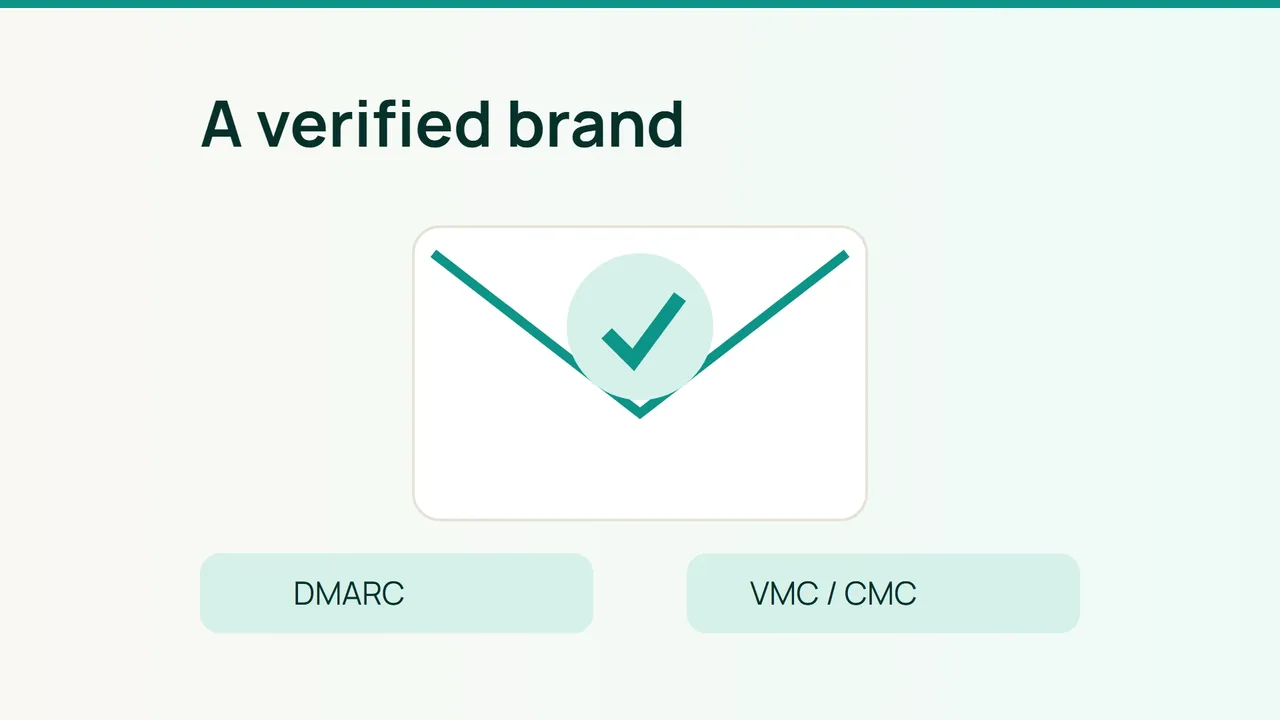
A company logo in the inbox is the result of a validation chain, not an image attached to a message. Gmail's October 2026 BIMI documentation provides a practical starting point for a small pilot before you purchase a mark certificate.
1. Qualify the domain and the certificate
Check DMARC first. Gmail requires quarantine or reject with pct=100; monitoring-only none is insufficient. Complete that enforcement rollout as a separate project so legitimate senders are already working.
dig +short TXT _dmarc.example.comdig +short TXT default._bimi.example.comGmail accepts VMC and CMC certificates. The verified checkmark is associated with VMC, not CMC. Ask the issuing authority which route your logo qualifies for, including trademark and validation requirements.
Request a dated quotation that separates issuance, renewal, domain coverage and support. Include design conversion and any trademark-related work in the project budget. There is no single universal BIMI price.
2. Build a durable hosting and DNS setup
Prepare the logo as SVG Tiny PS, version 1.2 with the tiny-ps profile. Exclude scripts, animation and external resources. Gmail requires absolute dimensions of at least 96 pixels per side and recommends a square logo and a file no larger than 32 KB.
Validate the output before submitting it to the issuer. An ordinary website SVG is not automatically a valid BIMI asset.
Serve the certificate package over public HTTPS without authentication or browser challenges. For a PEM containing the certified logo, a zone-file example is:
default._bimi.example.com. 3600 IN TXT ( "v=BIMI1; l=; " "a=https://img.example.com/brand.pem")Use your actual URL and enter the concatenated value as one TXT record in a DNS dashboard. Check reachability:
curl --fail --head https://img.example.com/brand.pemDocument who owns the certificate and hosting path. Website redesigns must not silently remove the certificate endpoint. Add renewal to the same operational calendar as your other externally visible certificates.
3. Test what recipients actually see
Send normal business messages to a small test panel. First confirm DMARC, then inspect validation results and finally record the inbox display.
| Test environment | Evidence |
|---|---|
| Gmail | Logo and certificate-appropriate checkmark behavior |
| Another supporting provider | Webmail and mobile application results |
| Unsupported client | Message remains usable without a logo |
The BIMI Group compatibility graphic reviewed here is dated May 2025. Treat it as a starting list for 2026 tests, not a promise about every current application version. Confirm your target provider's current behavior.
Common mistakes
Paying before DMARC is ready, renaming a PNG to SVG and putting login protection in front of the PEM can derail the deployment.
FAQ
Does BIMI guarantee inbox placement? No. Do not use logo display as a delivery guarantee.
Will every recipient see the logo? No. Provider and client support determine the result.
Final check
Keep evidence of compatible DMARC, valid certification, public file access, real recipient tests and a named renewal owner before expanding the rollout.
Sources: Google, BIMI Group.