

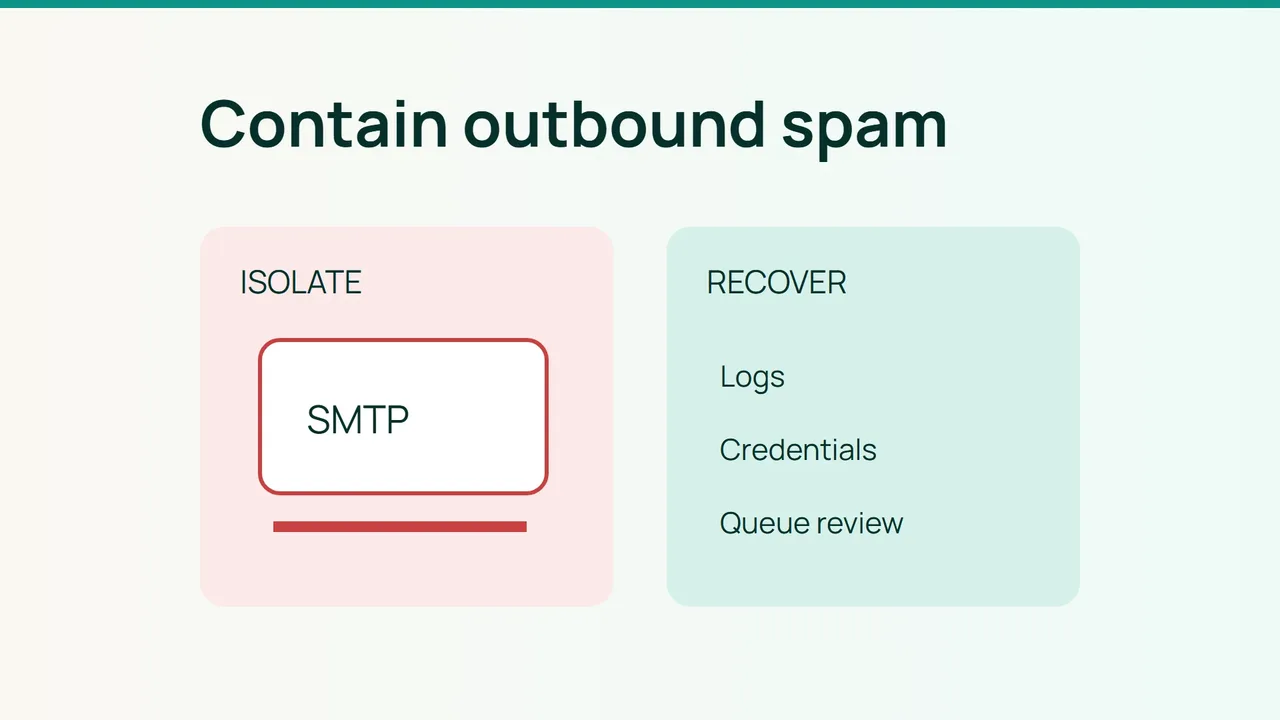
Unexpected outbound volume may originate from stolen SMTP credentials or a compromised website. Using cPanel's July 2026 guidance as a baseline, this procedure focuses on containing the sender rather than troubleshooting a routine delivery rejection.
1. Preserve evidence and identify the origin
As a server administrator, record the incident time, queue size and affected domains. Preserve restricted copies of logs before rotation. Start with read-only checks:
exim -bpcexim -bpgrep 'A=' /var/log/exim_mainlog | tail -n 50grep 'cwd=' /var/log/exim_mainlog | tail -n 50These snippets provide leads, not reliable per-account totals. Correlate Exim message IDs, authentication identities, client IPs and timestamps with WHM delivery reports. Do not identify the responsible account from the visible From address alone.
For a compromised SMTP account, suspend its sending, rotate credentials and investigate the user's device. For local script activity, isolate the affected site and inspect scheduled tasks and application changes.
List recently modified PHP files only within the identified account:
find /home/USER/public_html -type f -name '*.php' -mtime -2 -printReplace USER first. Recent modification is a triage signal; compare candidates with a known-good release before classifying them as malicious.
2. Close the route used by the attacker
Set domain hourly limits from normal business volumes and configure failure/defer protections. Ensure Eximstats is functioning because the documented cPanel limits depend on it.
Test SMTP Restrictions against legitimate applications using external relays before enabling it. Restricting direct outbound connections does not clean malware that can still submit through Exim.
Require TLS before SMTP authentication in Exim Configuration Manager. Enable cPHulk and use unique mailbox passwords. Do not assume control-panel two-factor authentication automatically covers IMAP or SMTP password use.
For website incidents, fix the exploited entry point, update affected components and rotate accessible credentials before restoring access. Keep investigation material separate from production. Assign one person to record every containment and recovery change.
3. Restore service without releasing the attack
Use Mail Queue Manager to review queued messages. Remove confirmed abuse after preserving evidence; do not erase legitimate invoices in a blanket purge.
Send controlled tests and inspect SPF, DKIM and DMARC results. Watch new queue admissions, not just the shrinking backlog. If the sending IP has been blocked, approach the relevant operator after cleanup with an incident timeline and remediation evidence.
Increase legitimate traffic gradually. A delisting request is not a guarantee of immediate reputation recovery.
Common mistakes
Resetting only the password, releasing the entire queue or moving the abusive stream to a fresh IP can leave the underlying compromise unresolved.
FAQ
Will inbound spam filtering solve this? No. This incident concerns outbound activity.
Is a smaller queue enough to reopen sending? No. Confirm that the abusive source has stopped producing messages.
Final check
Lift the suspension only after the source is isolated, the entry point is fixed, secrets are rotated, queued mail is reviewed and volume monitoring is active.
Sources: cPanel prevention guidance, cPanel Exim configuration.