

Cloudflare’s April 2026 Email Service announcement highlights authentication as part of adding email integrations. For a domain with no DMARC policy, a useful first task is to establish reporting and assign someone to act on what it reveals.
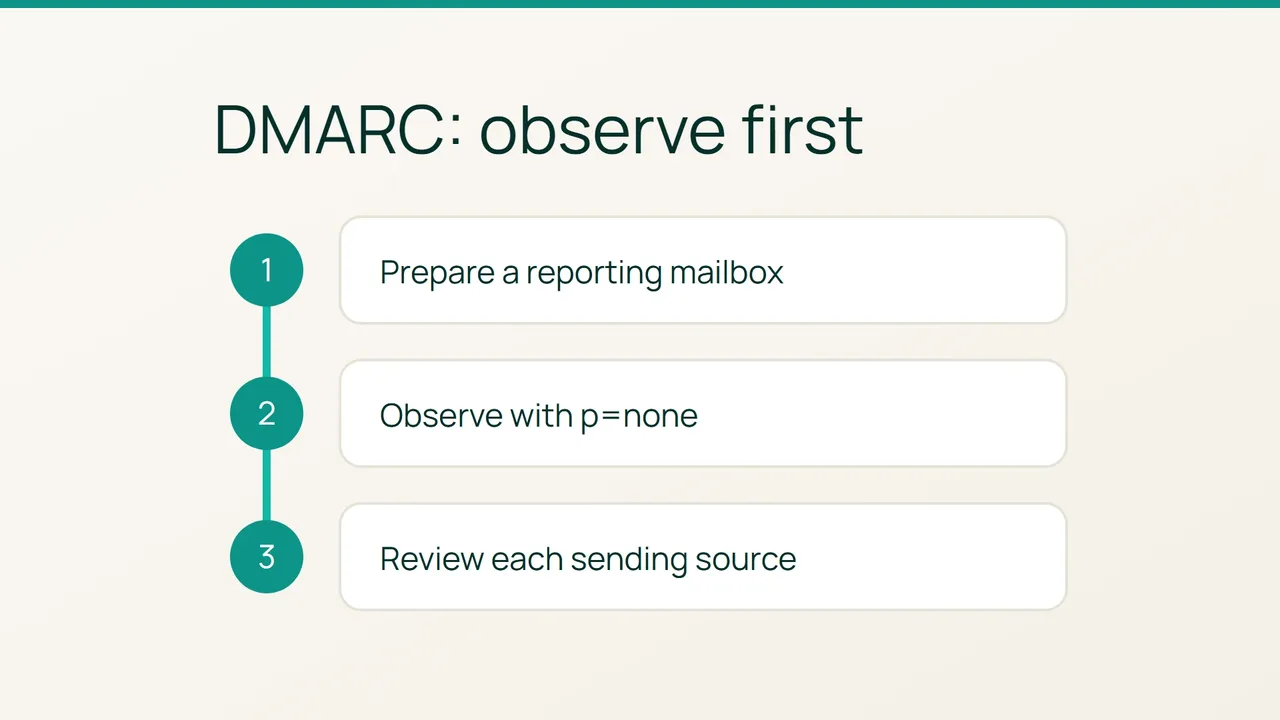
1. Make reporting someone’s responsibility
Choose the domain to review. From a terminal with dig installed, check its current policy, replacing the example name with your own:
dig +short TXT _dmarc.example.comIf a policy already exists, stop this first-time setup procedure and find its owner. Do not replace an established protection policy with observation settings.
Prepare a dedicated mailbox on the same domain, such as dmarc@example.com, and confirm that you can receive a test message there. Assign a reviewer and schedule a review date rather than leaving the mailbox unattended.
Create a sender inventory alongside it. List staff email, billing, newsletters and website notifications, with an owner and a test action for each. Treat this as a starting checklist, not confirmation that every service is already authenticated correctly. Leave room to record services discovered during the review.
2. Add the observation record
DMARC uses a TXT record at the domain’s _dmarc name. A policy of p=none requests no DMARC-based rejection or quarantine; the rua setting specifies where aggregate reports should go.
The following is an illustrative value. Adapt the mailbox and enter the content as one line in the DNS editor:
v=DMARC1; p=none; rua=mailto:dmarc@example.comUse the reporting address you prepared. Have another person review the record name and content, save it, then repeat the DNS lookup. Record the time and returned value in your change note.
This is an observation setup, not an acceptance certificate for your senders. Keep a future move to an enforcement policy as a separate decision supported by the results you collect.
3. Turn observations into a review list
As reports arrive, compare their sending sources with your inventory. For each discrepancy, open a short review entry containing the observed source, suspected service, reported result, investigation owner and next check.
Investigate unfamiliar sources before authorizing them. If a known business service is reported as failing, have its owner produce a fresh test and review its authentication setup. Store the relevant report where only the people handling this review can access it.
If nothing arrives, recheck the collection mailbox and published TXT record; silence does not establish that your domain is configured correctly. At the scheduled review, work through the open entries and assign the next action for each one. The outcome of this phase should be a documented sender inventory that supports a later decision about stronger enforcement.
Sources: Cloudflare Blog, Cloudflare — DMARC.