

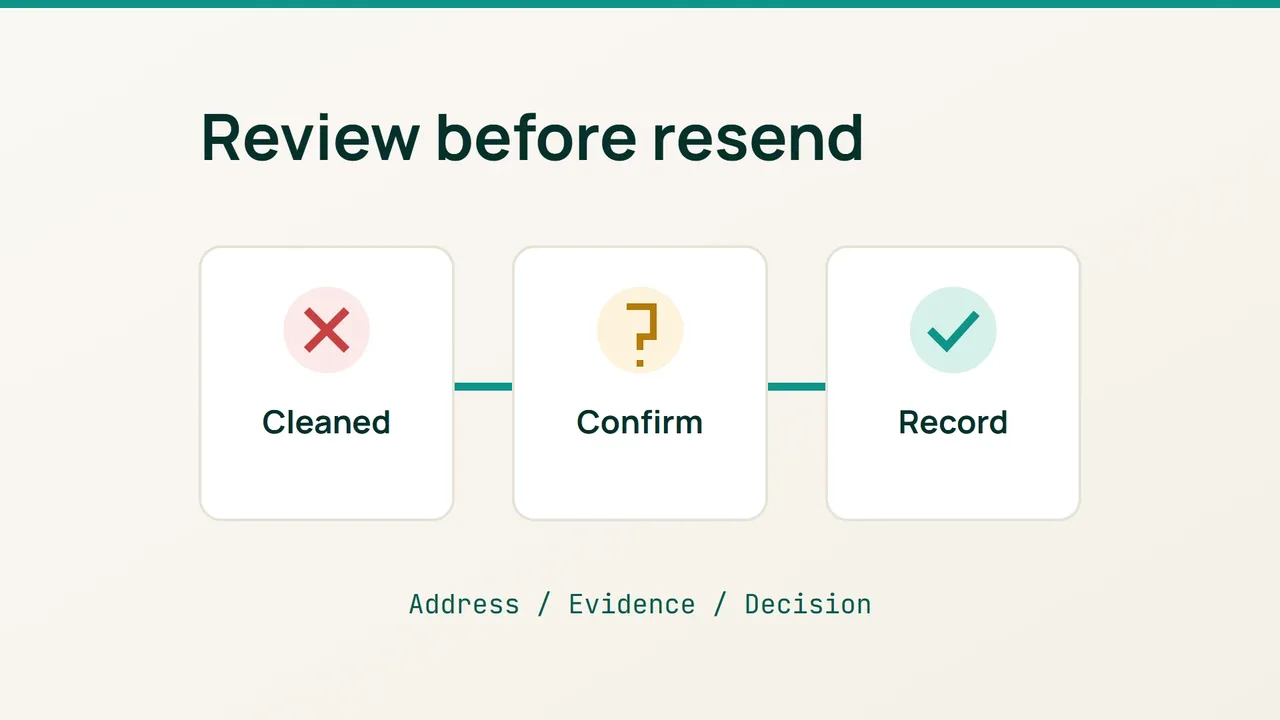
Hostinger’s September 22, 2026 story about La’Oda describes newsletters as part of the store’s promotional mix. If you are preparing your own campaign, use the planning stage to review Mailchimp contacts marked Cleaned and record which addresses actually need follow-up.
1. Build a review list
Mailchimp applies Cleaned to addresses with a hard bounce or repeated soft bounces. Those addresses cannot receive later campaigns sent to that audience.
In Audience, open Segments and choose the audience you intend to use. Create a segment using Email subscription status | is one of | Cleaned, then save it with a useful name such as “Pre-campaign address review”.
Create a separate working checklist with these columns:
- Audience and review date.
- Address and where it was collected.
- Evidence still needed.
- Decision, owner and completion date.
Start with a small group you can investigate properly. For example, a customer might have entered one spelling during checkout and another in a support conversation. Record that difference as a question to resolve. Do not assume that the more familiar spelling belongs to the same person.
This checklist is your working method; it does not require changing campaign settings or editing your website.
2. Resolve uncertainty with the contact
Ask the person to confirm their address through an established channel. Avoid constructing an address from a company name or replacing a domain just because it looks misspelled. A plausible address is not evidence of the intended recipient.
A cleaned address cannot be edited in Mailchimp. When a correction is confirmed, add the corrected address as a new contact with permission to email that person.
Use three decisions in your checklist: “confirmed correction”, “awaiting confirmation” and “leave unchanged”. Give unresolved cases an owner instead of treating them as ready for another send. Keep a brief note of how the correction was confirmed so someone else can understand it later.
For example, record “customer confirmed via existing support conversation” rather than a guess based on an address format. You do not need to copy the entire conversation into the campaign worksheet.
3. Check the handoff before the next import
If a colleague prepares the next contact file, compare it with your review decisions before handing it over. Look for the old spelling of a corrected address and for unresolved entries. Flag discrepancies for that colleague to investigate.
Keep the original decision alongside any correction so a later list refresh does not erase the reasoning. This is an operational cross-check, not a promise that future messages will reach the inbox.
Finish by checking that each proposed correction has supporting confirmation and a named owner. Store the worksheet where only campaign staff can access it, and record when it should next be reviewed. The useful outcome is an accountable list of decisions, without trying to bypass bounce handling.
Sources: Hostinger, Mailchimp.