

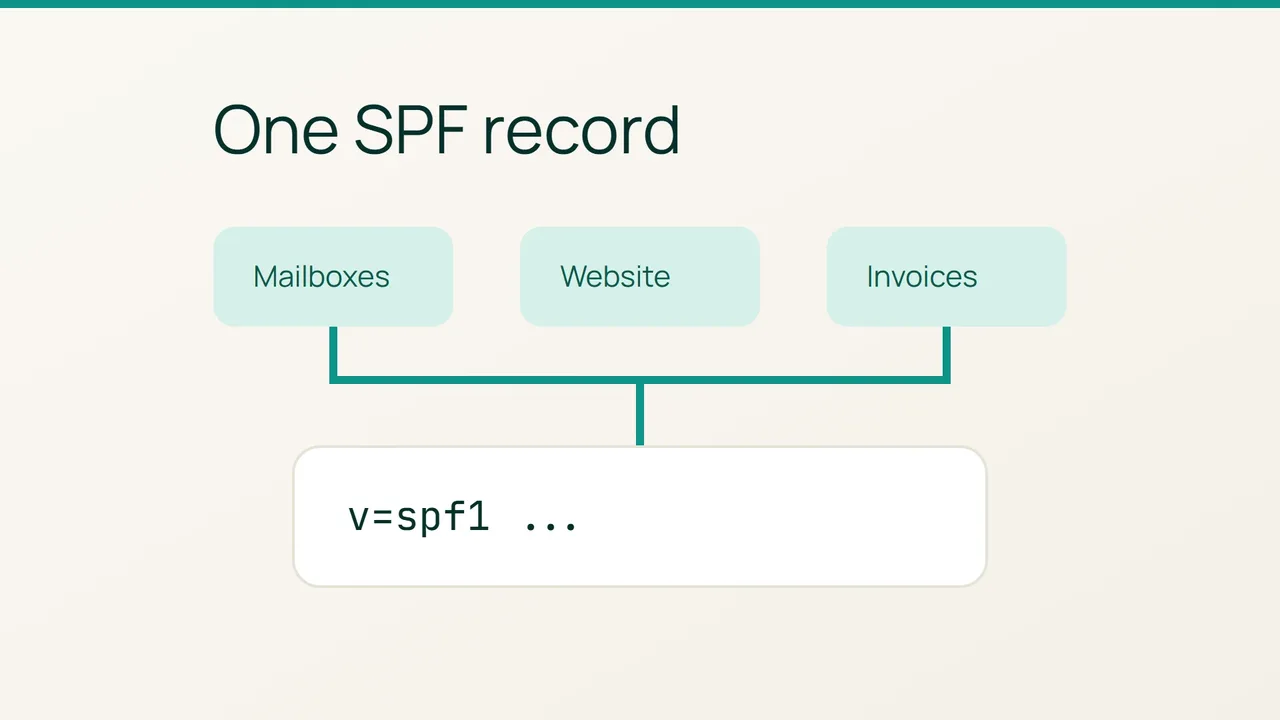
A new invoicing or notification tool adds another sender to your website’s email setup. Cloudflare’s April 16, 2026 Email Service announcement is a useful reminder to include authentication in that change; use this checklist to review SPF before putting the new tool into service.
1. Build a sender checklist
Start with a change note containing the domain, the person making the update and a list of current senders. Include staff mail, website forms, invoices and newsletters. Give each row a test action, such as submitting your own contact form or generating a sample invoice.
SPF checks the return-path domain, which is not necessarily the domain shown in the visible sender address. Obtain the exact DNS name and required value from the incoming provider before deciding which record to edit.
On a machine with dig installed, inspect that name. Replace the example domain below with the one the provider specifies:
dig +short TXT example.comSave the output and the lookup time in your change note. Also copy the existing value from your DNS editor. Keeping both gives you a concrete baseline for troubleshooting and a record of what you intended to change.
2. Review one replacement value
There must not be two SPF records at the same DNS name. If a TXT value beginning with v=spf1 already exists, arrange a combined replacement that retains your active senders. Leave unrelated TXT records alone.
Compare the proposed value with the saved version before applying it. Beside each addition or removal, identify the service and explain why the change is needed. If an existing authorization is unfamiliar, put it on an investigation list rather than deleting it as part of this update.
Have the relevant providers validate the combined value. Keep the scope small enough that you can explain every difference; a broad DNS cleanup makes a failed email test harder to diagnose.
3. Exercise every sending route
Repeat the DNS lookup after saving. Once it returns the expected value, send a fresh test from each row of your checklist to an external mailbox you control.
For every test, record the sending service, timestamp, whether the message arrived, the authentication result exposed by the receiving service and any error. Actually trigger the website or invoicing workflow: a message from your ordinary mailbox does not test those separate paths.
If an established sender stops working, pause the rollout and give its support team the old and new DNS values plus a dated test, without customer content. Decide on correction or rollback from that evidence. Close the change only after reviewing every sender, and retain the checklist for the next integration.
Sources: Cloudflare Blog, Cloudflare — SPF.