

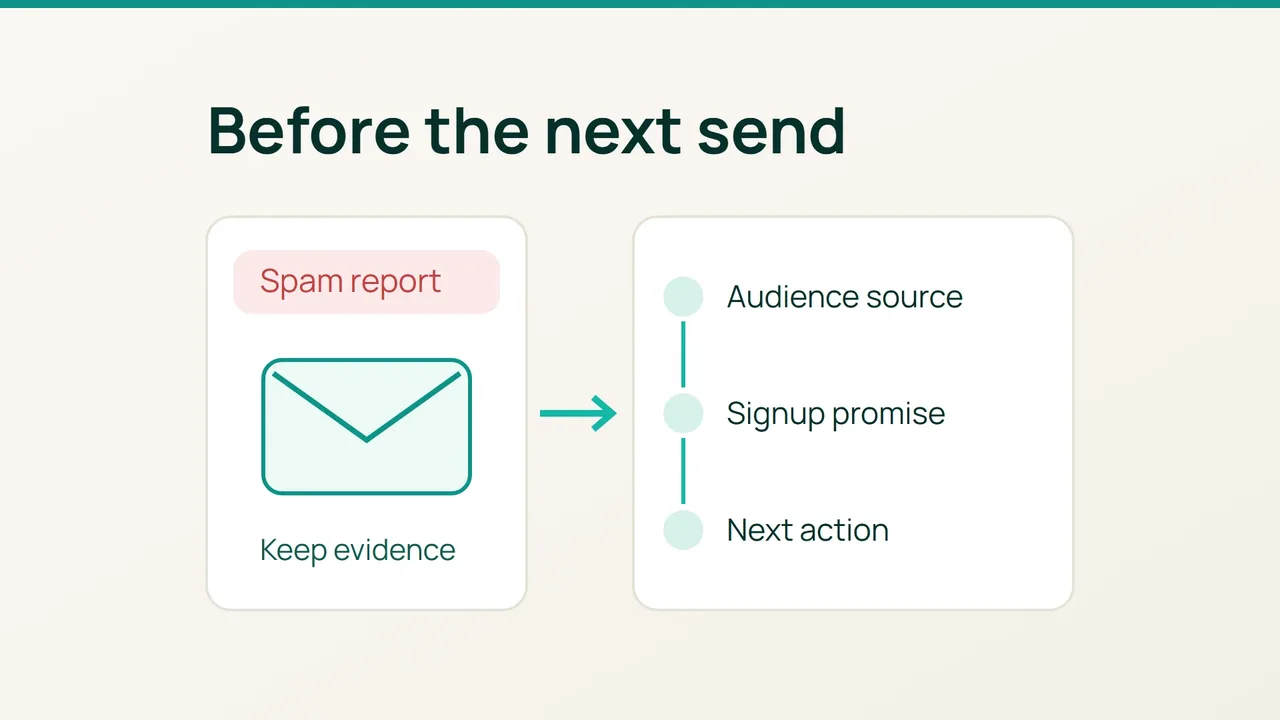
Hostinger's September 22, 2026 story about La'Oda describes newsletters as part of a seasonal sales campaign. If your own campaign produces a Mailchimp abuse alert, use the following investigation worksheet before planning the next send.
1. Capture the incident
Mailchimp says that a spam report received through a provider's feedback loop can register as an abuse complaint. It removes the affected contact from the active audience. Preserve that exclusion.
Open your account directly and review the alert alongside the affected campaign's information. We suggest recording the following in a private incident note:
- Campaign name and sending date.
- Audience or segment selected.
- Subject line and visible sender name.
- Most recent contact import before the send.
- Alert wording and the action it requests.
Assign someone to own the next-send decision. Include the campaign reference in your team's planning notes so another person does not schedule a follow-up while the investigation is open. Avoid copying subscriber addresses into a broadly shared document; segment names are usually enough for coordination.
2. Compare the signup promise with the email
Work backwards from the selected audience to its collection route. Find the relevant signup form or import record, then save the wording that explained what subscribers would receive. Our suggested check is to compare that wording with the message you actually sent.
Use a short evidence table:
| Question | Evidence to collect |
|---|---|
| Where did this group enter the audience? | Identified form or import |
| What were they told to expect? | Signup wording |
| What did the campaign contain? | Saved email |
| What changed recently? | Frequency or branding notes |
For example, a monthly advice newsletter followed by several sales messages gives you a specific mismatch to investigate. Treat that as a hypothesis, not proof of why a recipient complained.
If you cannot establish how a group joined, leave it out of the next selection while you investigate. Ask the teammate responsible for that import to supply its history rather than guessing from the file name.
3. Record the action before sending again
Have a colleague review the incident note and proposed audience. Check whether the sender name is recognizable, the content matches the signup promise, and the unsubscribe option is easy to find. Write down the change you chose and who will verify it.
A Mailchimp suspension disables sending and starts an investigation requiring information from you. Answer the account's questions using your evidence; do not assume a restoration date. For an accidental spam complaint, Mailchimp requires the recipient to subscribe again through its signup forms.
Finish with a short decision record connecting the alert, collection route and corrective action. After your next permitted campaign, use that record to compare what happened with what you expected.
Sources: Hostinger, Mailchimp.