

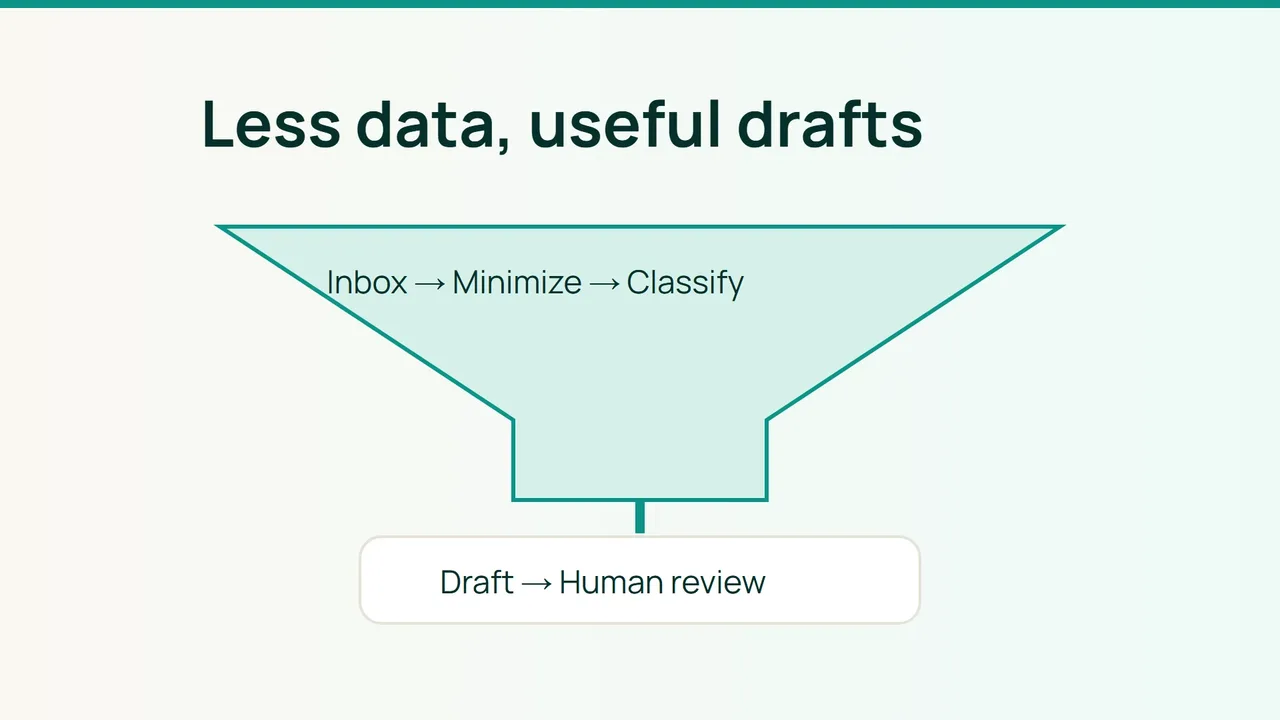
Cloudflare's Email for agents announcement illustrates how quickly email is becoming an automation input. A useful first business workflow can remain deliberately bounded: classify a dedicated inbox, summarize a request and prepare a reply for a person to review.
1. Start with a restricted input
Create a pilot mailbox containing only messages approved for this use. In n8n's Email Trigger (IMAP), select the folder, keep attachment downloads off and choose Action: None if messages should remain unread.
Use certificate-validated TLS and dedicated credentials. Selecting one folder in a workflow does not restrict the underlying IMAP account's permissions. A separate mailbox limits what those credentials can expose.
For API integrations, request only necessary reading and draft permissions where separately available. For incoming webhooks, authenticate the source, validate the provider's signature mechanism and reject replayed events.
Check your real IMAP endpoint before wiring the trigger:
openssl s_client -connect mail.example.com:993 -servername mail.example.com -verify_hostname mail.example.com -verify_return_error2. Separate model suggestions from actions
Build a sequence of receive, deduplicate, redact, classify, validate and prepare draft. Combine trusted customer identifiers and structured deadlines when assigning priority; the word “urgent” is not reliable evidence by itself.
Remove unnecessary quoted threads, signatures, personal identifiers and secrets before model access. Send only the excerpt needed for the task. Route content that cannot safely be minimized to a person or an explicitly approved environment.
Require a small schema rather than free-form tool instructions:
{ "category": "support", "priority": "normal", "summary": "Customer requests a status update.", "draft": "We are checking your request."}Treat incoming messages as untrusted data. Instructions inside an email must not change permissions, recipients or available actions. Do not let model output select arbitrary URLs to call.
Have a person review both the proposed wording and destination before sending. If creating a provider-side draft would require excessive permissions, store the proposal in an approved review queue instead.
3. Exercise privacy and failure handling
For self-hosted n8n, the following example belongs in your existing deployment configuration:
EXECUTIONS_DATA_SAVE_ON_SUCCESS=noneEXECUTIONS_DATA_SAVE_ON_ERROR=noneEXECUTIONS_DATA_SAVE_MANUAL_EXECUTIONS=falseEXECUTIONS_DATA_SAVE_ON_PROGRESS=falseEXECUTIONS_DATA_PRUNE=trueEXECUTIONS_DATA_MAX_AGE=24The 24-hour value is a pilot choice, not an immediate-erasure guarantee. Review logs, backups, waiting executions and the model provider's retention separately. Keep operational metrics without retaining message bodies.
Common mistakes
Downloading every attachment, preserving sensitive error payloads and granting automatic sending during the pilot create avoidable exposure.
FAQ
Does self-hosting n8n keep everything local? Not if a remote model still receives the content.
How do you prevent duplicate drafts? Persist a stable mailbox/provider-message identifier and check it before processing a repeated event.
Final check
Run duplicate delivery, malicious in-message instructions, model timeout and sensitive-content cases. None should trigger unapproved sending or unexpected data transfer. Confirm a person can find and review every resulting proposal.
Sources: Cloudflare, n8n — IMAP, n8n — execution data.