

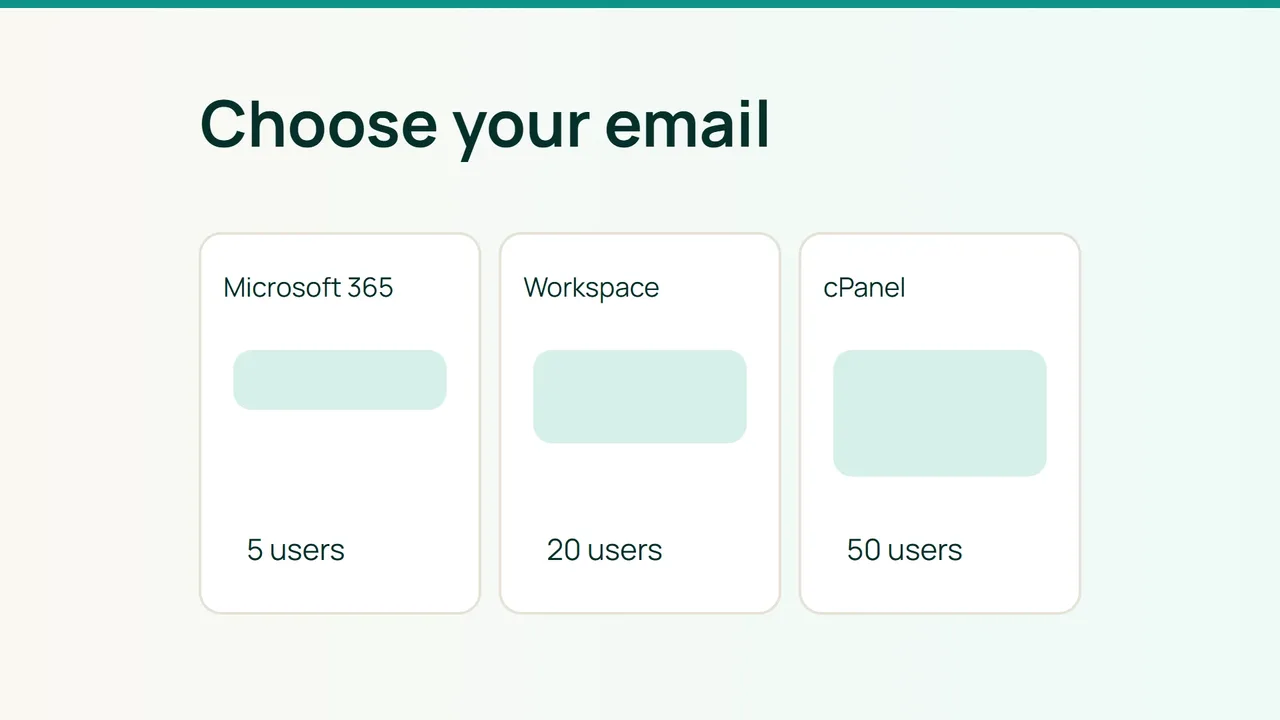
Business email plans in 2026 bundle different combinations of storage, collaboration and AI. Select an exact plan, calculate its annual cost and test the workflows that could make a migration fail before choosing a provider.
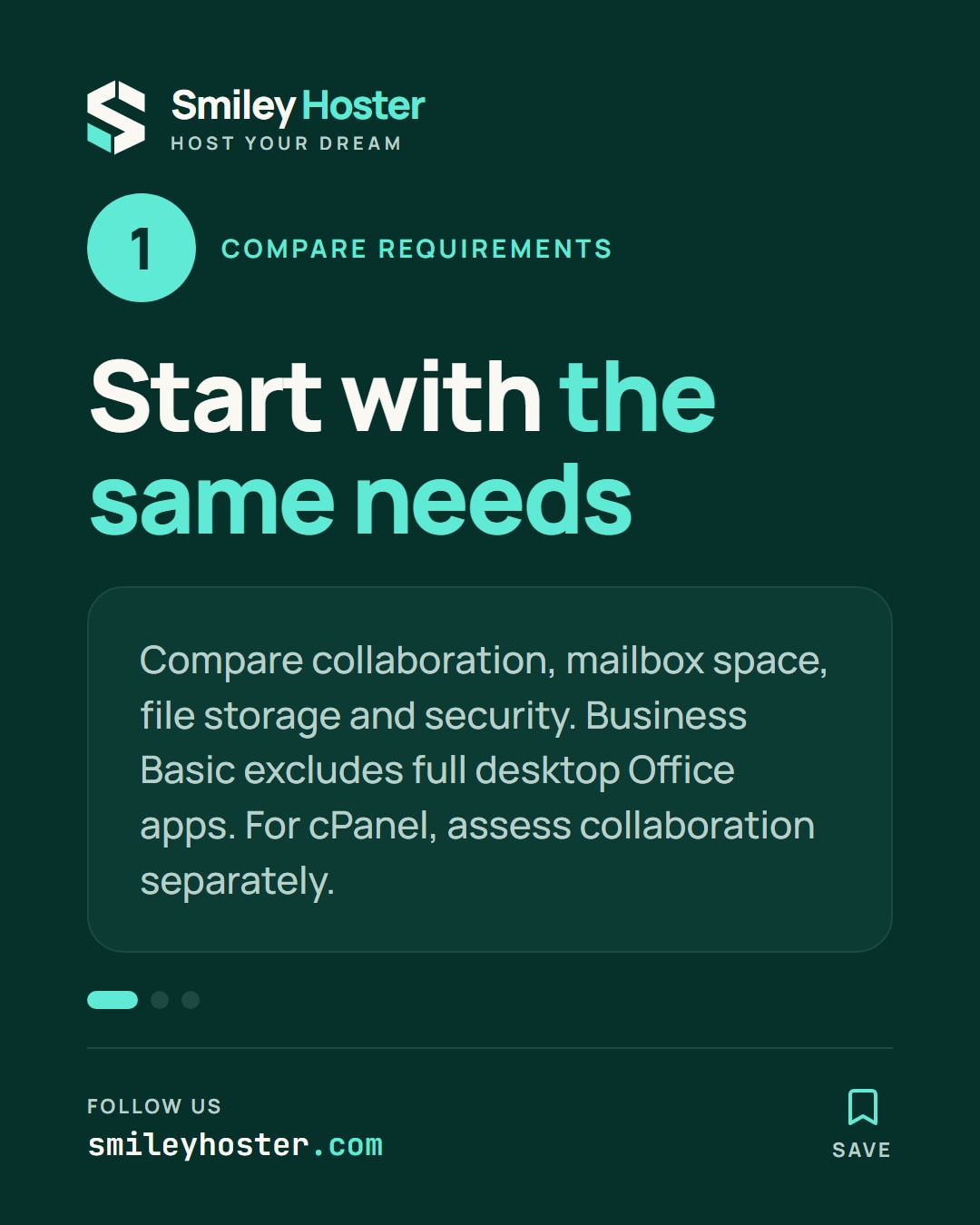
1. Compare equivalent requirements
| Requirement | Microsoft 365 Business Basic with Teams | Google Workspace Starter | cPanel email |
|---|---|---|---|
| Shared work | Web/mobile Office apps, Teams | Gmail, Docs and Meet | Email; assess collaboration separately |
| Storage | 1 TB OneDrive/user; 100 GB mailbox in the reviewed documentation | 30 GB pooled storage/user | Provider-defined quotas |
| Security | MFA, filtering, administration | Security controls; test your chosen MFA policy | Depends on operating setup |
| Mail clients | Check OAuth and IMAP/SMTP policies | Test client authentication | Use the provider's cPanel settings |
Business Basic does not include the full desktop Office applications. For cPanel, ask which login surfaces MFA actually protects; panel access and mail-protocol authentication are separate questions.
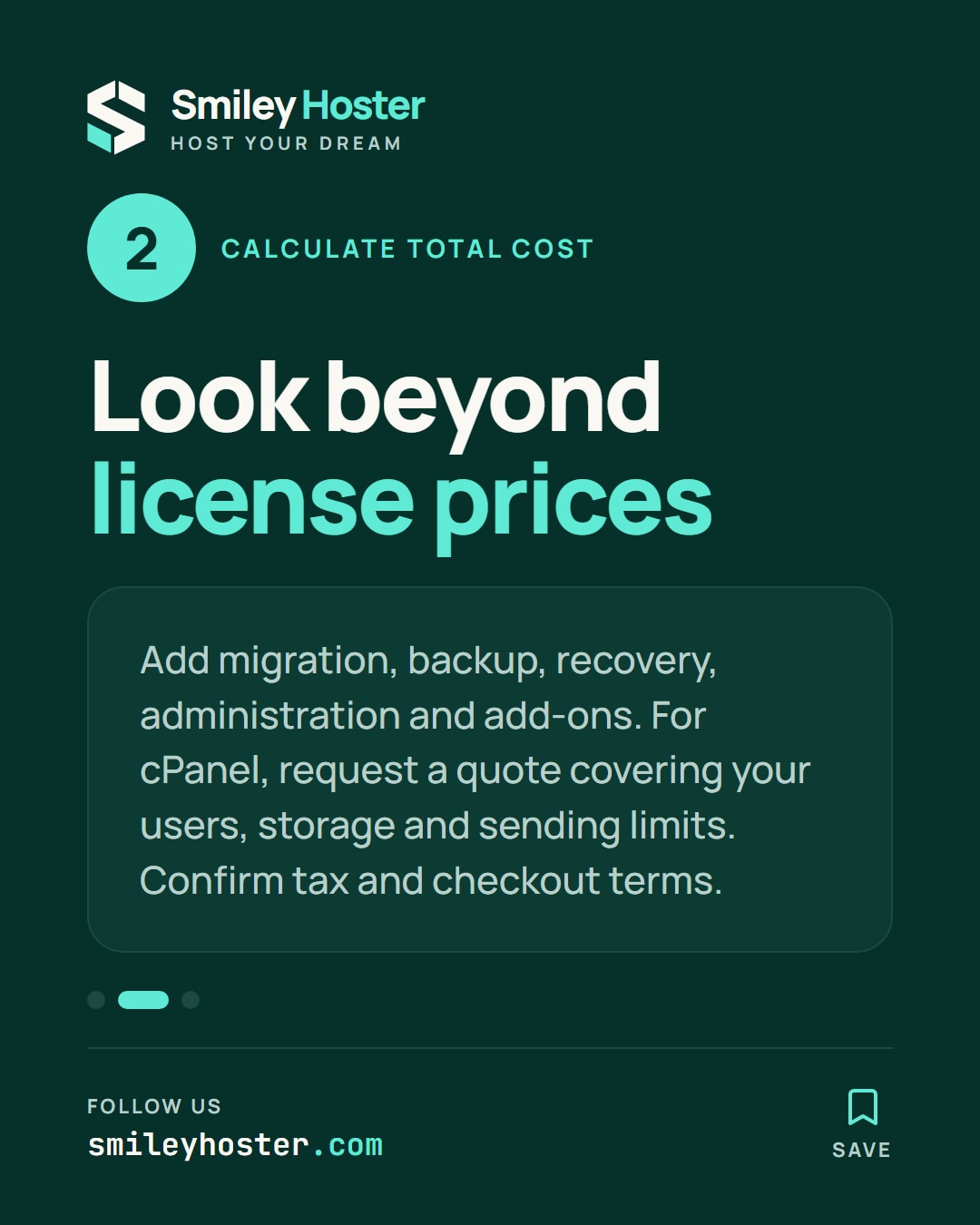
2. Calculate the license floor and total cost
US public list prices checked on October 10, 2026, in USD. This calculation excludes promotions and tax: Basic with Teams is $7.00/user/month paid yearly; Starter is $7.00 with an annual commitment. Confirm local availability, tax and checkout terms before purchasing.
| Users | Basic monthly equivalent / annual | Starter monthly equivalent / annual |
|---|---|---|
| 5 | $35 / $420 | $35 / $420 |
| 20 | $140 / $1,680 | $140 / $1,680 |
| 50 | $350 / $4,200 | $350 / $4,200 |
These are calculated license totals, not complete ownership costs. cPanel has no universal mailbox tariff. Obtain a quote H(N) covering your N users, required storage and sending limits.
For every option, add annual subscription, migration, backup and recovery, administration and necessary add-ons. Give providers the same requirements so omissions do not look like savings. No cPanel figure here represents an unverified Smiley Hoster offer.
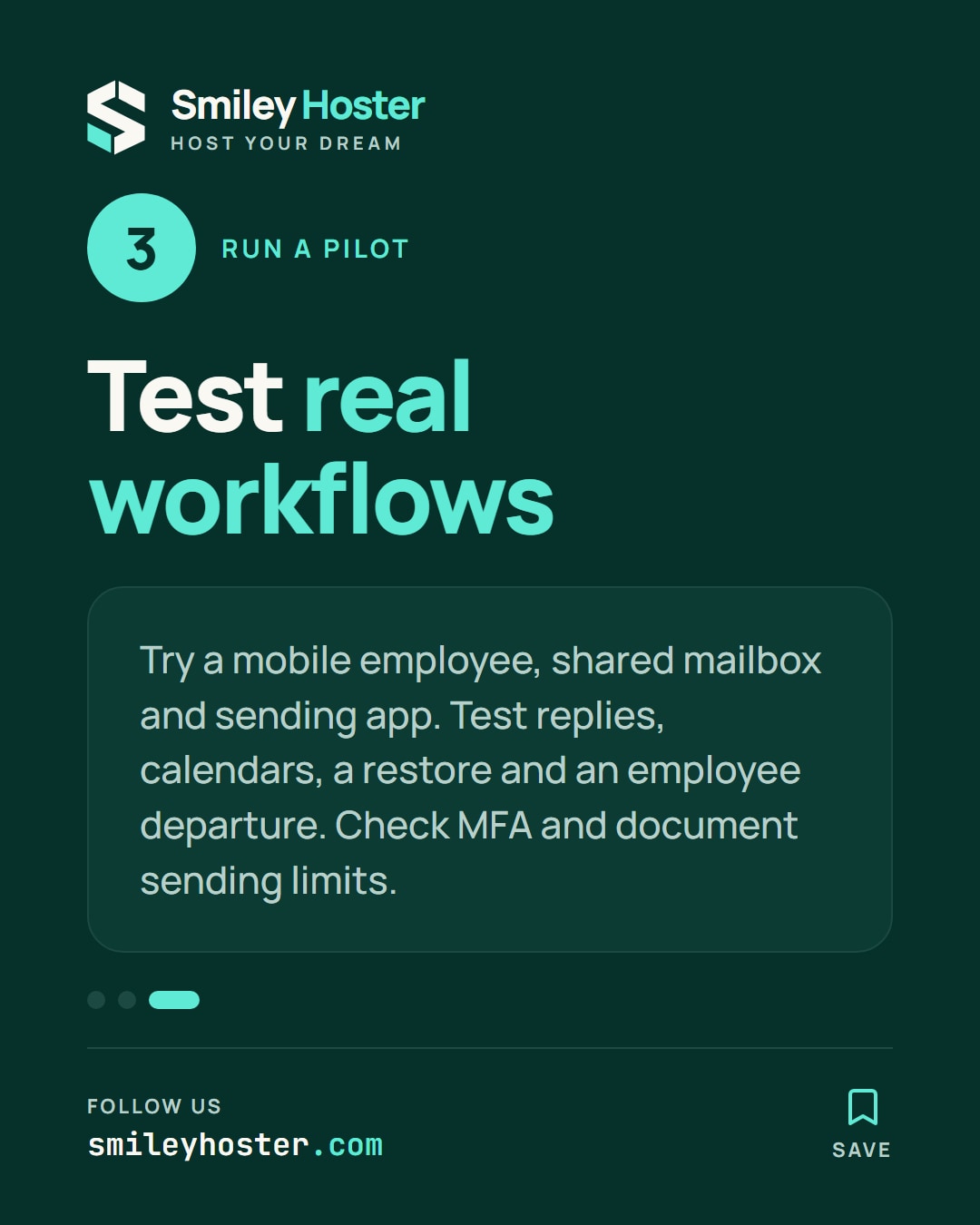
3. Let a pilot decide
Test a mobile employee, shared mailbox and sending application. Include replies, calendar work, a restore and an employee departure. Inventory current DNS before planning cutover:
dig +short MX example.comdig +short TXT example.comdig +short TXT _dmarc.example.comSending limits use different units. Workspace documents 2,000 daily messages for a standard paid account. Exchange Online lists 10,000 recipients/day and 30 messages/minute, with additional restrictions possible. Neither figure grants unlimited campaign sending. Request the cPanel provider's actual quotas.
Microsoft SMTP AUTH may be disabled by policy. Use a supported application-sending route rather than weakening organization-wide security to accommodate a printer. Evaluate IMAP reception and SMTP submission separately.
Delivery still depends on authentication, recipient expectations and reputation across all three options.
Common mistakes
Confusing file storage with mailbox capacity, omitting restore costs and budgeting against a temporary promotion can reverse an apparent saving.
FAQ
Which option wins for five people? Headcount alone cannot decide. Compare tested workflows and complete cost.
Can cPanel suit an email-only team? Assess whether its quotas, support and recovery process meet your requirements.
Final check
Approve the purchase only with a dated quote, actual headcount calculation, successful pilot, tested MFA policy and documented sending limits.
Sources: Microsoft — Business Basic, Google — Workspace, Microsoft — limites, Google — limites, Microsoft — SMTP, cPanel.
See it in our social posts
The key steps of this article, as a carousel. Follow us to catch the next ones.