

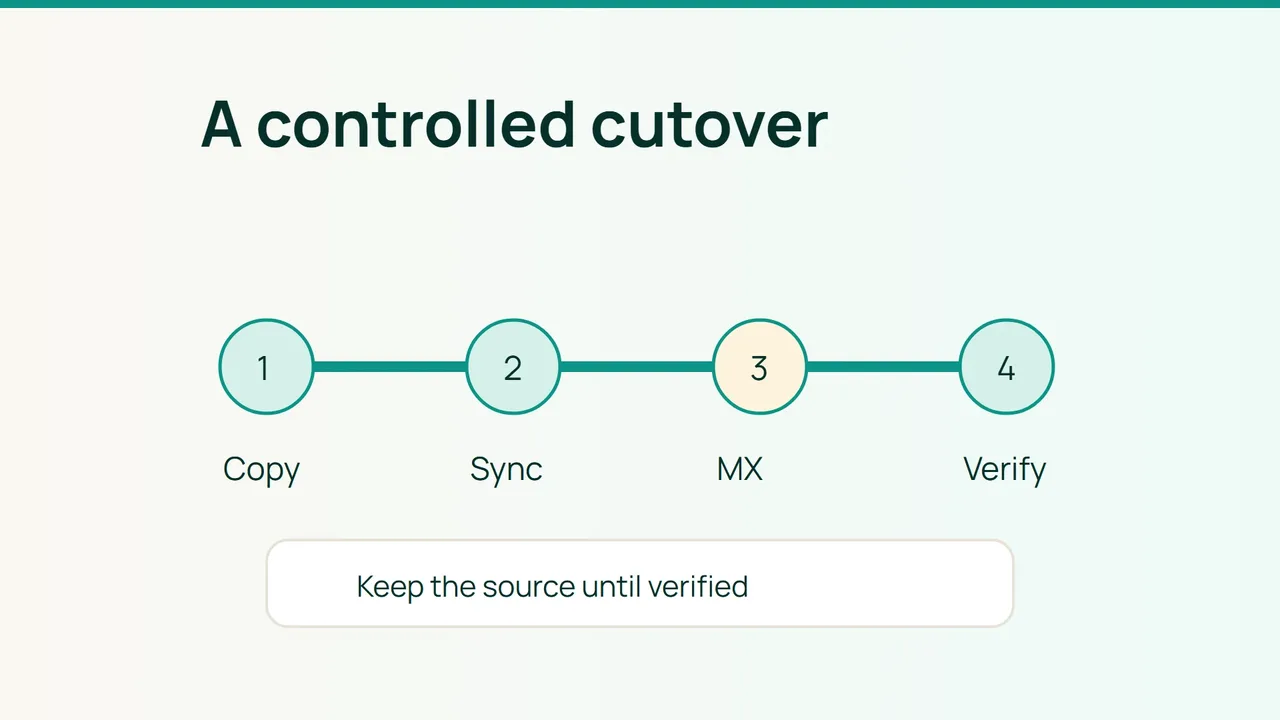
Moving hundreds of mailboxes requires evidence of completion, not a promise of zero downtime. For a 2026 migration project, use imapsync to pre-copy messages while the old service remains available, then control the cutover with per-mailbox checks.
1. Inventory before opening the migration window
Record addresses, aliases, quotas, folder structures, mailbox sizes and clients. Plan contacts, calendars, rules, signatures and delegation separately: copying IMAP messages is not a complete groupware migration.
Provision destination accounts and verify storage. Back up the source. Select pilot users with large mailboxes, accented folder names and substantial sent-mail history.
Create two operator-only password files. This Bash example targets conventional IMAP authentication; adapt the method for your providers:
chmod 600 /secure/old.pass /secure/new.passimapsync --host1 old.example.com --ssl1 --user1 user@example.com --passfile1 /secure/old.pass --host2 new.example.com --ssl2 --user2 user@example.com --passfile2 /secure/new.pass --sslargs1 SSL_verify_mode=1 --sslargs2 SSL_verify_mode=1 --dryCheck certificate trust and hostnames instead of weakening validation after an error. A dry run prepares the attempt without copying messages; it does not prove that the full mailbox will transfer successfully.
2. Run measured, restartable batches
Remove --dry after the pilot checks to perform the initial copy. Do not add deletion or expunge options. Repeat the same migration parameters to copy missing messages.
Track each mailbox's start, finish, exit status, errors, folder differences and last successful pass. Protect logs because they can reveal addresses and folder names.
Start with modest concurrency. Increase only while source and destination CPU, storage, network and provider limits allow it. A failed mailbox should remain explicitly failed rather than being hidden by an overall batch completion message.
Compare folder coverage, volume and sampled messages, including attachments, dates and flags. Raw message counts are insufficient where providers represent virtual folders differently. Explain every known difference before proceeding.
3. Switch routing and reconcile residual delivery
Lower DNS TTL early enough for the previous value to expire. Temporarily authorize both legitimate sending systems in one SPF record, prepare destination DKIM and preserve DMARC alignment.
After validating the new server, an illustrative MX change is:
example.com. 300 IN MX 10 new.example.com.dig +short MX example.comdig +short TXT example.comdig +short TXT _dmarc.example.comMove clients to the destination and run another differential pass. Keep the old service reachable for senders with cached routing, repeating synchronization until observations show residual arrivals have stopped.
Test external receipt, SMTP sending, replies and IMAP login. Do not retain an old backup MX without a deliberate routing design; it could continue accepting mail independently.
Common mistakes
Closing the source too early, enabling deletion propagation and overlooking sent messages created during transition can cause avoidable gaps.
FAQ
Can the project guarantee no interruption? No. Announce a support window and provide user assistance.
Is restoring the old MX enough to roll back? No. Reconcile messages already received at the new service as well.
Final check
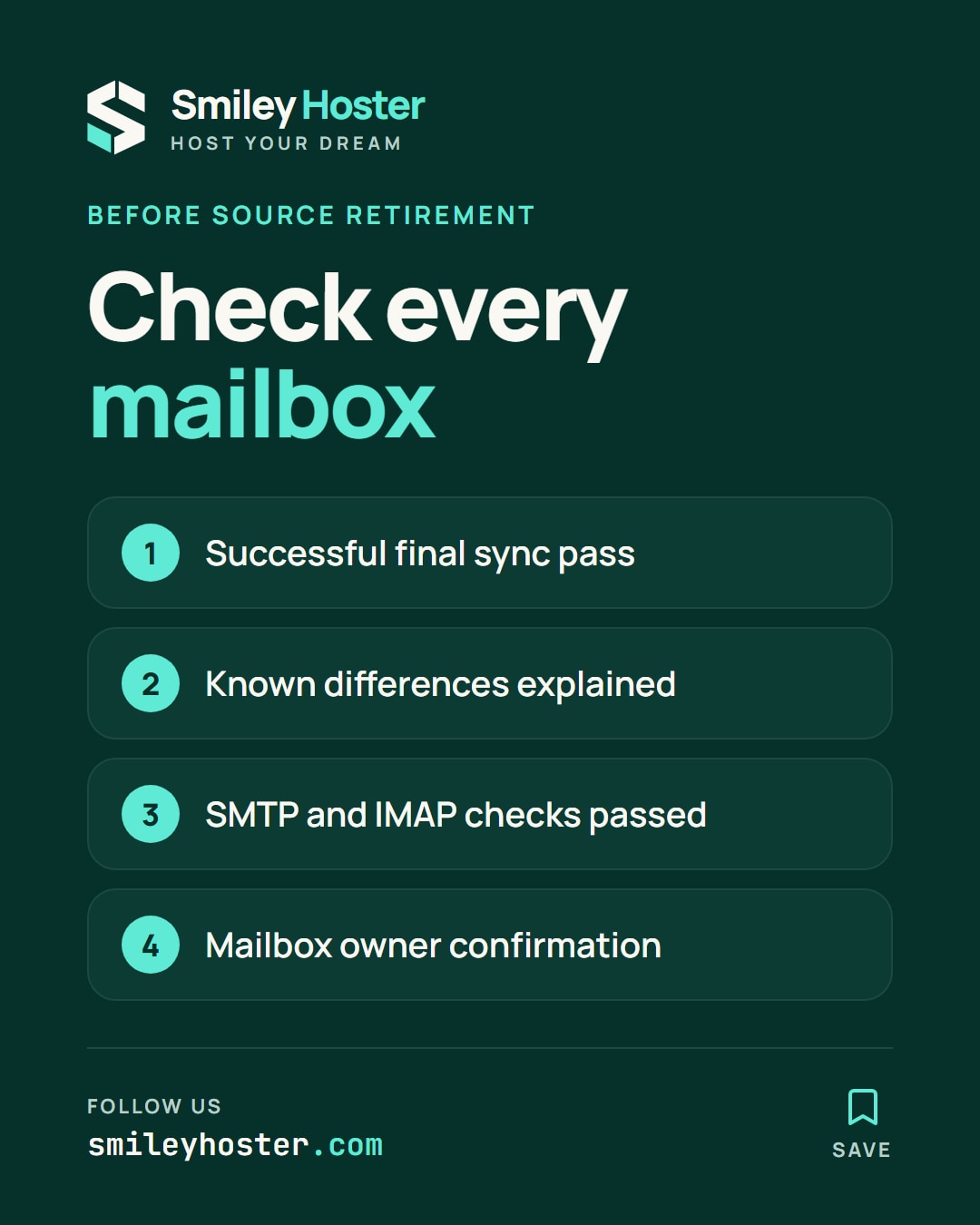
Retire the source only when every mailbox has a successful final pass, explained differences, SMTP/IMAP acceptance results and owner confirmation.
Sources: imapsync, imapsync — options.

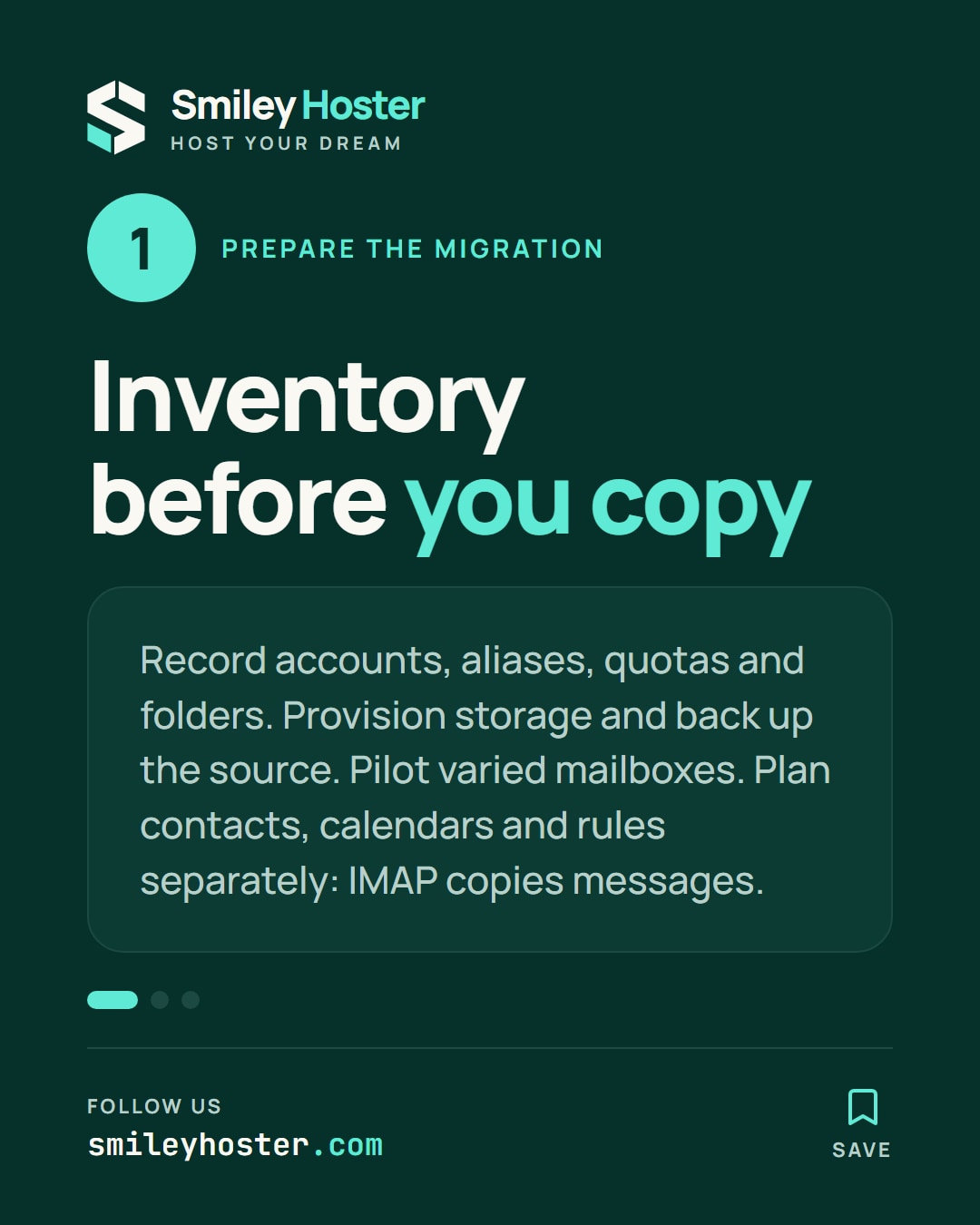
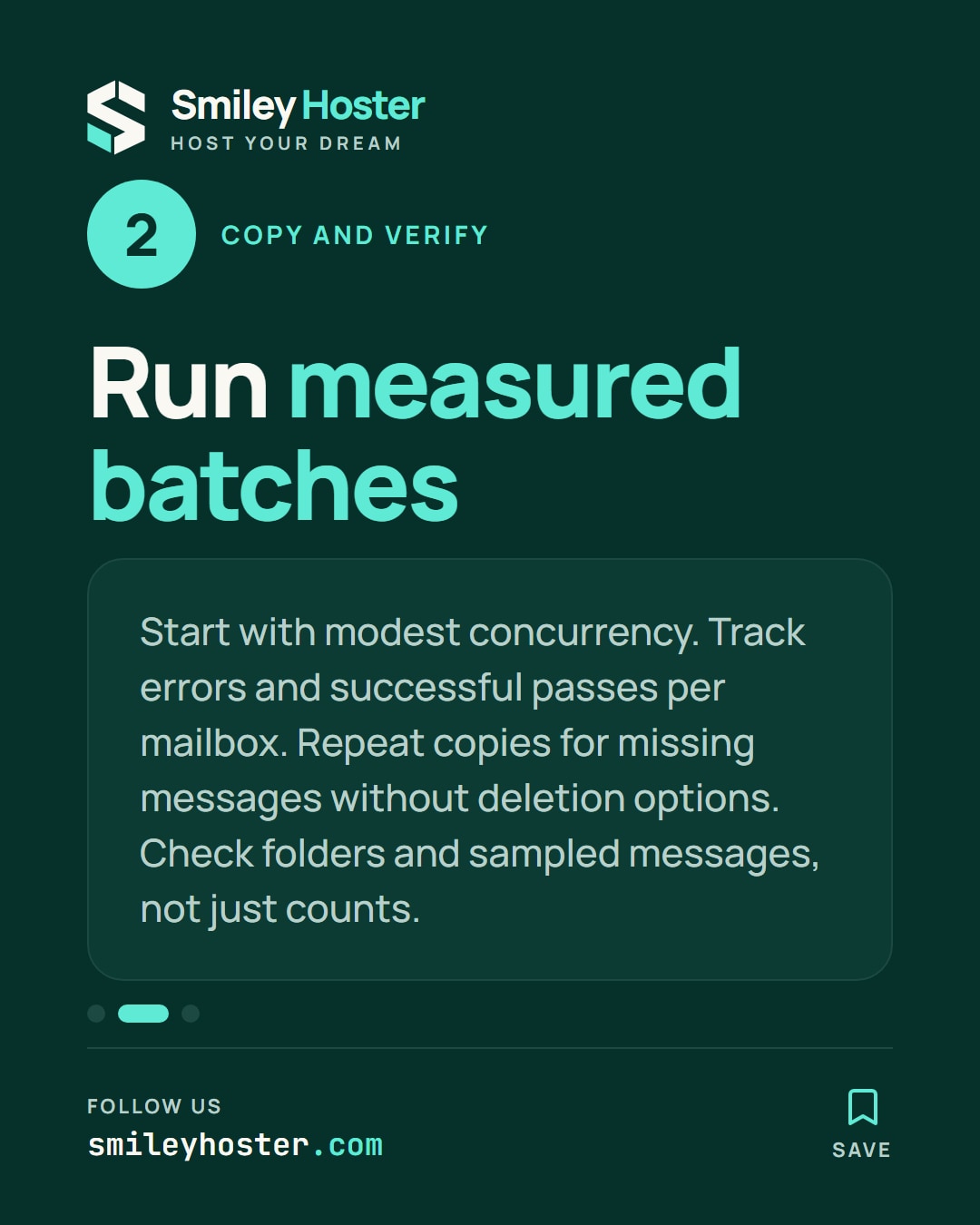
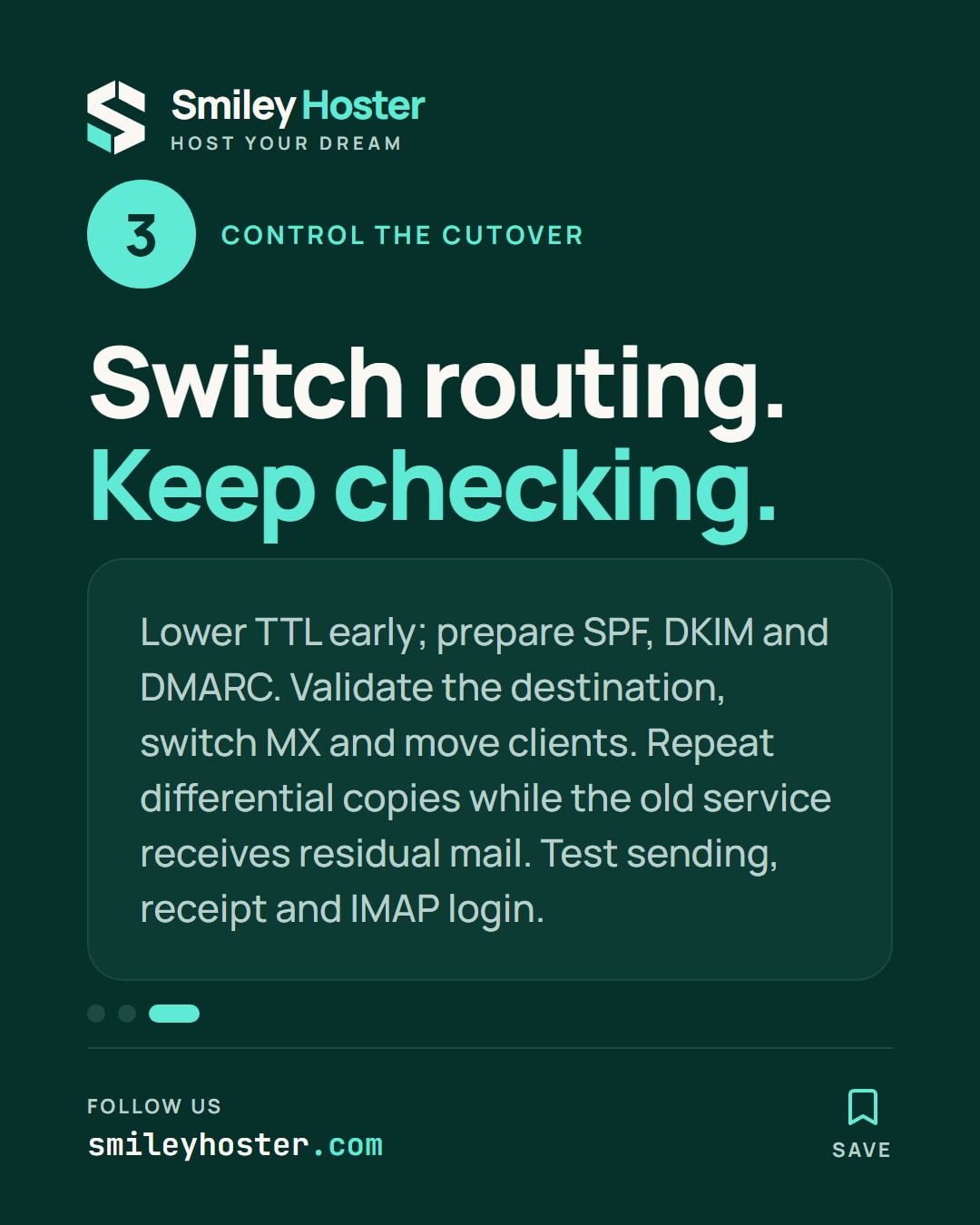
See it in our social posts
The key steps of this article, as a carousel. Follow us to catch the next ones.