

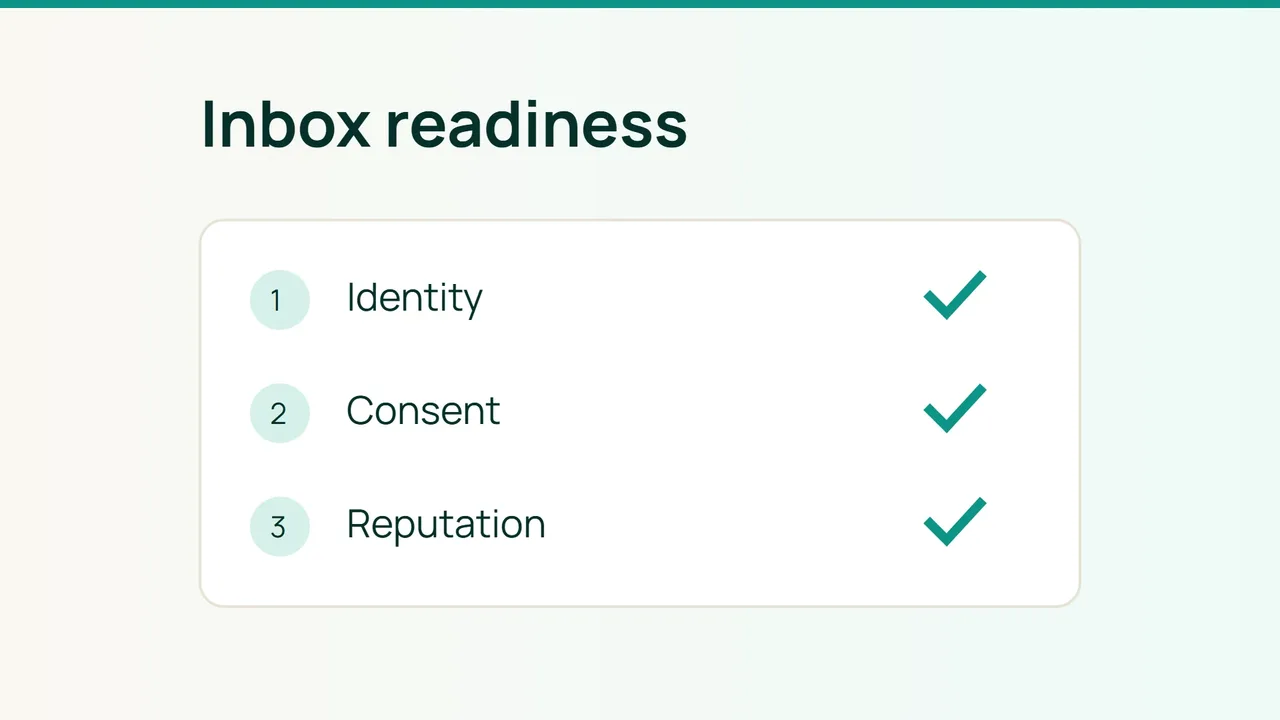
Your mail server can accept a message successfully while the recipient files it as spam. With Microsoft's refreshed SNDS portal in 2026, this is a useful time to build a repeatable delivery acceptance check for business mail.
1. Give every sending stream an owner
Inventory employee mail, billing applications and newsletters separately. Record the visible From domain, sending service, IP addresses and expected daily volume. Include outsourced CRM and support systems.
| Recipient service | Authentication checkpoint |
|---|---|
| Personal Gmail | SPF or DKIM for all senders; SPF, DKIM and DMARC for bulk volumes around 5,000/day |
| Consumer Outlook.com | Above 5,000/day: SPF, DKIM, DMARC at least none, plus alignment |
| Yahoo | Check authentication, complaints and the additional bulk-sender rules |
Consumer Outlook requirements are not a universal policy for every Microsoft 365 tenant. Yahoo's detailed documentation could not be opened during this review; check Sender Hub before approving a Yahoo campaign.
Replace the sample domain, selector and documentation-only IP:
dig +short TXT example.comdig +short TXT s1._domainkey.example.comdig +short TXT _dmarc.example.comdig -x 192.0.2.10 +shortCheck that the PTR hostname resolves back to your actual sending IP. Save these results alongside the service inventory, but do not treat DNS alone as proof that the application signs messages.
2. Run the complete recipient journey
Send one representative message from each application to consenting test recipients. Inspect its original headers for SPF, DKIM and DMARC results. For DMARC, at least one passing mechanism must align with the visible From domain.
Test newsletter opt-out as a workflow: click unsubscribe, verify suppression, then confirm the address is excluded from the next audience. Gmail's applicable bulk marketing rules require both visible opt-out and one-click unsubscribe headers. Have your sending platform implement the POST endpoint; a preferences page alone is insufficient.
Record a failed test as a release blocker for that stream. Do not mix promotions into operational messages just to bypass subscription handling.
3. Watch reputation during a controlled ramp
Use Google Postmaster Tools for authentication, domain/IP reputation and complaints. Google's recommended spam rate is below 0.1%, avoiding 0.3% or more. SNDS provides IP data and integrates Microsoft's JMRP complaint feedback. Request access for IPs you control; ask your provider for help with shared infrastructure.
Build a daily sheet covering attempted messages, temporary deferrals, permanent failures, complaints and placement in test accounts. Grow one stream at a time so that a deterioration has an identifiable cause.
Common mistakes
Buying contacts, replacing domains to escape complaints and equating SMTP acceptance with inbox placement undermine this process.
FAQ
Does passing DMARC guarantee inbox placement? No. Authentication is one input to delivery decisions.
Does an empty dashboard prove everything works? No. Compare available provider data with your own logs and recipient tests.
Final check
Approve the next sending increase only when every stream has a named owner, a saved test message, authentication evidence and a pause procedure. Verify the marketing opt-out path end to end.
Sources: Google, Microsoft sender requirements, Microsoft SNDS.