

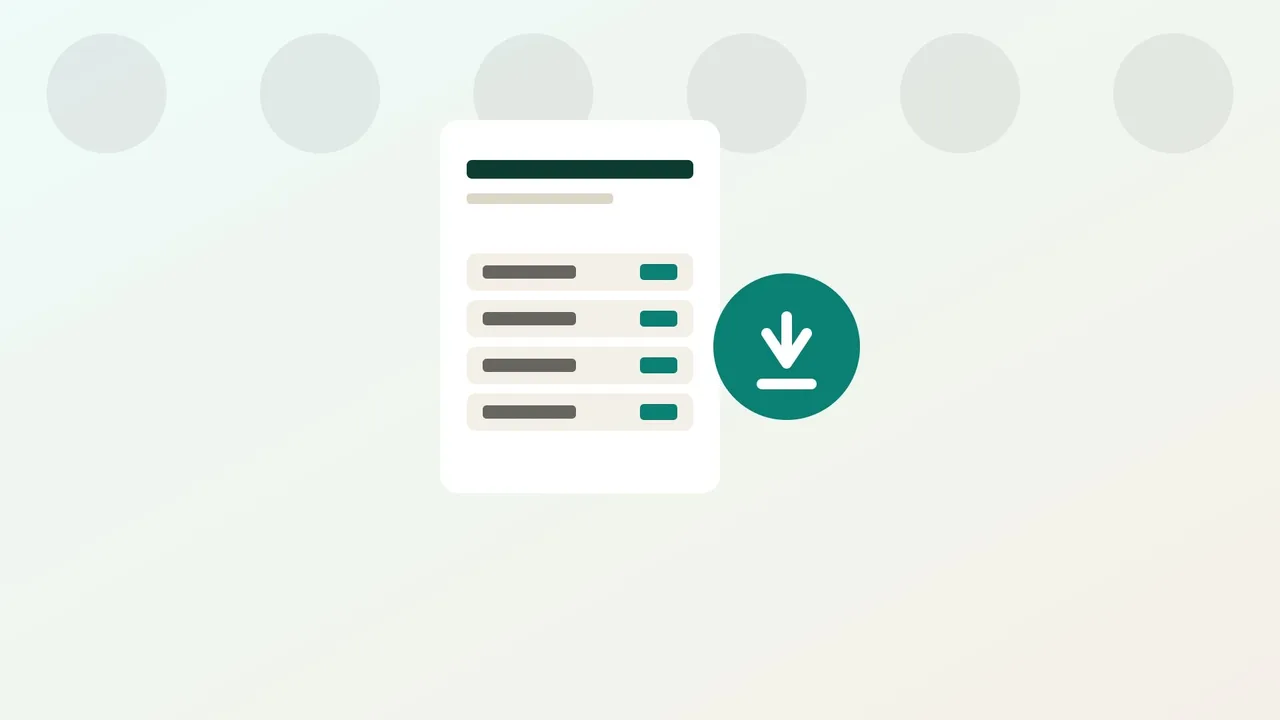
Your hosting invoices live in your client area as paid orders: each line shows a reference, an amount and a downloadable receipt. Here is how to find them and what each line actually means.
1. Open your invoice list
In your client area, the Invoices section lists every order that has already been paid: shared hosting, WordPress hosting, VPS, dedicated server or domain name. Each line shows a reference (prefixed FAC-), the related service, a date and an amount in Moroccan dirhams (MAD), taxes included.
This date is the order's payment date, not the start or end of a subscription period: to check a service's next due date, look at your orders list rather than this single date.
If the section says invoicing is not available yet, check back later: no invoice can be downloaded until this feature is active on your account.
2. Download the receipt
Each line has a Download button that opens the PDF document for that order directly. Keep it together with the order confirmation you received by e-mail: one is for your own accounting, the other is proof of the payment you sent.
Example: you renew your shared hosting Pro plan for one year. Once payment is confirmed, the order appears in the list with its total amount (see pricing), and the downloadable PDF serves as a receipt for your own bookkeeping.
3. Understand the amount shown
Prices shown on the site and on your invoices are in Moroccan dirhams, taxes included: no separate tax line is added. An invoice's amount therefore matches exactly the total confirmed when you ordered, whether that is a discounted first term or a renewal at the standard rate.
FAQ
Can I get an invoice for an order that is still awaiting payment?
No. Only orders that have already been paid appear in the invoice list. An order still being checked, in particular after a bank transfer, does not appear there yet.
Does the downloaded document break out VAT separately?
Smiley Hoster prices are quoted with all taxes included: the document shows the total amount paid, without a separate breakdown.
What if an invoice looks missing or incorrect?
Contact support through the Contact page with the order reference: the team checks the payment history linked to your account.