

There is no "cancel" or "modify" button in the client area for an order being processed: what to do depends on when you act, before or after payment.
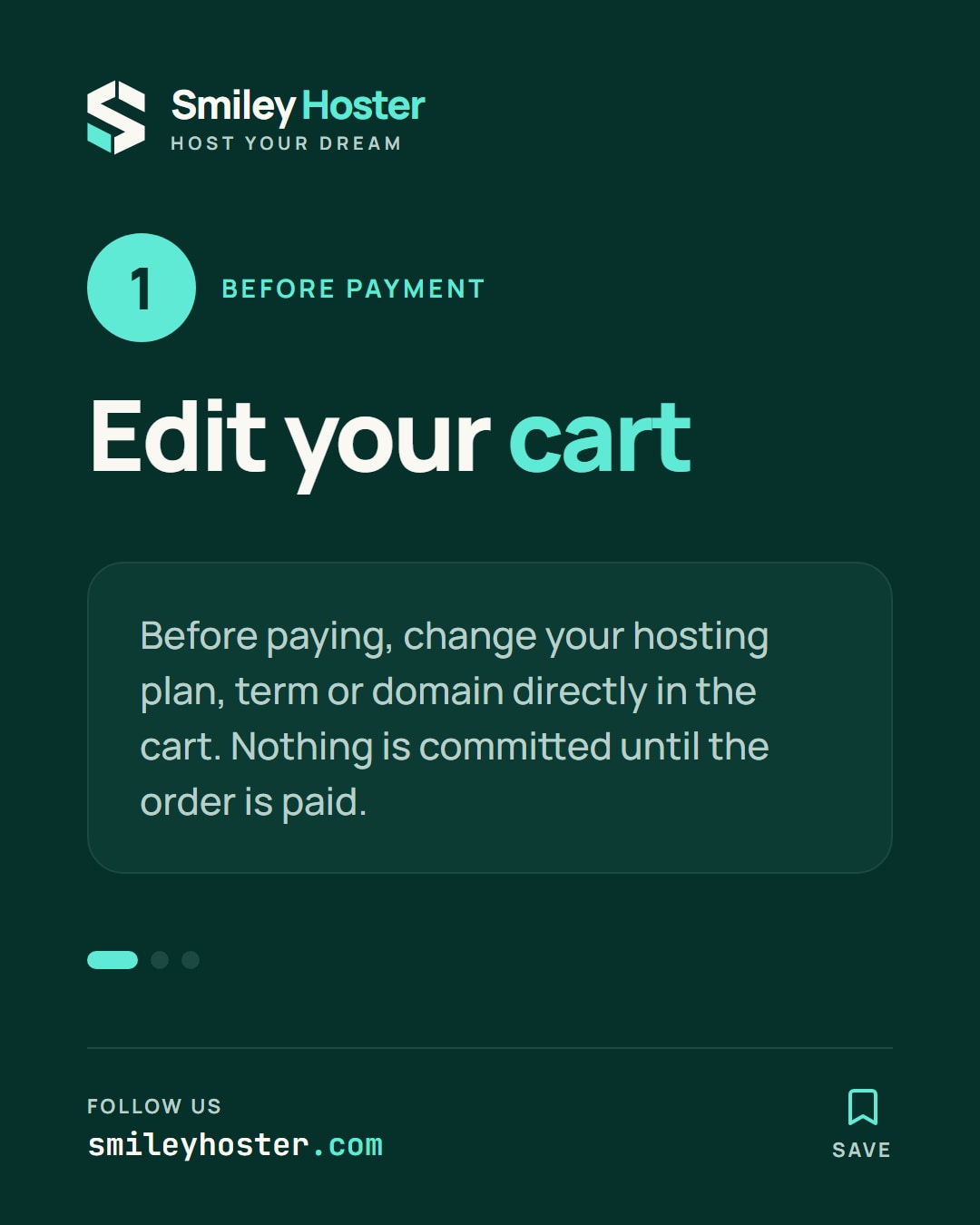
1. Before paying: change the cart freely
As long as an order is not paid, nothing is committed: change the plan, term or domain directly in the cart, on the Shared hosting, WordPress hosting, VPS or Domain names pages.
2. After payment, while it is being processed
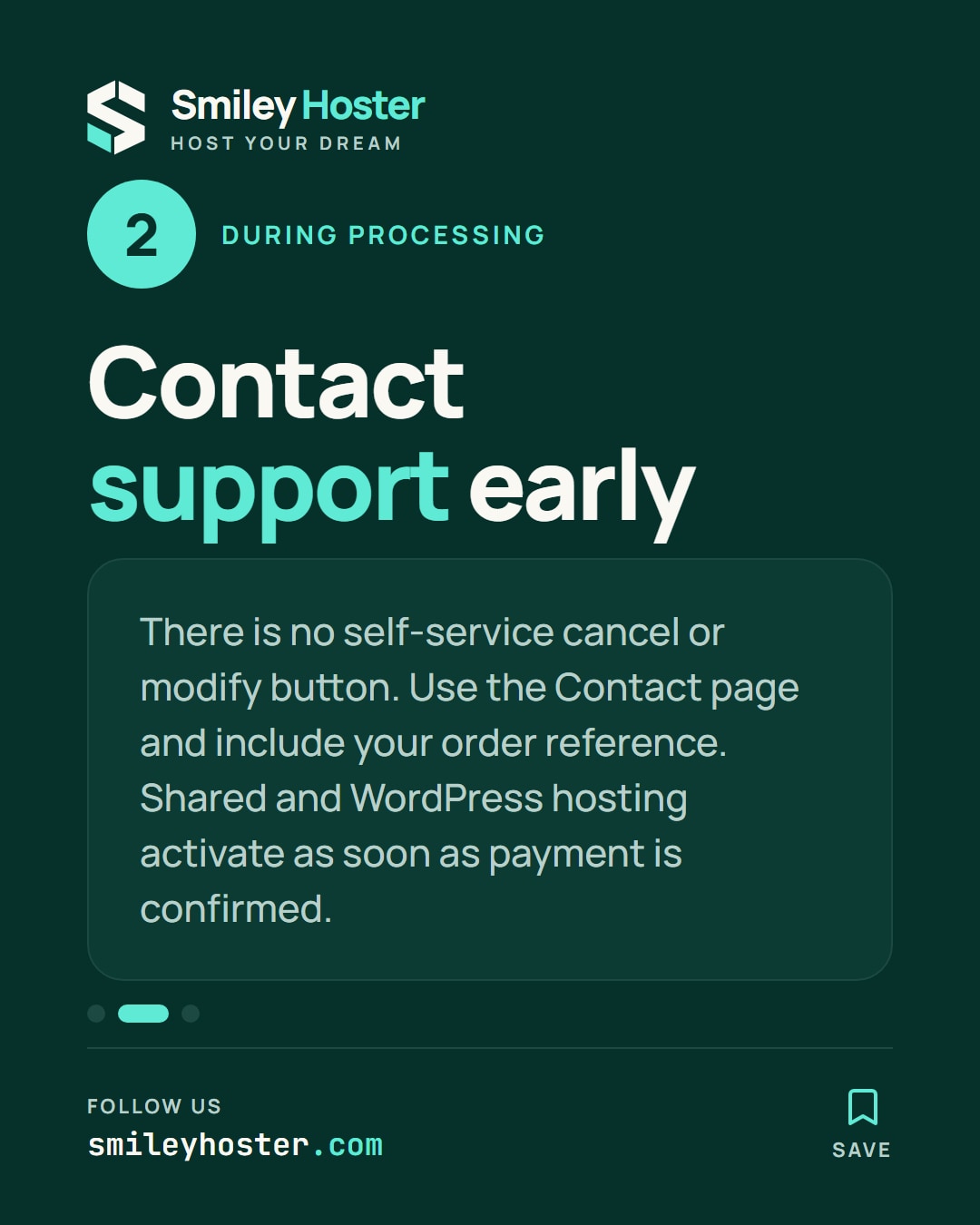
An order shows a Received status as long as payment is not confirmed by Smiley Hoster, in particular for a bank transfer checked manually by the team. At this stage, the order page only shows an informational message, with no self-service action: to request a change or cancellation before the service is set up, contact support from the Contact page with the order reference, as early as possible.
Shared or WordPress hosting activates immediately once payment is confirmed: the window to act before it goes live is therefore very short. A VPS is delivered within 30 minutes, a dedicated server within 24 business hours: the window is a little wider for these services.
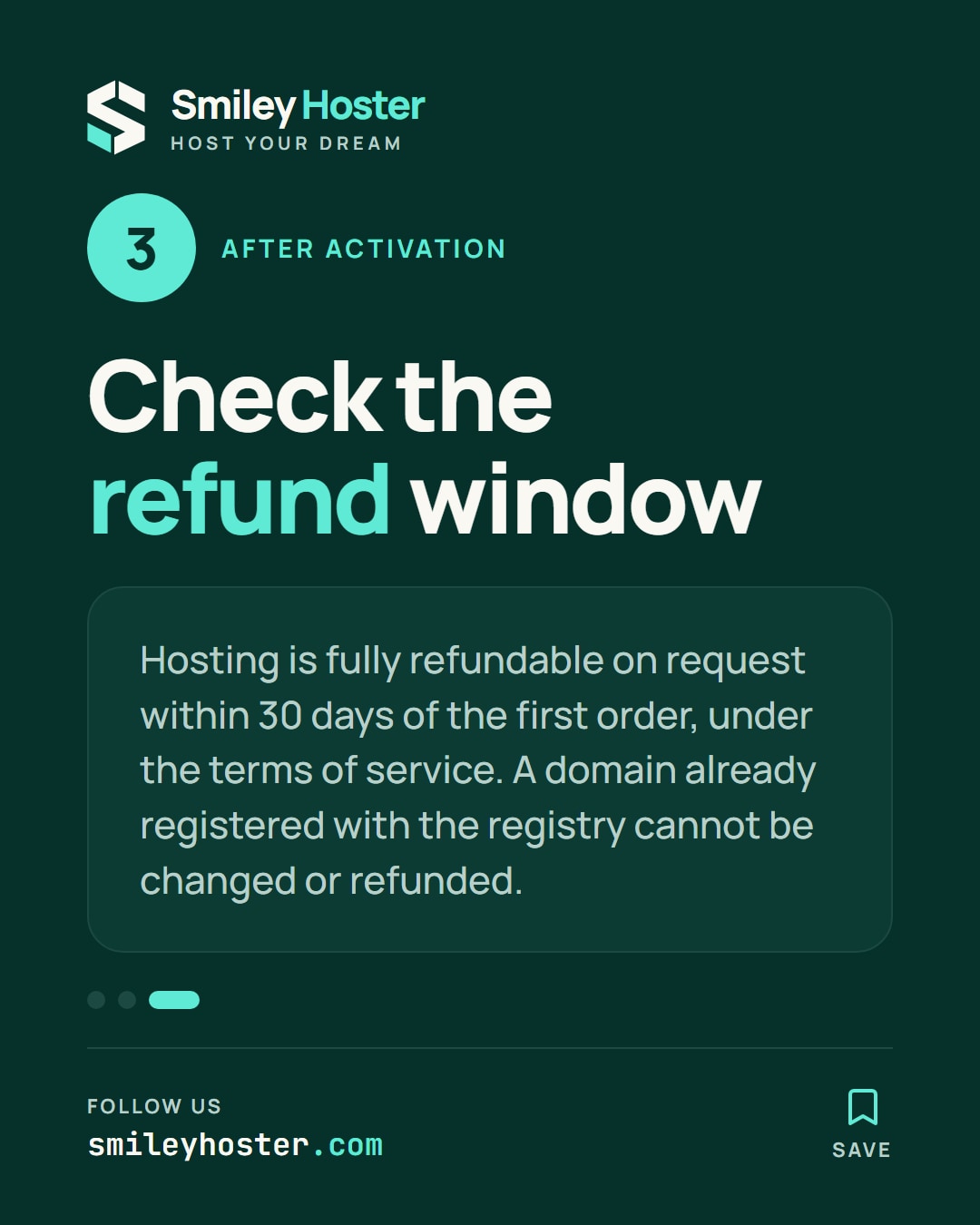
3. After activation: the 30-day refund
If the service is already active, hosting (shared, WordPress, VPS or dedicated) remains fully refundable on request within thirty days of the first order, under the terms of service. A domain name, once registered with the registry, is not refundable.
To change plans instead of cancelling, see how to calculate the prorated cost of a plan change.
FAQ
Can I cancel an order myself from the client area?
No, there is no self-service cancel button: the request goes through support, from the Contact page.
Does the 30-day refund apply to domain names?
No, a domain name already registered with the registry is not refundable, unlike hosting plans.
Can I change the domain after paying for hosting with a free domain?
Contact support with the order reference before the domain is registered: once registration with the registry is done, it can no longer be changed or refunded.
See it in our social posts
The key steps of this article, as a carousel. Follow us to catch the next ones.