

A VPS or dedicated server shows a starting price, but the actual bill also depends on the chosen term, the renewal rate and any options added. Here is how to read a VPS or dedicated server bill in detail.
1. The starting price is not the renewal price
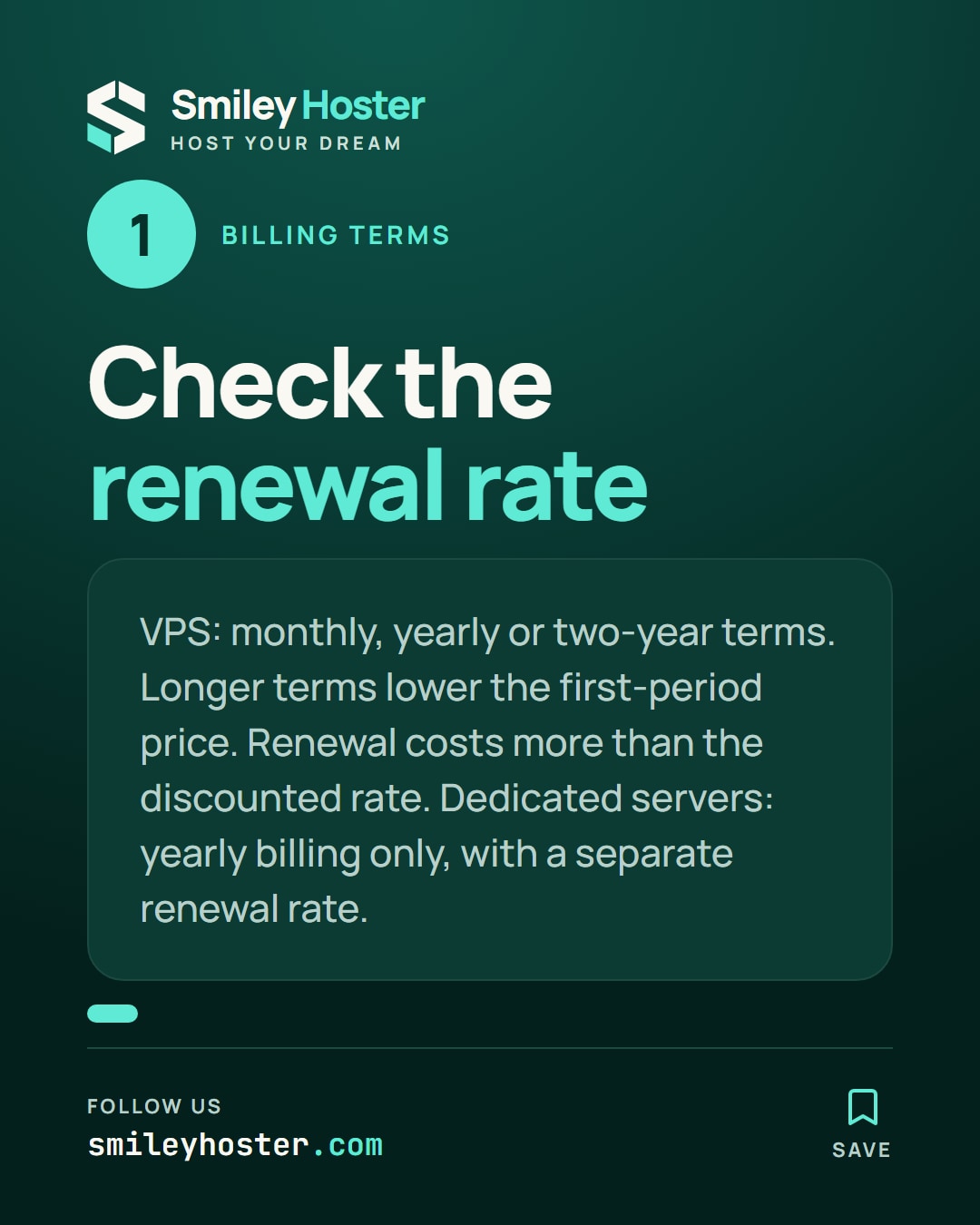
VPS plans are ordered for one month, one year (−12%) or two years (−16%): the longer the term, the lower the first-period price, but the renewal price, shown before payment on the plan's page, stays higher than the initial discounted rate. Compare both amounts on the VPS page before choosing a term.
Dedicated servers are billed yearly only: the price shown is for a one-year commitment, with a separate renewal rate shown on the Dedicated servers page.
2. What is included in the listed price
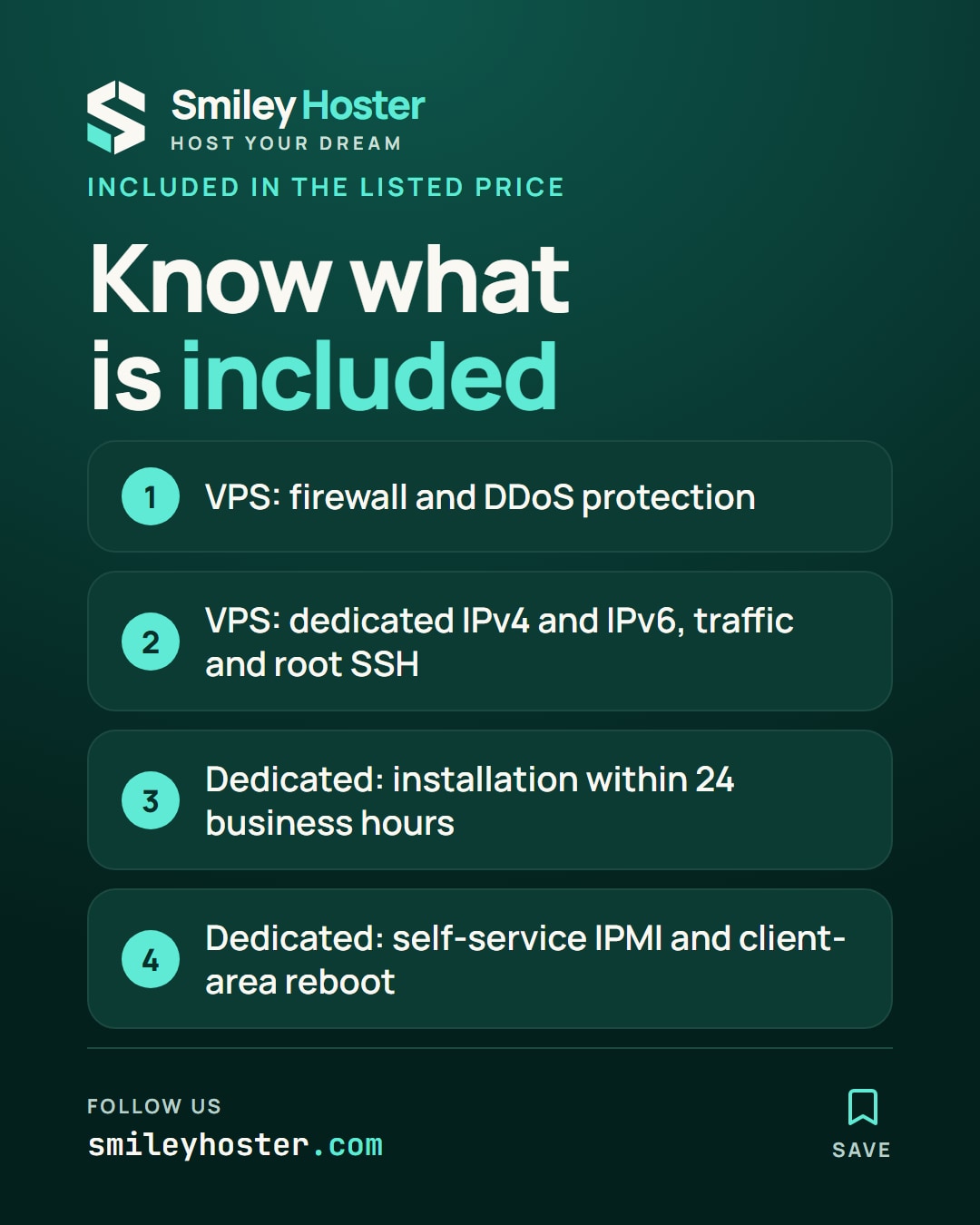
For a VPS, the listed price includes the firewall, DDoS protection, a dedicated IPv4 and IPv6 address, traffic and full root SSH access. For a dedicated server, installation within 24 business hours, self-service IPMI console and reboot from the client area are included in the yearly price.
3. Options billed separately
Two options come up often on a VPS:
| Option | Billing |
|---|---|
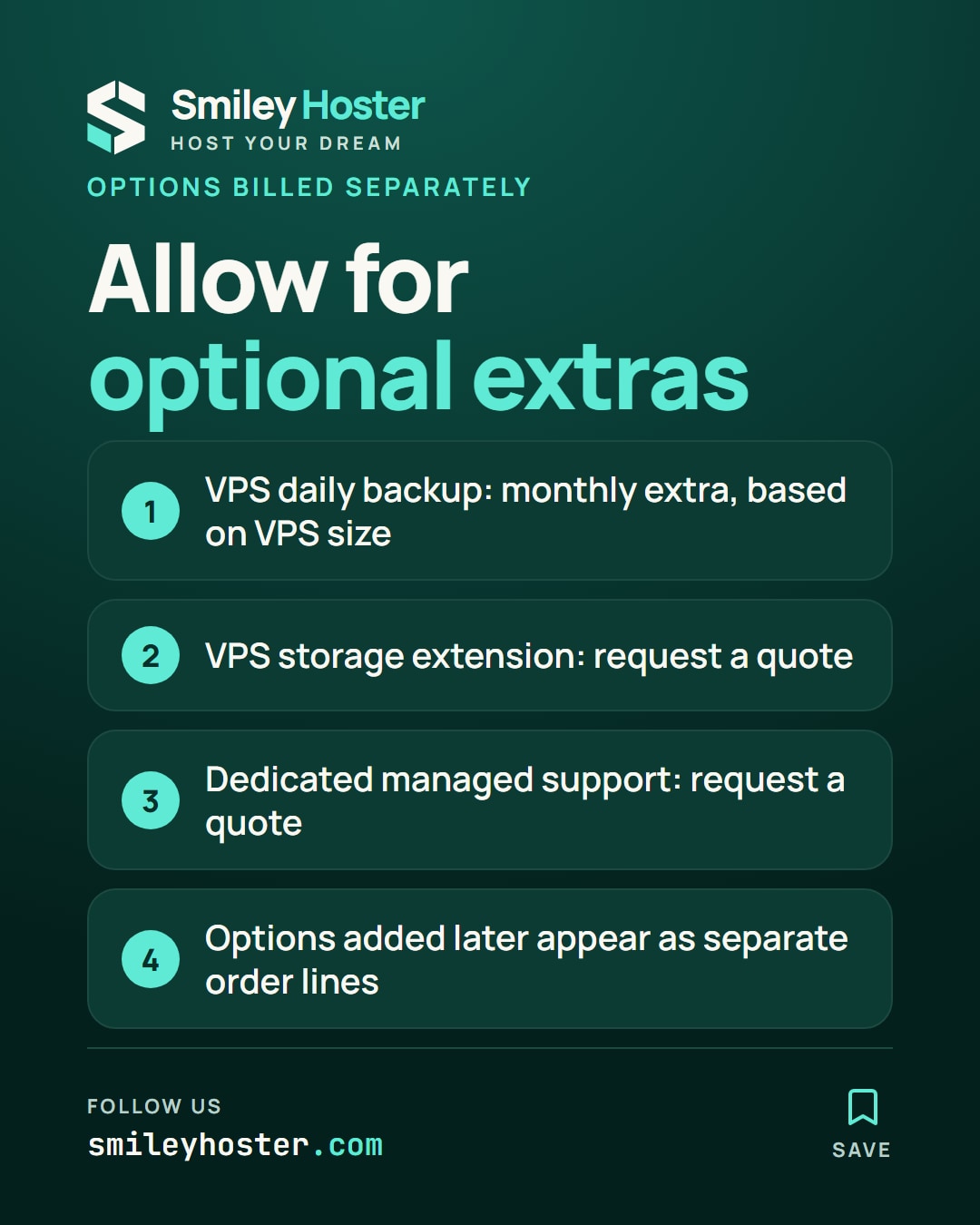
| Daily automatic backup | Extra monthly amount, varying with the VPS size |
| Storage extension | Quote-based, requested from the team |
Example: adding automatic backup to an entry-level VPS adds a monthly amount separate from the base price, shown on the VPS page when ordering. On a dedicated server, managed support (infogérance) is also offered as an option, quote-based with the team rather than at a catalog rate.
FAQ
Does the listed VPS price include automatic backup?
No, it is an extra option billed monthly, with the amount depending on the chosen VPS size.
Can a dedicated server be paid monthly?
No, dedicated servers are billed yearly; only the equivalent monthly amount is shown for information on the Dedicated servers page.
How can I get the exact price of a storage extension or managed support?
These options are quote-based: contact the team from the Contact page with your current configuration.

See it in our social posts
The key steps of this article, as a carousel. Follow us to catch the next ones.