

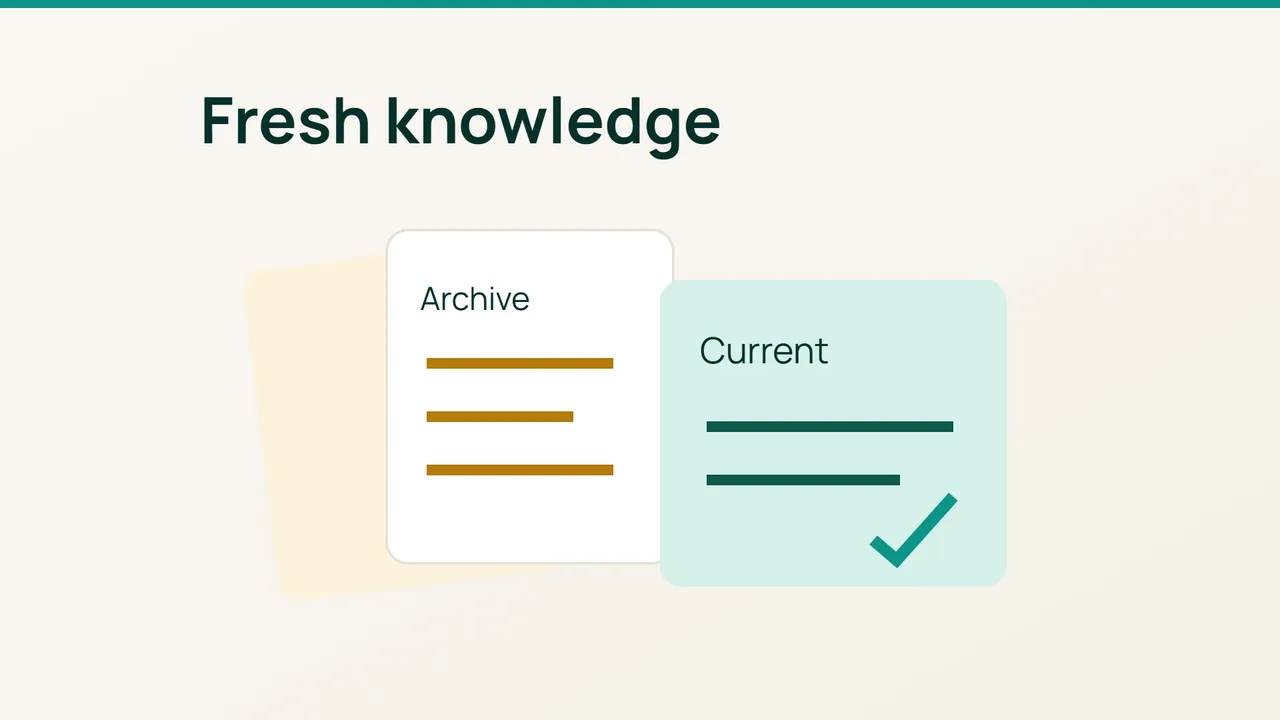
The help page is current, yet the chatbot still gives yesterday’s instructions. SmileyHoster's account includes AI use with internal context; this guide applies that idea to a specific maintenance task: following a changed fact all the way from its source to a fresh answer.
1. Locate the old instruction
Choose one concrete change, such as a revised navigation path for a setting. Identify the approved source page, its language and its review date. Search the materials actually supplied to the assistant for the previous wording: imported files, exports, FAQ entries and duplicated pages.
If your application retrieves passages from an index before generating an answer, treat that index as a separate checkpoint. Editing a website does not prove that an import has run. Establish who owns the integration, where its source documents live and what triggers an update.
Create a change record containing the document identifier, old version, replacement version and intended operation. Avoid deleting an entire collection to update one instruction. Preserve historical records somewhere that does not feed the current answering workflow.
2. Check the retrieval layer
Run the update through your tool’s documented import process and inspect its outcome. Search for the new instruction using several phrasings. Where retrieved passages are visible, confirm that they come from the approved version and that an obsolete duplicate is no longer returned.
Check each language independently. Updating the French page does not establish that the English source changed too. Inspect related material as well: an introductory tutorial may repeat the old path even after the main FAQ has been corrected.
A manual check record can be simple:
Document: setting-helpExpected version: approved revisionOld passage retrieved: yes / noNew passage retrieved: yes / noLanguage checked: fr / enThese are worksheet fields, not configuration keys for a particular product. Use the identifiers exposed by your own integration and attach enough evidence for another person to repeat the check.
3. Ask a genuinely fresh question
Start a new conversation and ask the relevant question without providing the replacement answer in your prompt. Request a source if your assistant supports citations. Check the actual instruction, the language and whether any detail from the old version remains.
If retrieval is correct but the answer is stale, examine other inputs: fixed instructions, conversation history and response caches. Use the invalidation mechanism documented for your system. A global cache deletion is not a universal remedy and should not replace identifying the source of the stale content.
Save the tested questions and results, then add them to ongoing checks. Completion means that the approved information is both found and used, while the obsolete instruction no longer appears in your verification scenarios. A successful import message alone is only one part of that evidence.