

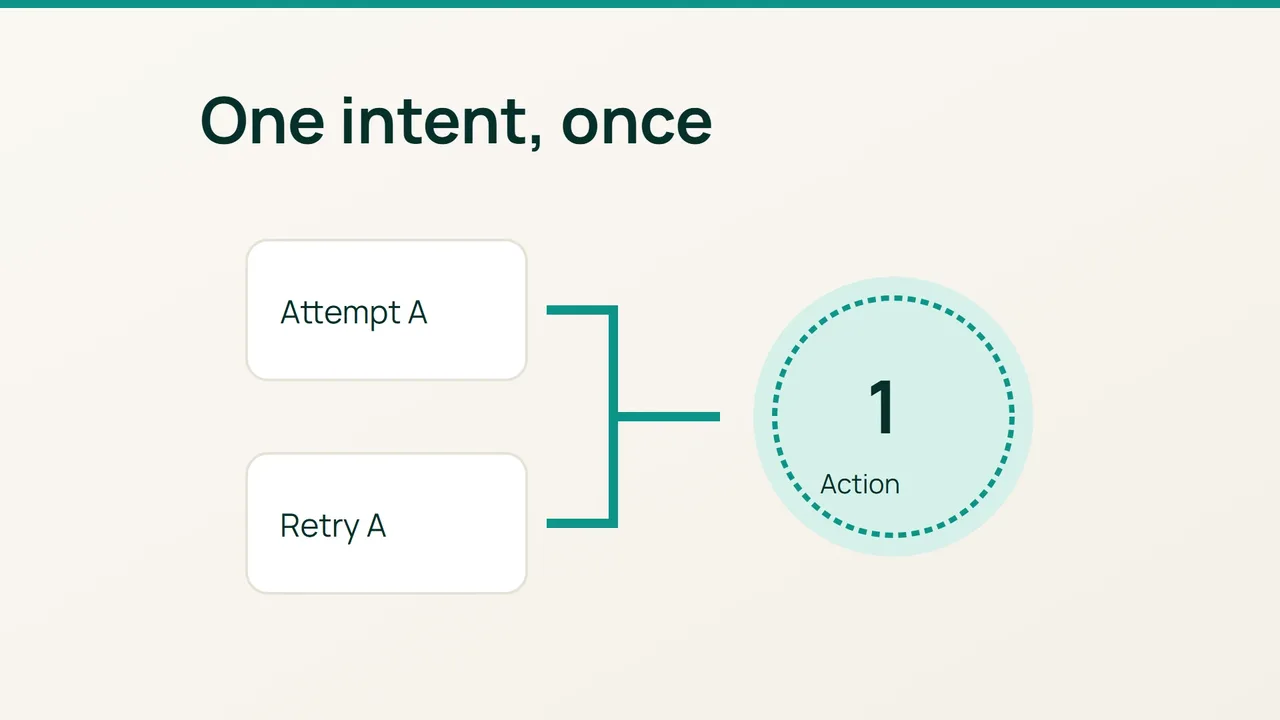
Your agent asked a service to create a support ticket, but the request timed out. Vultr describes tool calls as part of AI workflows; this guide addresses the practical retry problem when the application does not yet know whether an action succeeded.
1. Identify state-changing operations
List the agent’s tools and distinguish reads from actions such as creating tickets, sending notifications or recording requests. For each action, identify the system that stores the result and how your application can find that result later.
A timeout establishes that your application did not receive a timely response. It does not establish that the remote operation never happened. Track three outcomes explicitly: confirmed success, confirmed failure and unknown result. Do not automatically turn the third state into permission to repeat the action.
Define a single user intent. Two attempts to create the same ticket should be associated, while two deliberately separate tickets should remain possible. That distinction belongs in application logic rather than a fresh guess by the model on every attempt.
2. Design a controlled retry
Check whether the target service supports an idempotency key or an equivalent facility. Follow its documentation for key scope, retention and repeated-request behaviour. Adding an arbitrary header does not make an unsupported service idempotent.
Where the facility exists, preserve the same key across attempts for the same action. The application should store it durably and associate it with the remote outcome. Generating a new key for every attempt would defeat that relationship.
A tracking record could contain:
intent_id: TICKET_Aattempt: attempt numberoutcome: confirmed / failed / unknownremote_id: identifier when confirmedIf the target offers no such guarantee, design a reliable lookup for the existing action before retrying. A local ledger helps with tracking, but does not by itself prevent concurrent remote creations. When the result cannot be established reliably, suspend the retry and route it for investigation.
Keep the visitor’s message accurate throughout this process. Saying that the ticket failed when it may already exist encourages another submission and makes later reconciliation harder. Report the uncertainty using the support process appropriate for your application.
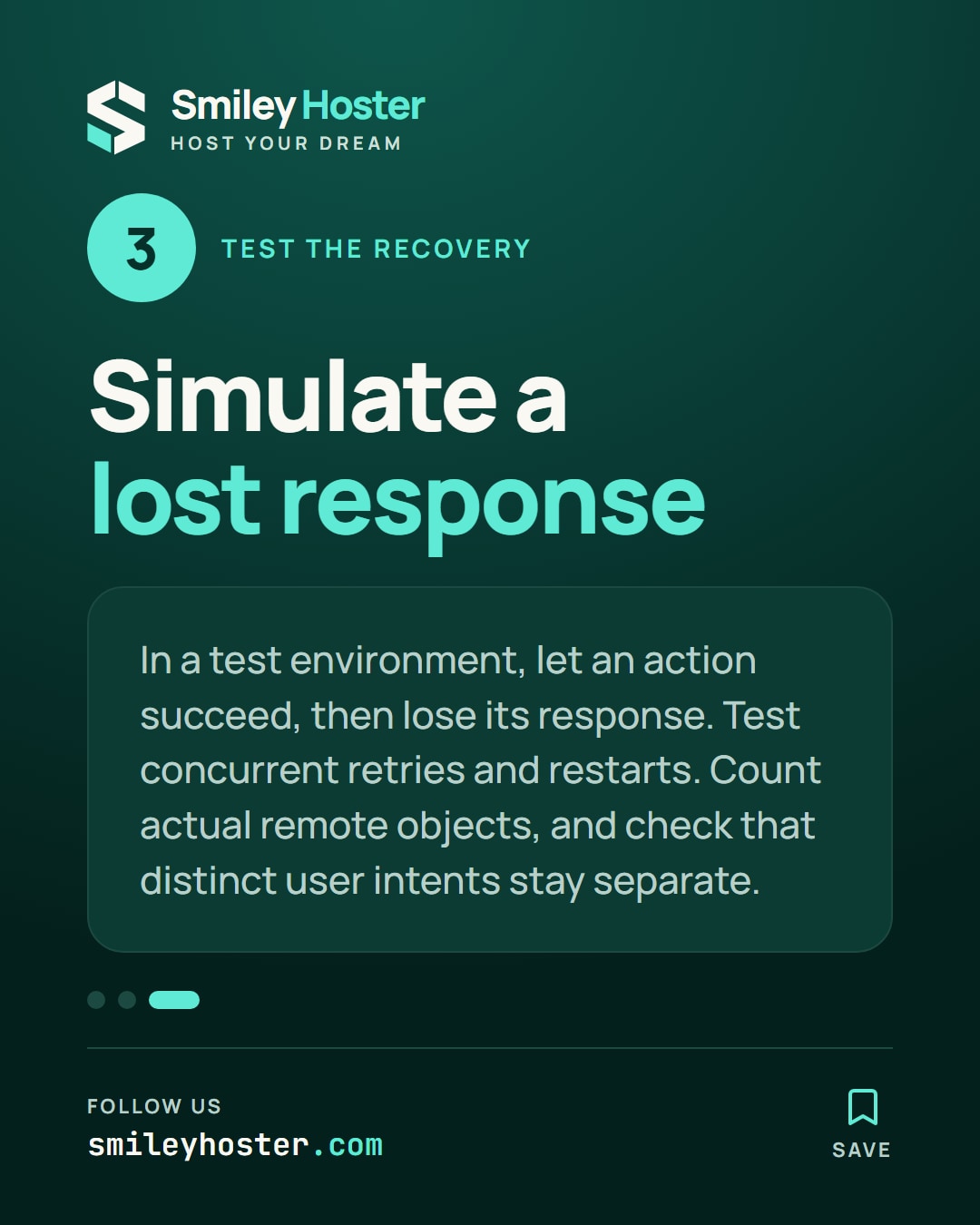
3. Test a lost response
Use a test environment without real notification recipients. Let a simulated operation succeed, then deliberately lose its response from the application’s perspective. Resume the workflow and observe whether it discovers the existing result or creates another object.
Also test concurrent attempts and a retry after an application restart. Count the actual objects in the target system instead of relying on the agent’s final message. Check that genuinely distinct user actions are not incorrectly merged.
Document the cases requiring human investigation. The desired result is one action for one intent, with an honest unknown state when confirmation is unavailable. Repeat this scenario when changing tools, retry policies or identifier storage, because each can affect whether the original intent survives a recovery.
Sources: Vultr
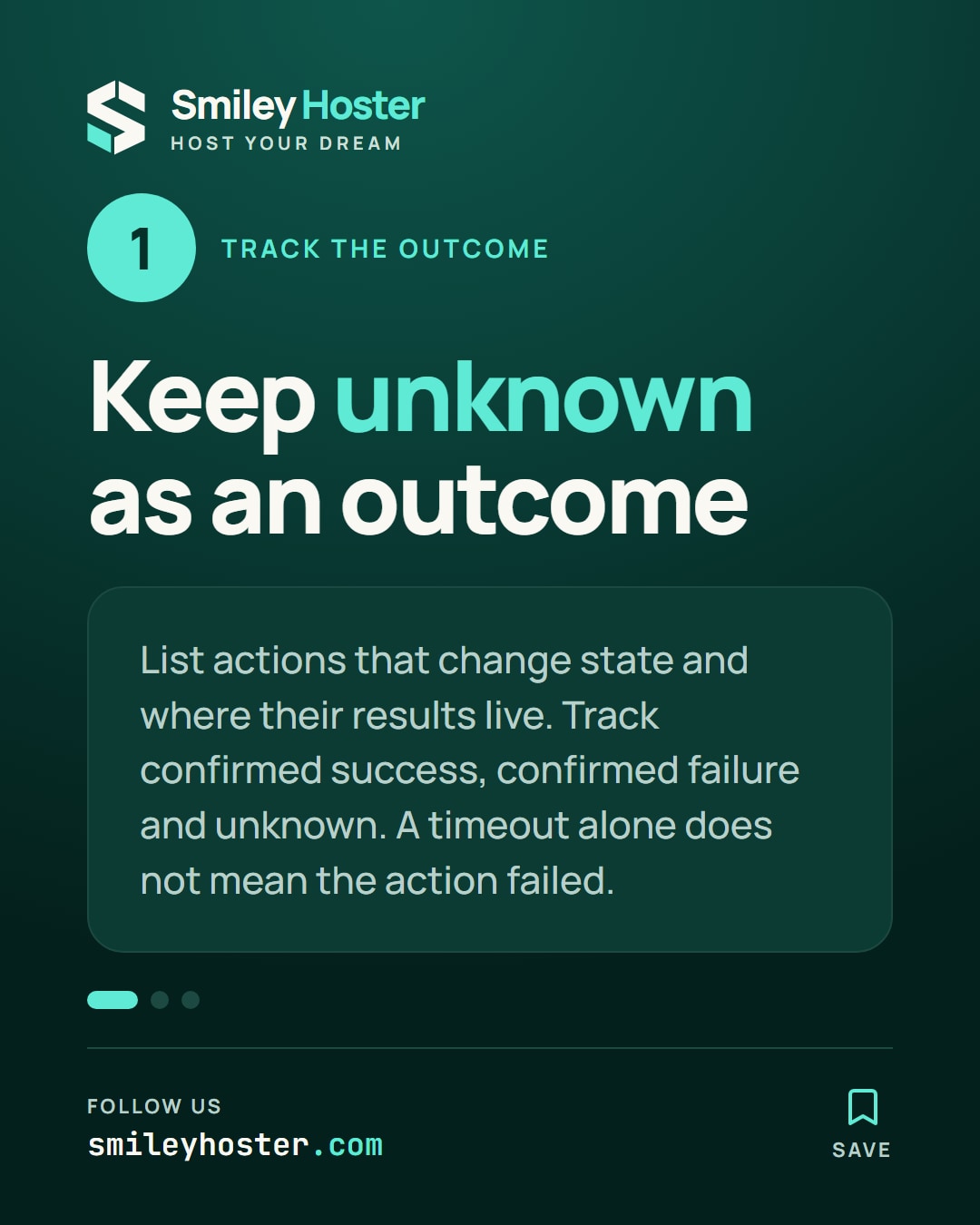
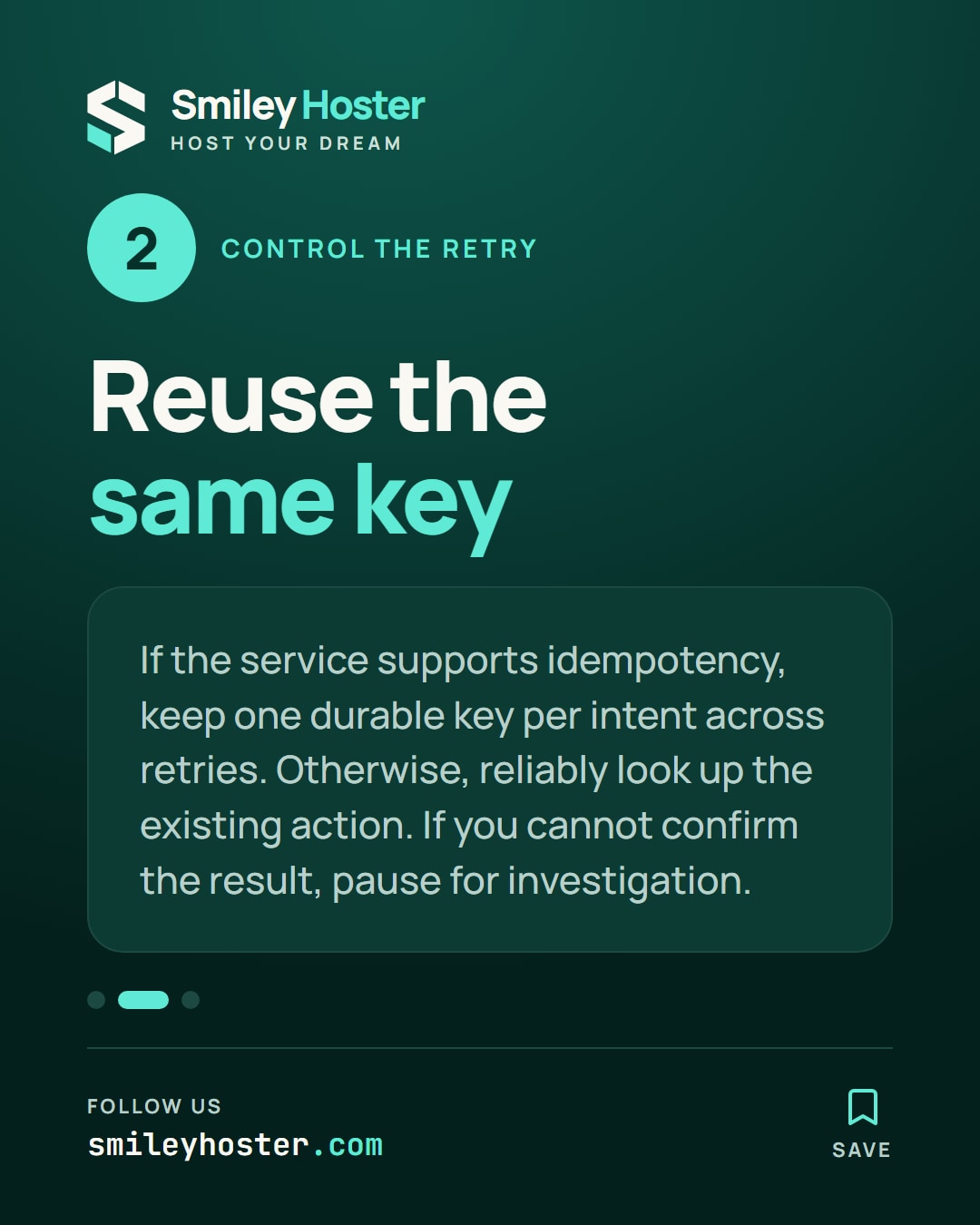
See it in our social posts
The key steps of this article, as a carousel. Follow us to catch the next ones.