

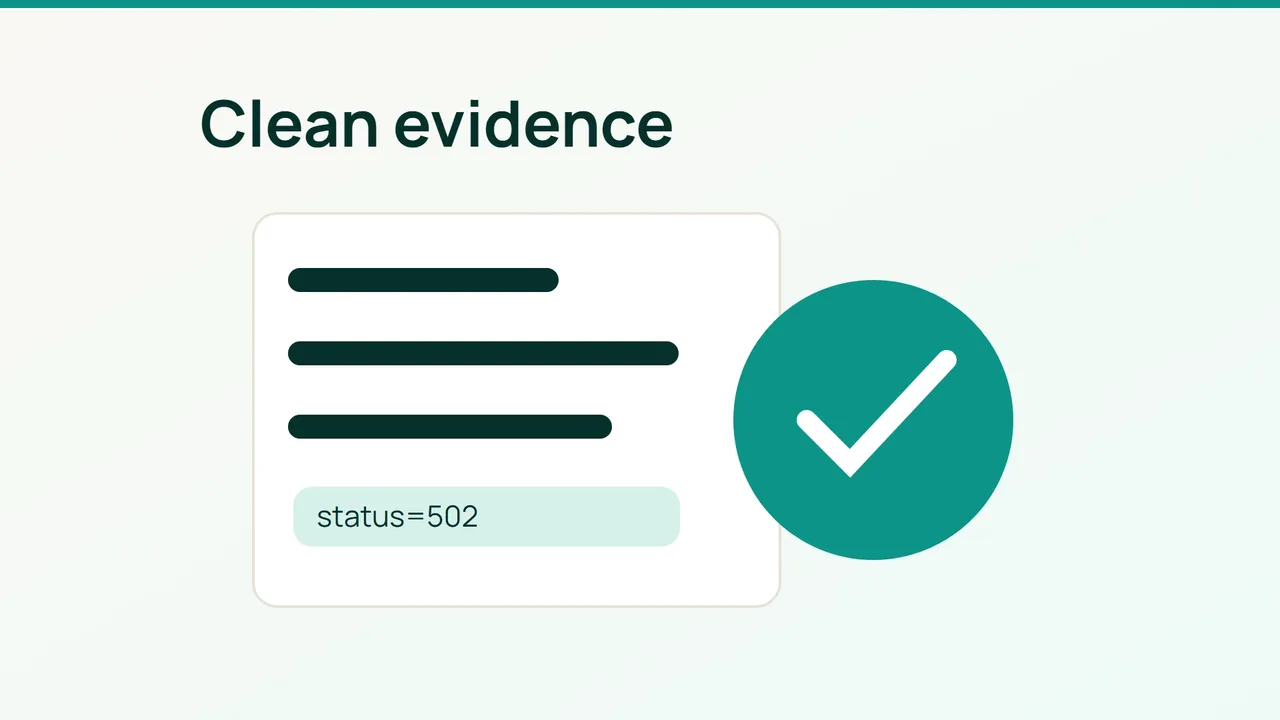
An AI assistant can help investigate a website error, but it does not need your entire log archive. September 18, 2026 account of everyday AI use includes troubleshooting; the practical starting point is a small, carefully reviewed evidence package.
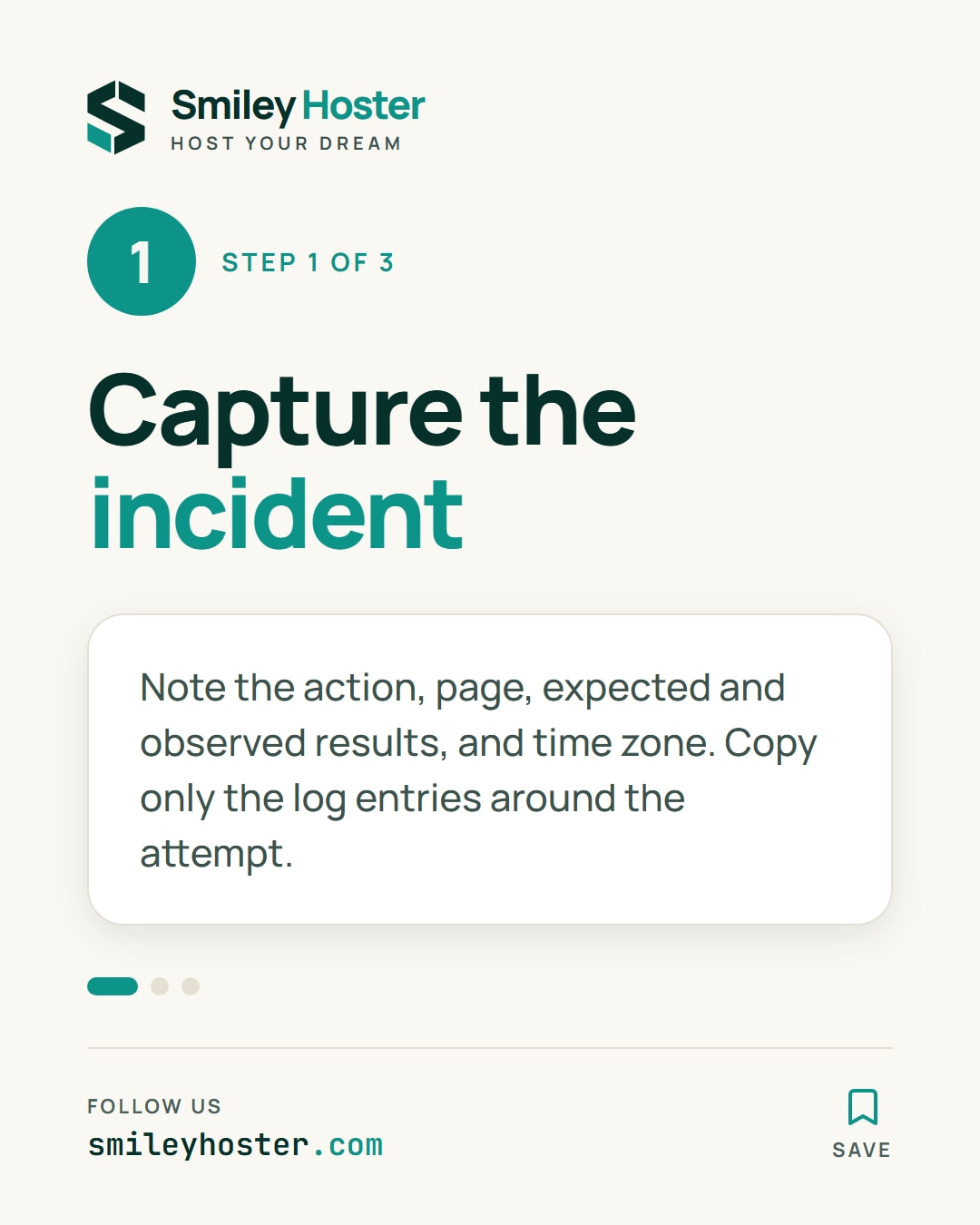
1. Capture the incident, not the archive
Write down the failing action, the page involved, the expected result and the observed result. Include the time zone with your timestamps. Reproduce the problem if it is safe to do so, then select the log entries surrounding that attempt rather than exporting a full day of traffic.
Keep the original records in their normal location. Make a local working copy and collect only the relevant components. A contact form failure might involve the application and its mail connection; it does not automatically require customer order data.
Retain the facts that let someone follow the sequence: HTTP status, duration, component name and event order. Keep repeated correlation identifiers consistent, using a replacement label when necessary. If two services use different clocks, mention that uncertainty instead of silently rearranging their timestamps.
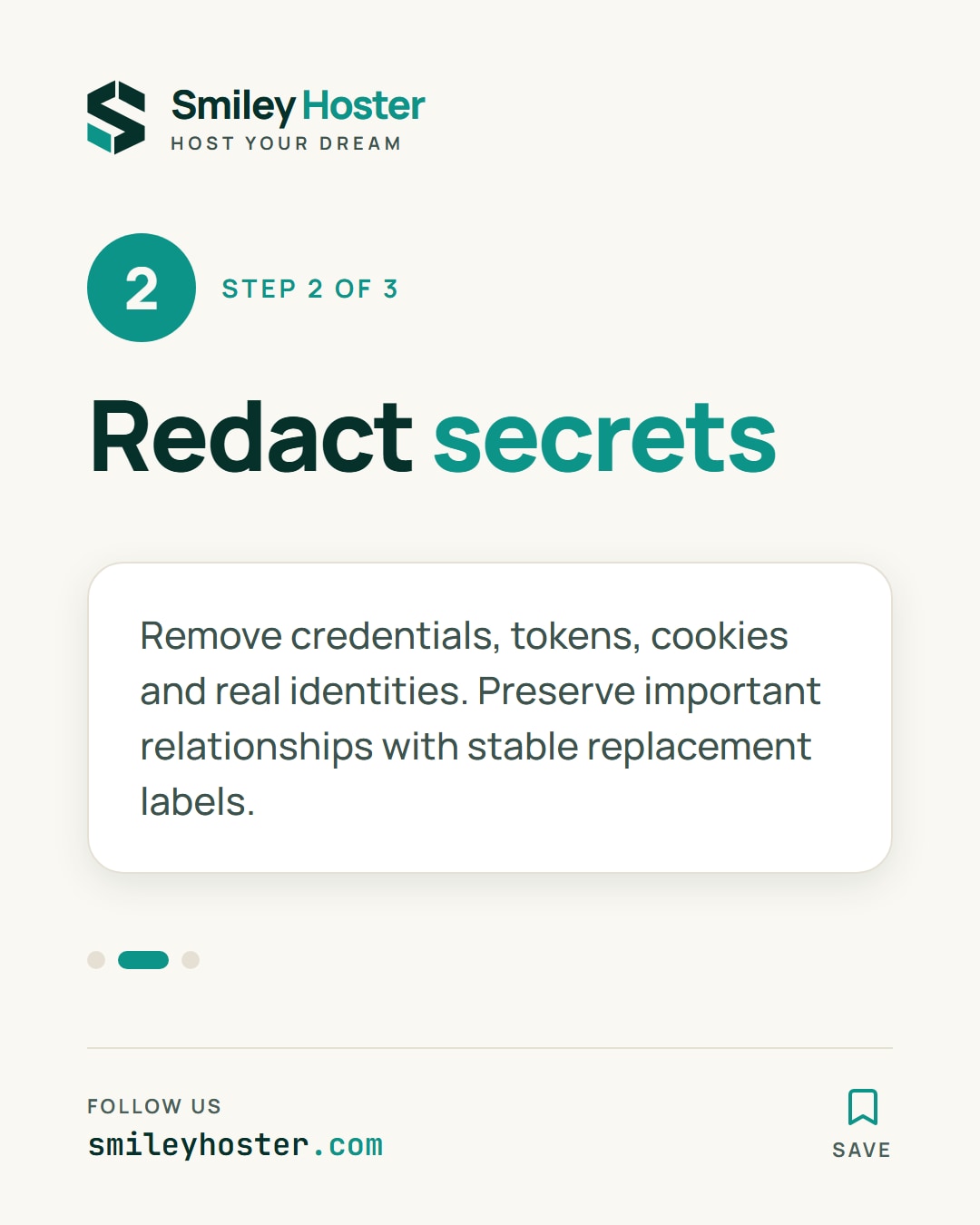
2. Remove access and identity data
Review authentication headers, cookies, URL parameters, request bodies and exception messages. Remove passwords, API credentials, session tokens and complete password-reset links. Replacing a customer’s email address alone does not make a log safe to share.
When relationships matter, use stable substitutes such as CUSTOMER_A, SESSION_A and SERVICE_B. Preserve the distinction between separate customers or requests. Keep any mapping back to real identities out of the material you send.
For example, a deliberately fictional excerpt could look like this:
14:02:10 trace=CASE_A route=/contact status=50214:02:10 trace=CASE_A upstream=MAIL_A timeout=trueThe example shows a useful format, not a diagnosis for your system. Do not invent missing fields to make the record look complete. Screenshots deserve the same review: browser tabs, console history and unrelated identifiers can appear around the error you intended to capture.
3. Review the final input
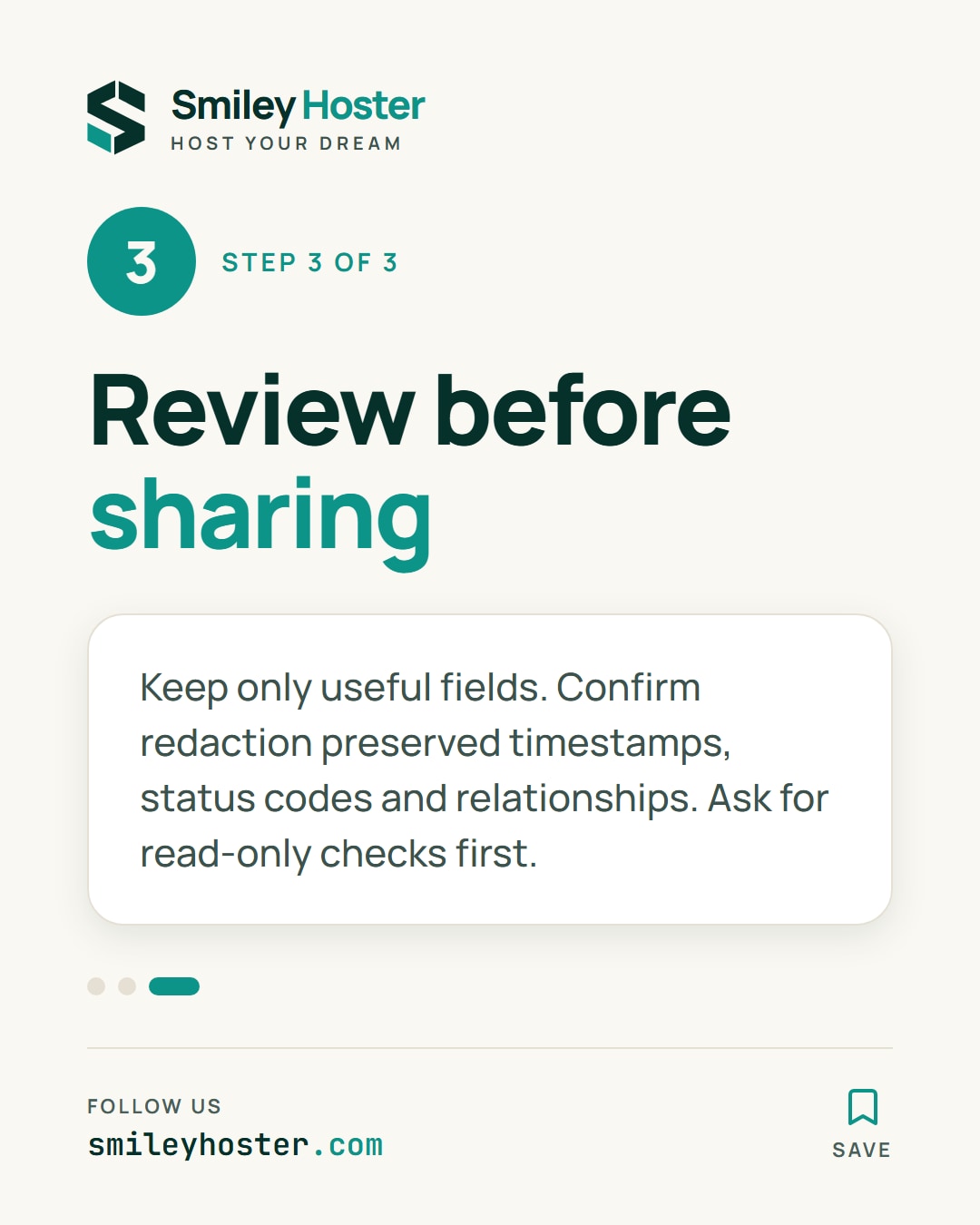
Read the exact excerpt you plan to share. Check that every remaining field has a reason to be there and that redaction has not changed a status code, timestamp or relationship. An automated detector can assist this review, but unfamiliar credential formats may escape it.
Ask the assistant for observations, hypotheses and missing evidence in separate groups. For each hypothesis, request a read-only check before discussing a fix. Save the redacted input alongside the investigation so another person can understand the basis of the suggested diagnosis.
Use a colleague as a final check when possible: can they reconstruct the failure without learning a real identity or receiving a usable credential? If not, narrow the package further or keep the analysis inside your own environment. The useful output is a traceable incident sequence, not the largest possible prompt.
Sources: Hostinger
See it in our social posts
The key steps of this article, as a carousel. Follow us to catch the next ones.