

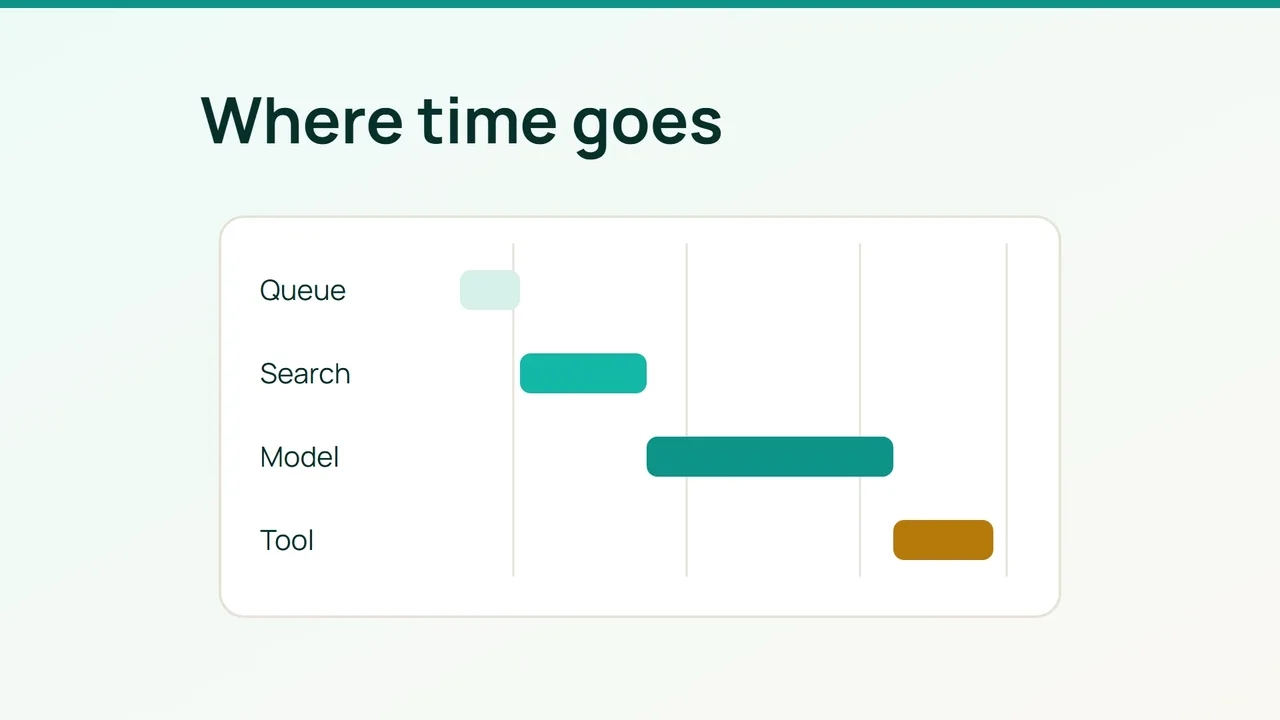
Your AI assistant is slow, but the model may not be where the request is waiting. Vultr’s September 9, 2026 discussion of orchestration around AI provides the context; the practical task is to measure the request path before choosing a fix.
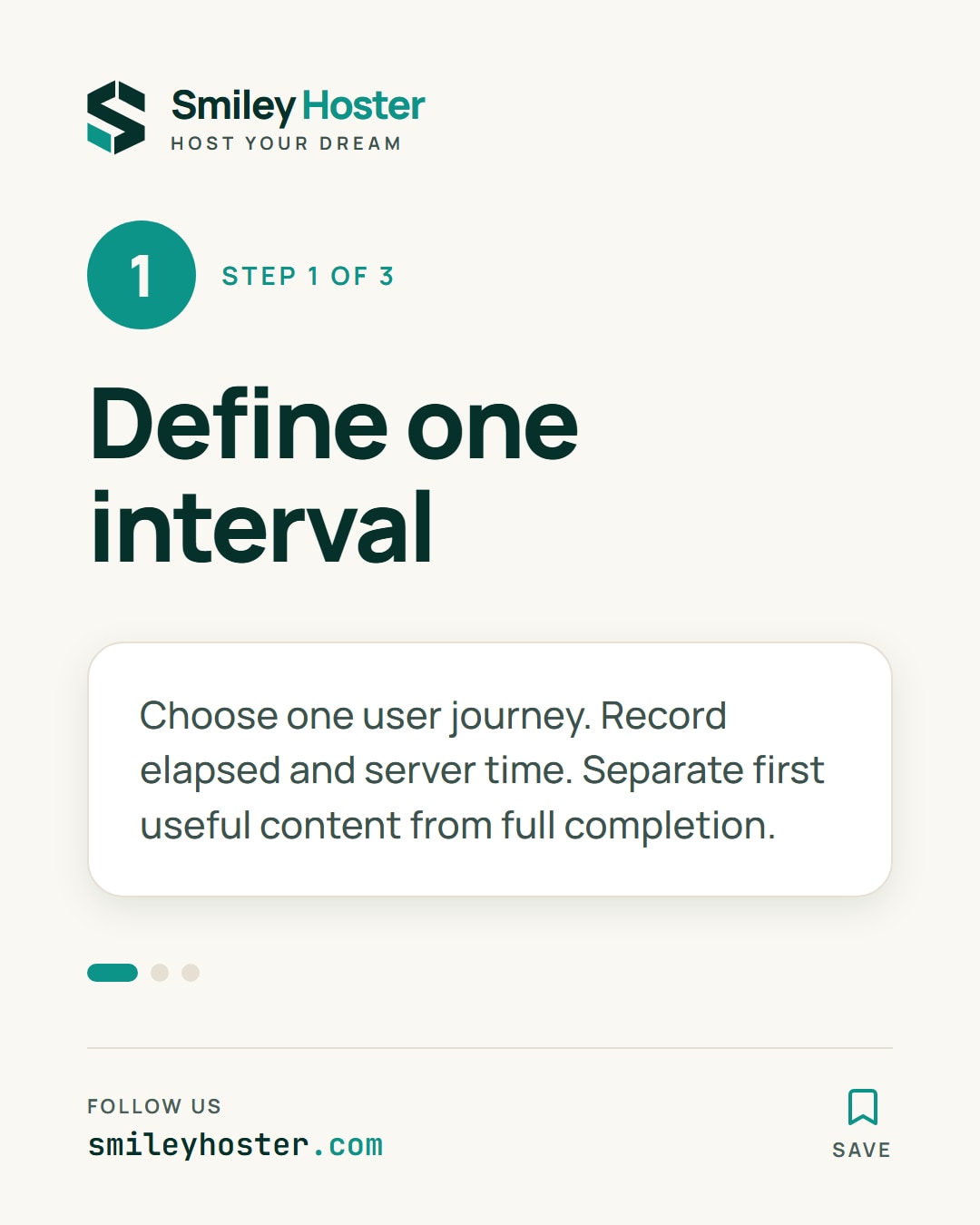
1. Define the user-visible interval
Choose one journey, such as answering a documentation question, rather than combining every application feature in one measurement. Record both the visitor’s elapsed time and the server-side interval. Note the question type, test conditions and number of concurrent requests.
For streamed answers, distinguish the first useful content from completion. A loading animation does not count as an answer. Check whether the interface is unnecessarily waiting for another operation before showing content that is already available.
Assign a technical correlation identifier to the request so measurements can be joined without repeating the visitor’s text in every log. Ensure clocks are suitable for comparing events across machines, and record uncertainties when they are not. Keep the test data free of customer secrets.
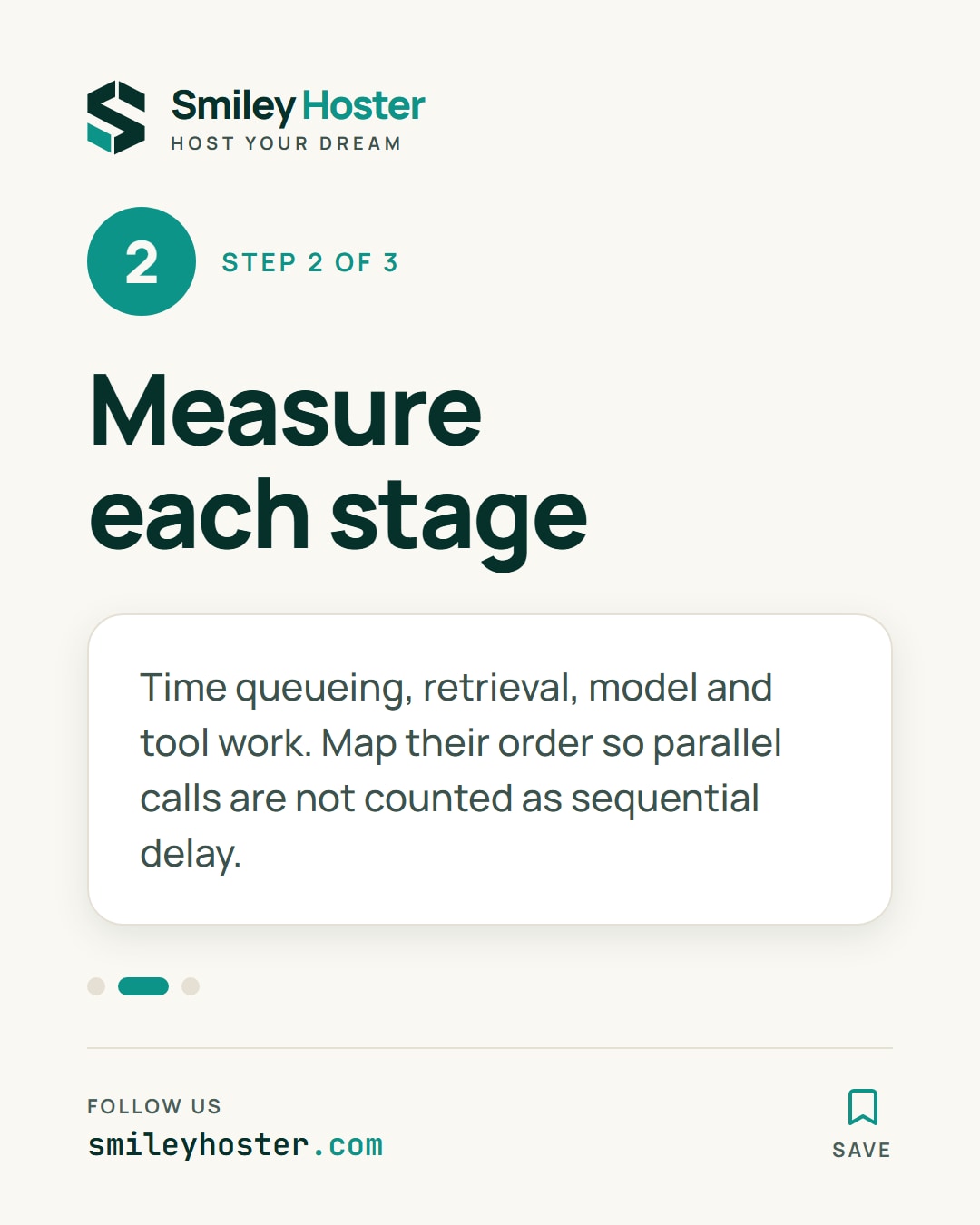
2. Time the individual stages
Capture start and end times for queueing, document retrieval, the model call and tool execution. Use existing observability facilities or add instrumentation to your application. These labels illustrate a worksheet; they are not fields every provider exposes:
request_id: CASE_Aqueue_ms: measured valueretrieval_ms: measured valuemodel_ms: measured valuetool_ms: measured valuetotal_ms: measured valueDo not blindly add overlapping durations. Two parallel calls affect elapsed time differently from two sequential calls. Draw their ordering and dependencies to identify which path actually delays the visible result. Keep server processing separate from time spent transferring or rendering the answer where those measurements are available.
Separate cold runs from repeated runs, then vary concurrency in a controlled test environment. Retain failed requests and retries in the results. Excluding them can hide the very delays visitors experience when a dependency is struggling.
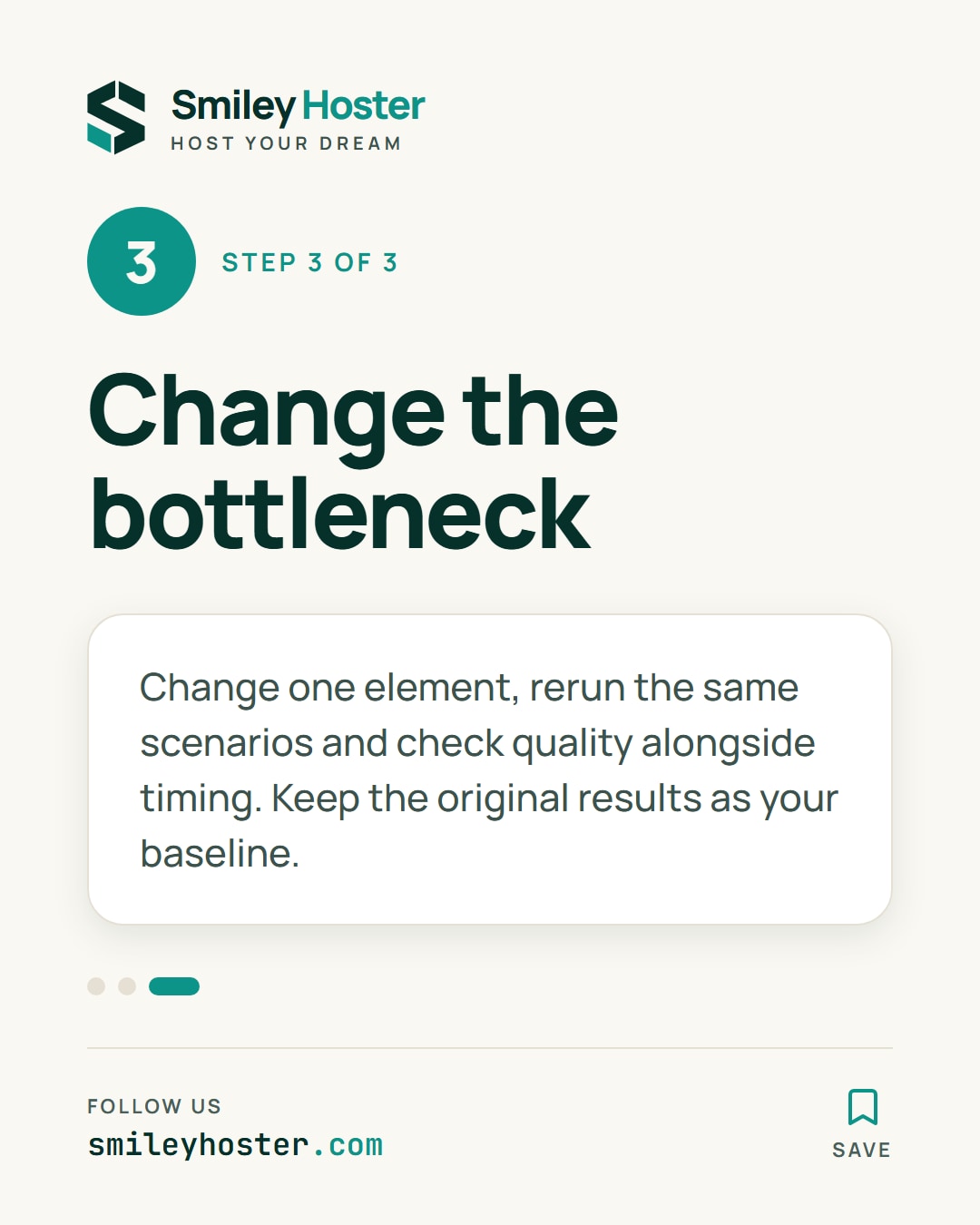
3. Change the measured bottleneck
If most waiting happens before the model call, investigate the queue, retrieval stage or upstream service first. If model time dominates, compare equivalent questions and output lengths before deciding what to change. CPU activity alone does not explain a delay without evidence connecting it to this request path.
Change one element and rerun the same scenarios. Check answer quality alongside timing: shorter output can arrive sooner while omitting something the visitor needs. Keep the original measurements as a baseline rather than comparing a favourable new request with an unrelated old one.
Finish when the dominant stage is identified, the selected timing measure improves and the journey still works correctly. That evidence gives you a basis for the next infrastructure decision instead of treating every slow answer as a reason to replace the server.
Sources: Vultr
See it in our social posts
The key steps of this article, as a carousel. Follow us to catch the next ones.