

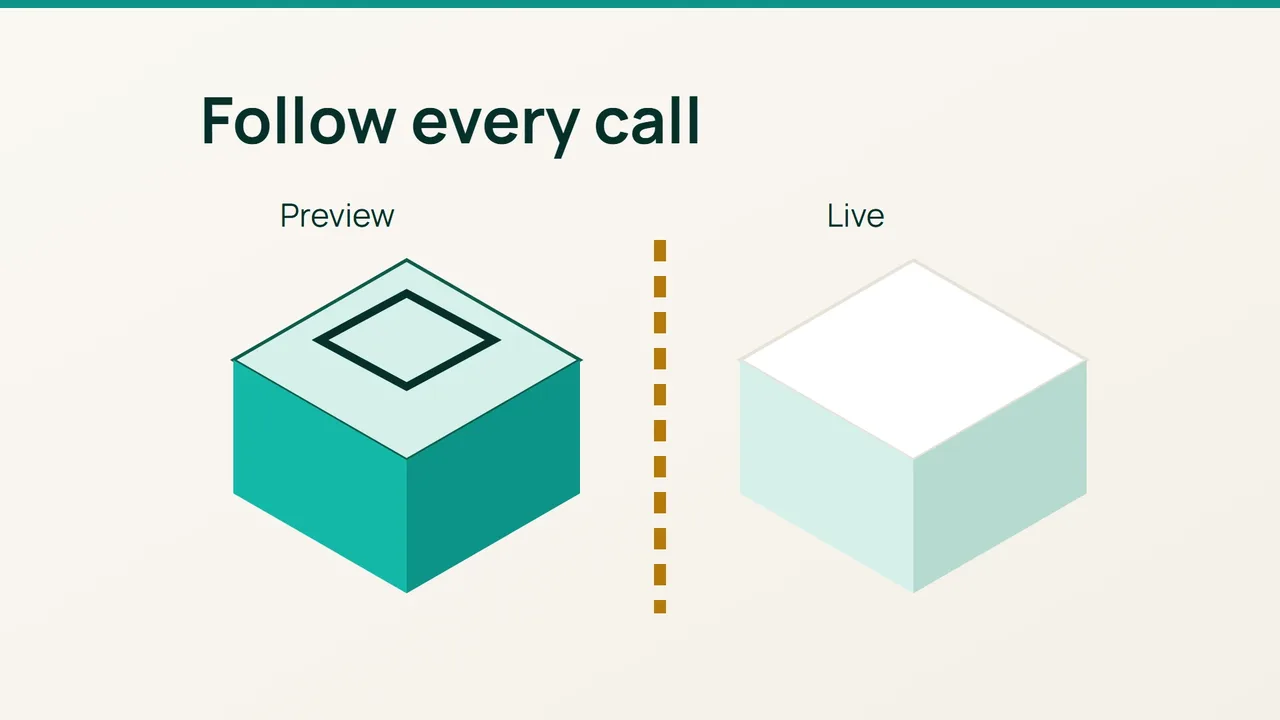
A preview URL does not establish that every downstream service is isolated. Cloudflare’s September 22, 2026 Worker Previews announcement offers a concrete example; use this guide to check the external destinations of an AI-written change before exercising its complete workflow.
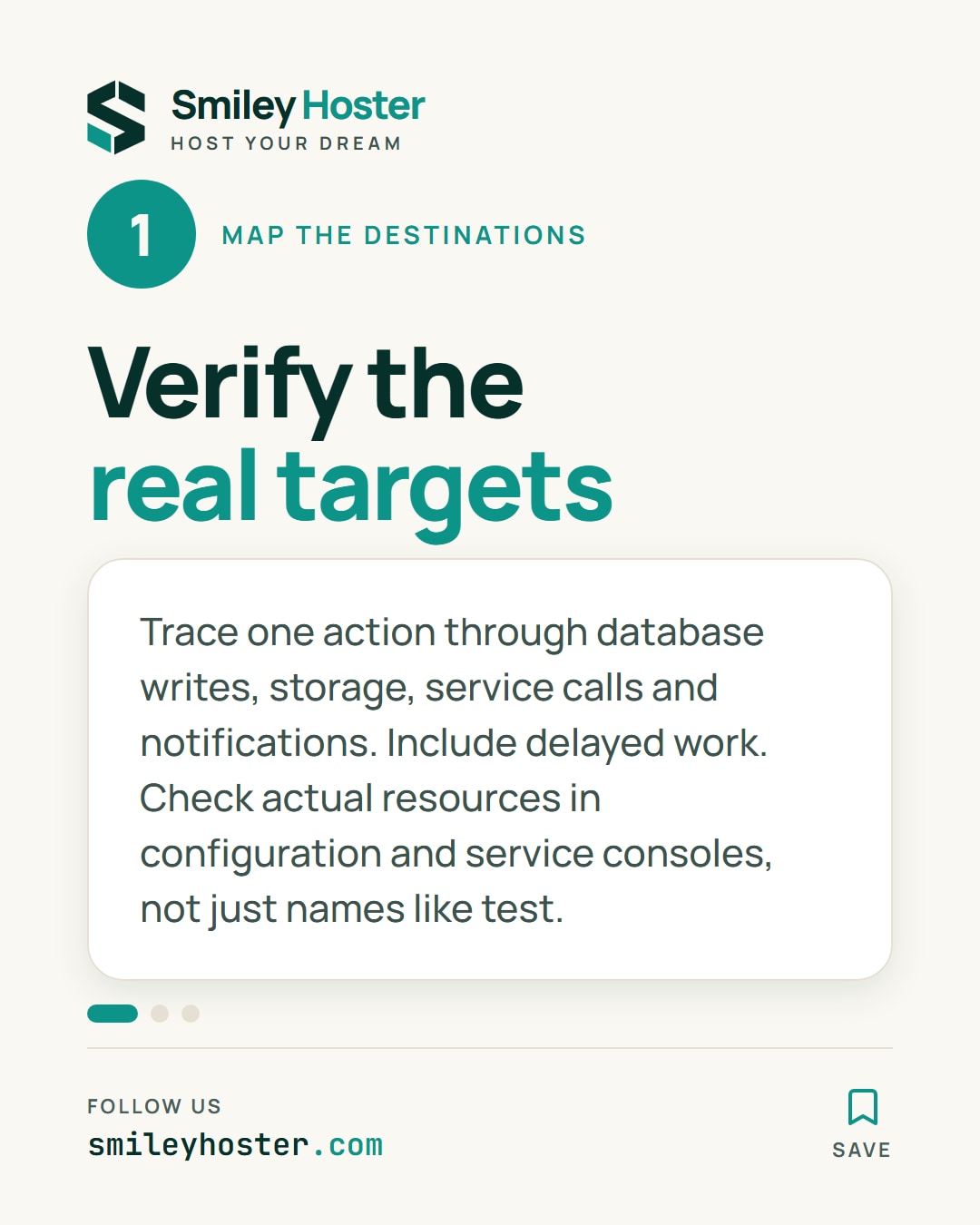
1. Map the real destinations
Choose one application action, such as submitting a form. List everything that may happen after the click: database writes, storage operations, service calls, queued messages and notifications. Include work that starts after the initial HTTP response has already returned.
For each destination, inspect the preview’s effective configuration. Record the resource name and environment without copying credentials. A variable named “test” is not evidence that its value points to a test resource. Verify the actual target in the configuration and the relevant service console.
At the time of its announcement, Cloudflare states that a service binding from a Preview still calls the bound Worker’s production deployment. That specific limitation demonstrates why the full request path needs review, even when its entry point has an isolated environment.
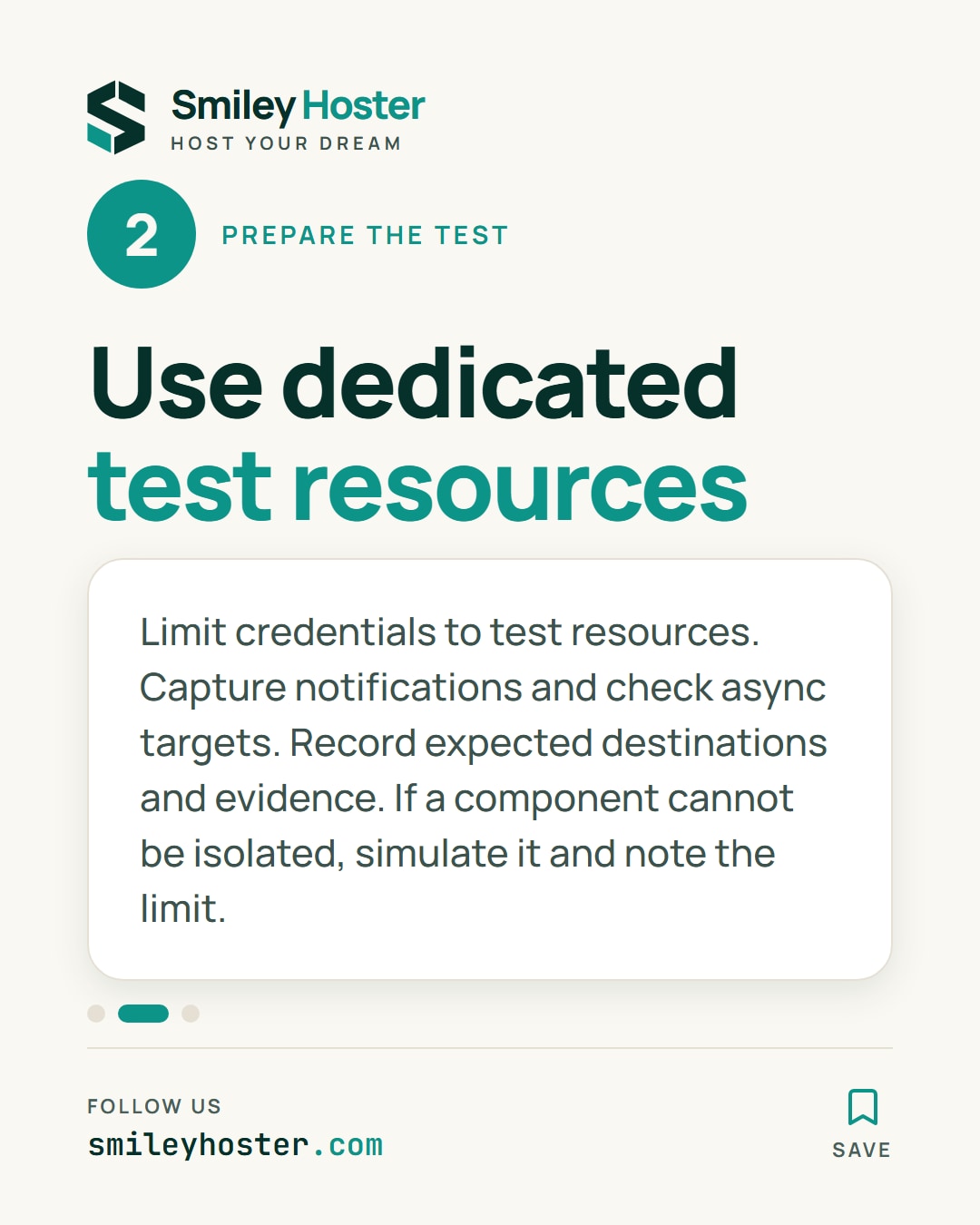
2. Prepare recognisable test targets
Give the workflow dedicated test resources and credentials limited to those resources. Route notifications to a capture inbox or a simulator instead of real recipients. Confirm that asynchronous processing also uses the intended test configuration.
Build a small destination matrix before execution:
| Output | Expected target | Evidence |
|---|---|---|
| Stored data | Test database | Marked record |
| Notification | Test capture | Received message |
| Service call | Intended instance | Correlated trace |
Adapt the rows to your application. Do not run the workflow while a sensitive destination remains unknown. Access protection controls who can open a preview; it does not establish where the preview sends its own requests.
If a component cannot be isolated, simulate it for this test and record the limitation explicitly. A partly simulated workflow can answer useful questions, but it should not be described as a complete validation of the live integration. Keep that distinction visible in the review record.
3. Inspect the effects of the action
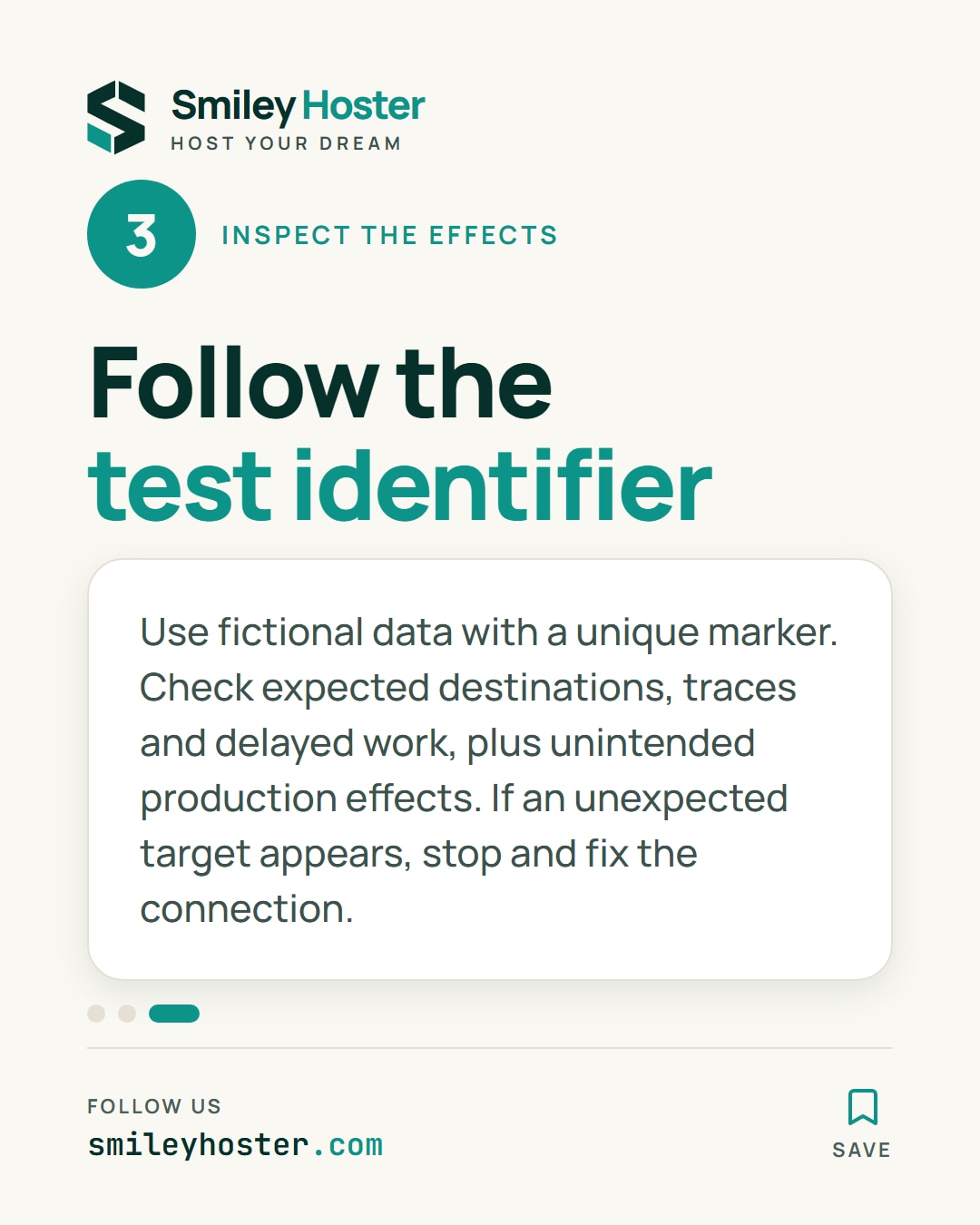
Use fictional data with a distinctive test identifier. Trigger one action and find that identifier in every expected destination. Check the visible result, application traces and delayed processing rather than stopping at the success screen.
Also look for unintended effects in production resources that the workflow could have reached. A successful preview page is not proof of isolation. If an unexpected target appears, stop the tests and correct the connection before continuing.
Keep the destination matrix, tested version and observations with the AI-generated change. The reviewer can then see which external effects were actually verified, which components were simulated and which limitations remain. This makes the preview useful evidence about a specific workflow instead of an assumption based solely on its separate URL.
Sources: Cloudflare
See it in our social posts
The key steps of this article, as a carousel. Follow us to catch the next ones.