

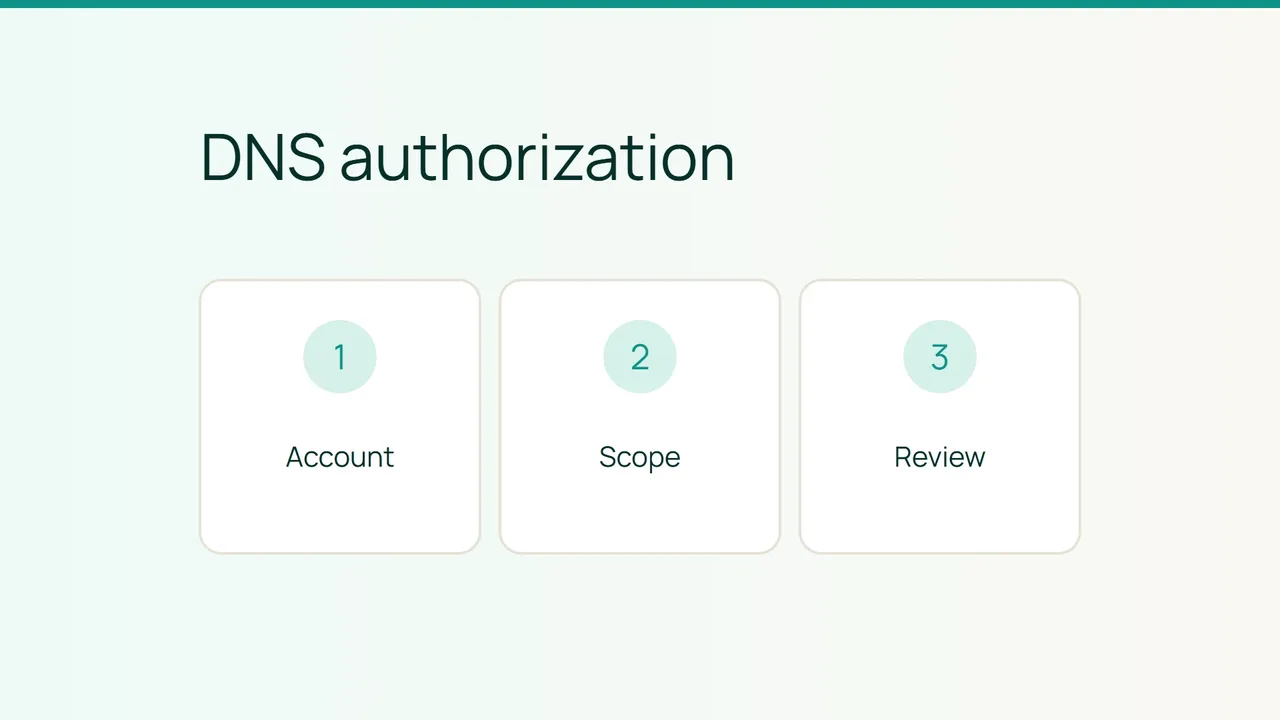
Let's Encrypt has described DNS-PERSIST-01, a model in which a DNS record provides standing authorization for a particular ACME account and certificate authority. Before adopting it, establish who would be able to obtain certificates and how that delegation would end. This is a decision checklist, not an activation recipe.
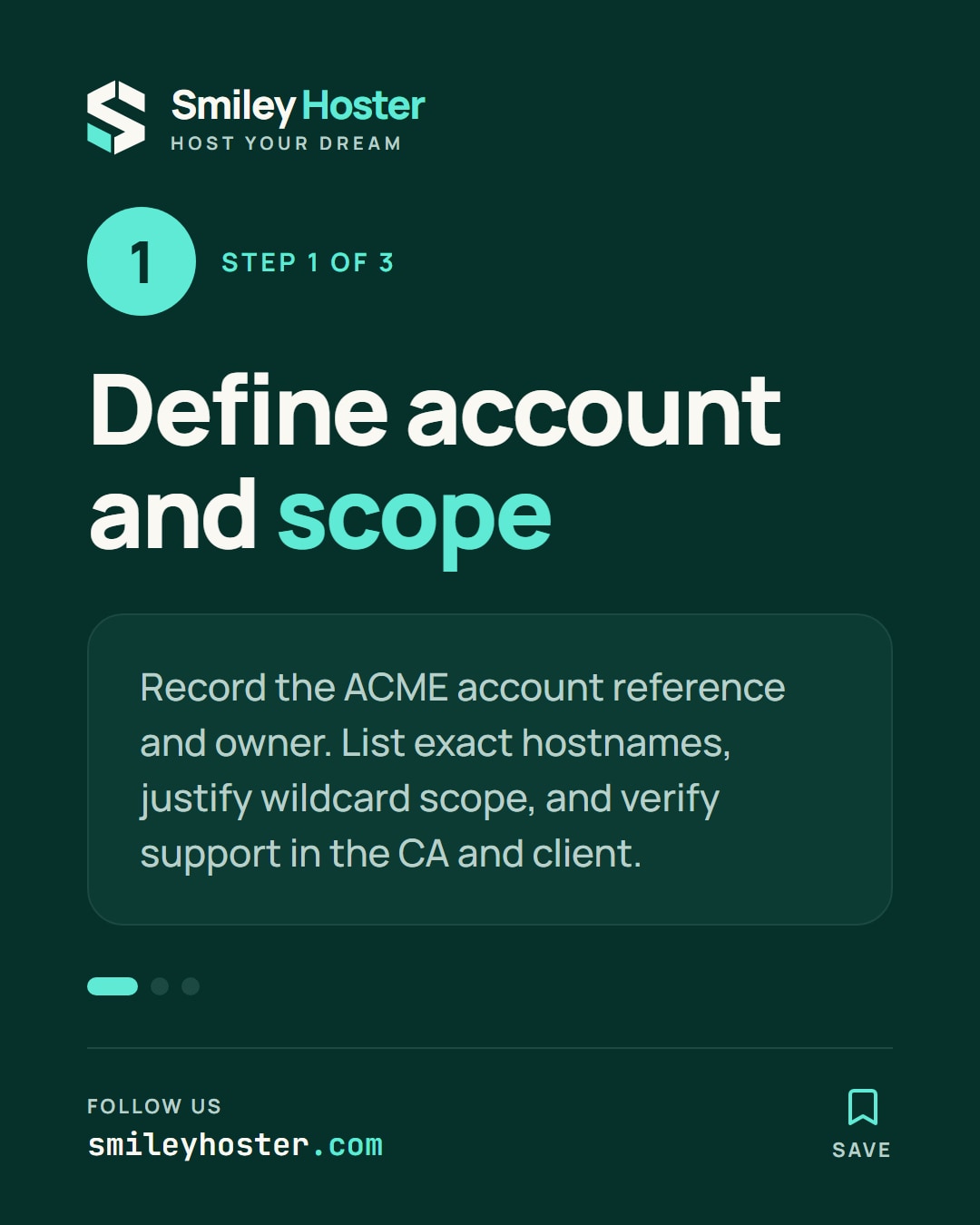
1. Identify the account and hostname scope
The proposed record binds authorization to a specific ACME account and CA. Ask the certificate operator for the account reference and its responsible owner. Record that reference in your inventory, but never copy the account's private key into the document.
List the exact hostnames that require authorization. The source describes a default scope limited to the validated fully qualified domain name, with broader scope available through policy=wildcard. Require a reason for extending that scope rather than automatically choosing the widest option.
Next, confirm present support in both the chosen CA and ACME client. The February article contains rollout targets and describes an active draft. A planned date having passed is not evidence that your particular combination of services supports the method now. Keep that compatibility question separate from the design review.
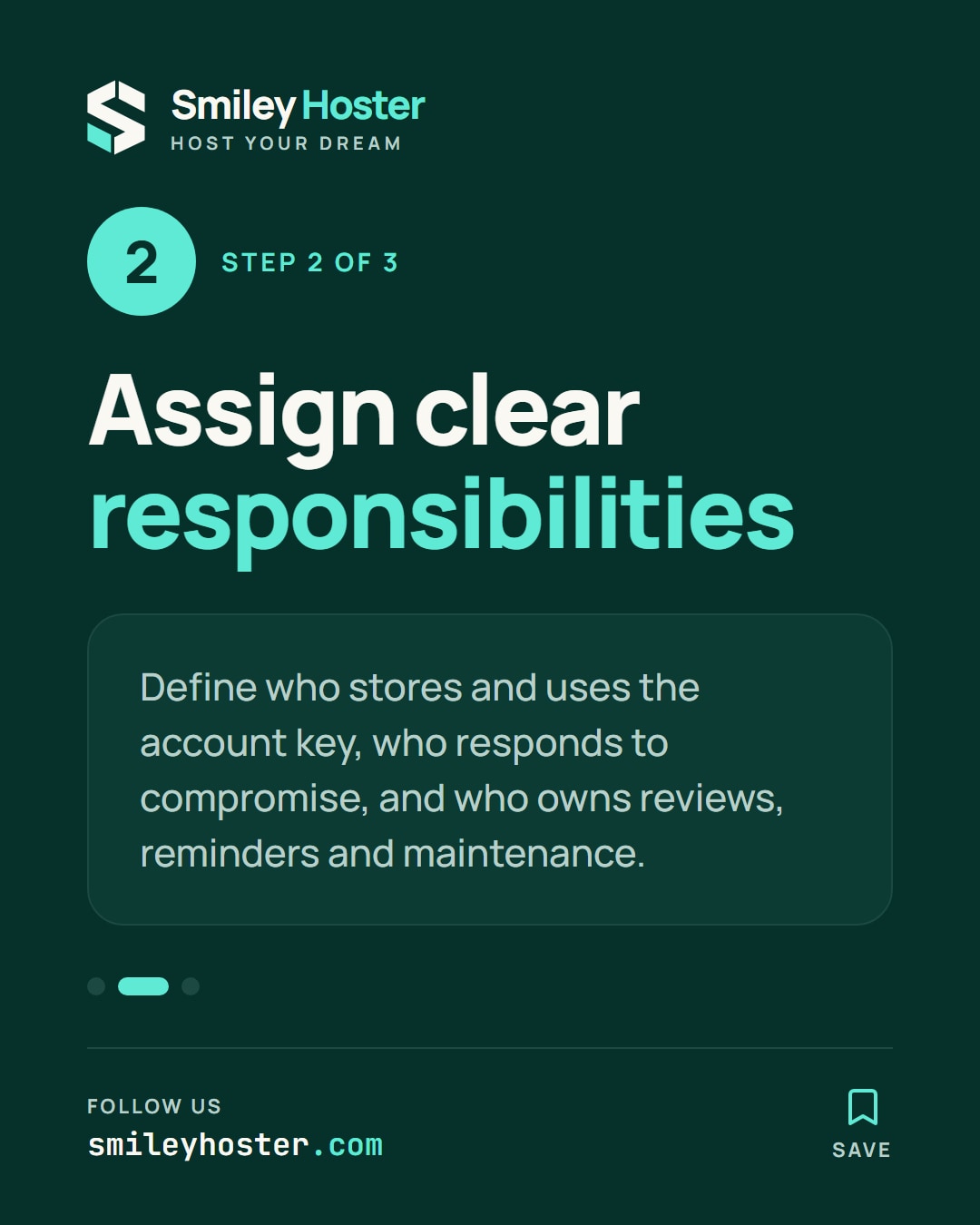
2. Review the changed responsibilities
DNS-01 includes recurring DNS changes as part of validation. The persistent model aims to remove those repeated changes, while making protection of the authorized ACME account especially important. Identify who stores its key, who can use it and who responds to suspected compromise.
Create an authorization record in your internal inventory containing:
- Domain, CA and authorized account reference.
- Intended hostname scope, including any subdomains.
- Operational owner and backup contact.
- Chosen lifetime and next review date.
The source describes persistUntil as an optional limit on authorization lifetime. If you plan to use it, also plan the reminders and maintenance that keep the authorization from expiring unexpectedly. Do not copy illustrative account identifiers or timestamps from the article into live DNS.
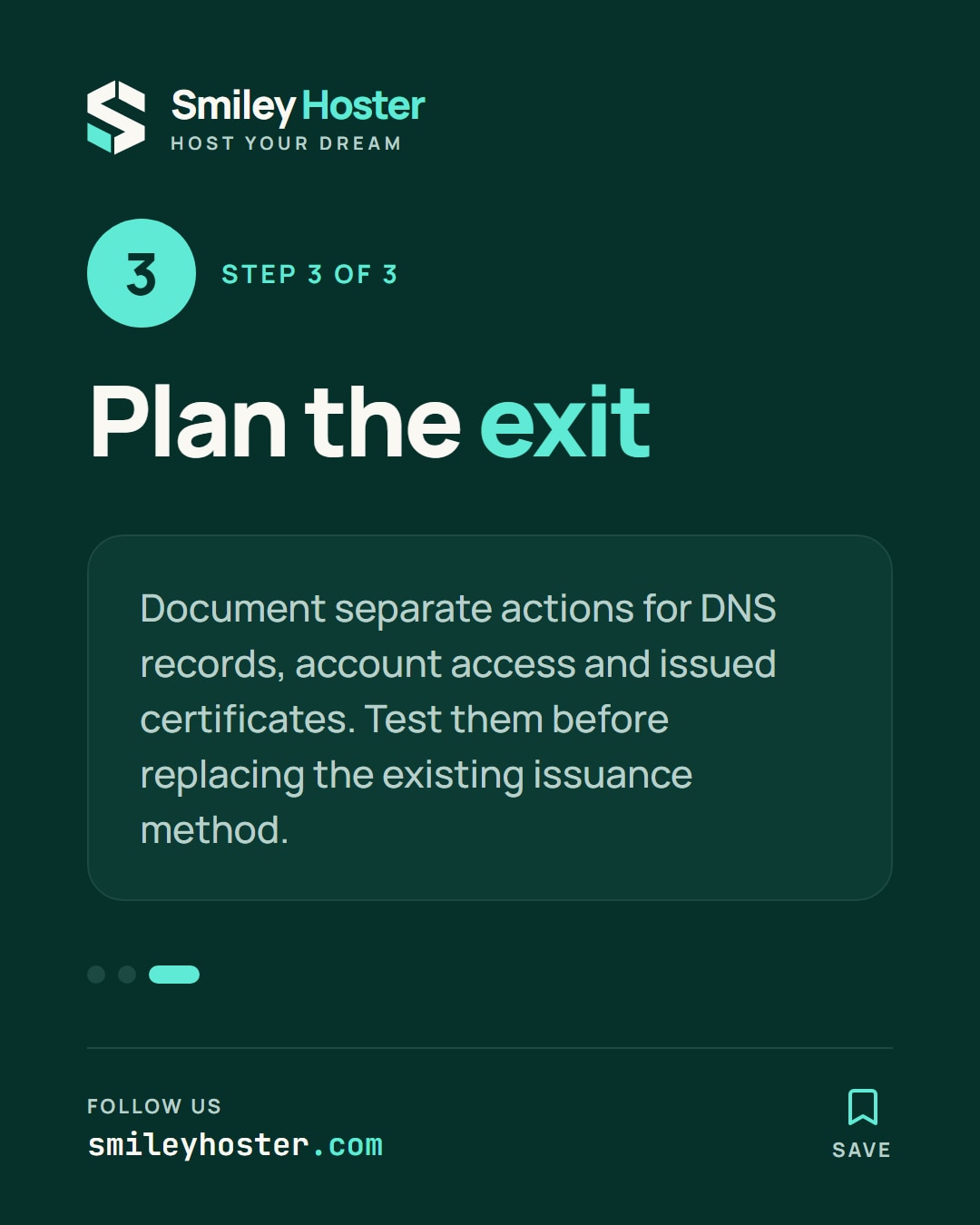
3. Plan how delegation ends
Before making a change, ask the operator to document what happens when a provider leaves, an account changes or a key is compromised. The procedure should separately address DNS records, account access and certificates already issued. Confirm the applicable handling with the CA rather than treating them as one automatic operation.
When compatibility is established, rehearse the procedure in the officially supported test environment. Preserve the existing issuance method until the results are verified and the domain owner approves the transition.
The decision should rest on an identified account, a deliberate scope and a workable exit procedure. Fewer recurring DNS edits do not remove the need to manage the responsibility and lifetime of the authorization itself.
Sources: Let's Encrypt.
See it in our social posts
The key steps of this article, as a carousel. Follow us to catch the next ones.