

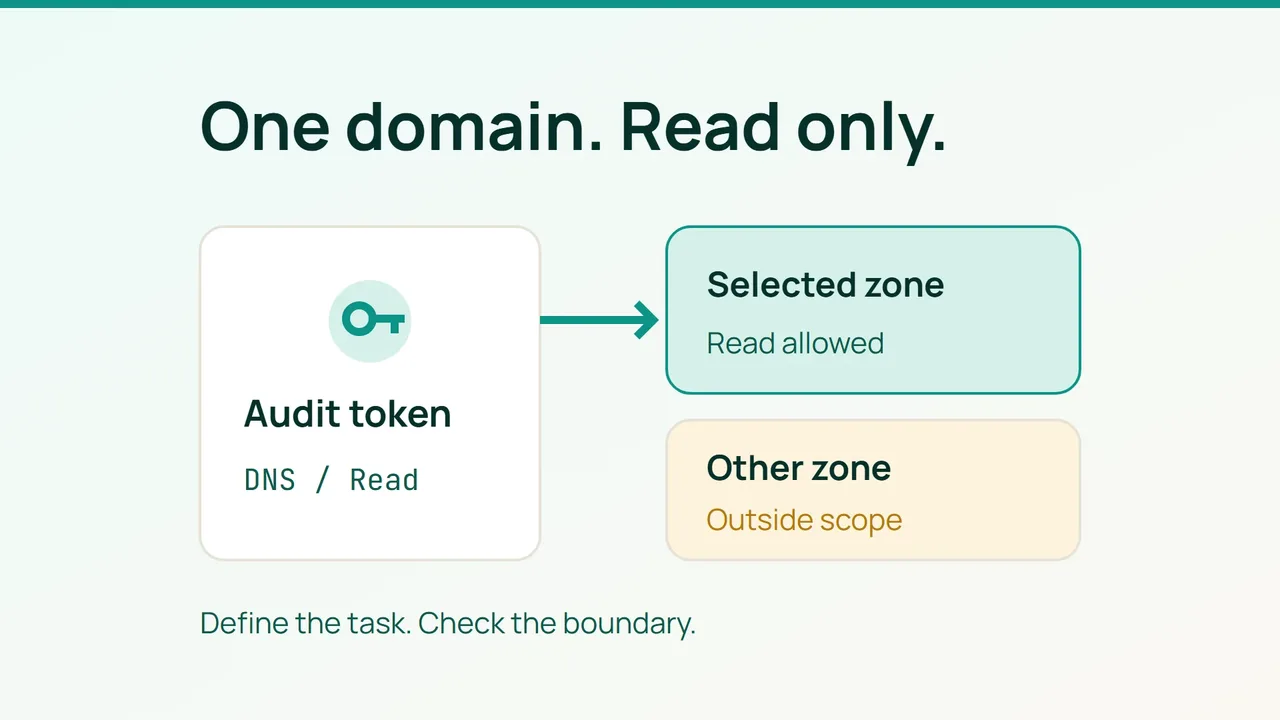
A DNS investigation should start with a clear access boundary. Cloudflare's September 15, 2026 announcement of permissions for individual Workers offers a timely reminder to define that boundary before handing over credentials. For a hosting customer arranging a DNS audit, the practical goal is a token that can inspect one domain.
1. Write the audit brief first
Imagine that your website has moved and a contractor needs to compare its DNS records with the intended configuration. We suggest a simple deliverable: a record inventory, a list of discrepancies and proposed corrections for you to review. Keep applying those corrections outside the audit brief.
Record the exact domain, the person responsible and the expected finish date. Also identify a second zone you own in the same account. You will use that zone to check whether the audit access reaches further than intended. Do not choose somebody else's domain as a test target.
Ask whether the contractor actually needs an API connection. A record export may be enough for a one-off comparison. If the audit tool does need credentials, give this assignment its own token and keep an independent administrator session available for managing access.
2. Create the narrowly scoped token
In Cloudflare, open My Profile > API Tokens and select Create Token. Use a custom token with Zone > DNS > Read, restricted to the domain being audited. Review the summary before creating it.
Choose a descriptive name such as store-dns-audit. If you set an expiry, allow time to examine the report before the assignment ends. Put the credential in your secret manager; your project notes should contain its name and owner, not its value.
For this example, request separate columns for the observed record, the expected value and the proposed action. Ask the contractor to explain discrepancies before suggesting edits. An unexpected address is a reason to investigate the traffic path, especially when the site uses an intermediary service. Avoid turning every difference into an automatic fix.
3. Check access and close the assignment
Use the actual audit tool to read records in the intended zone. Then attempt the equivalent read against your second zone. The first should succeed and the second should be denied. Save the outcome without saving authorization headers.
If both reads work, stop the handover and review the token's resource selection. Do not attempt a production record change or deletion merely to test the absence of write access.
Add an access-removal item to the audit handover checklist. Once you have the report, decide which corrections need a separate change window, confirm that no ongoing job depends on this credential and retire the access. This leaves you with a usable diagnosis and a documented end to the contractor's access, rather than an unexplained token for someone to rediscover later.
Sources: Cloudflare Blog, Cloudflare documentation.